Make your invitation work for your guests
Find practical steps for bringing in your design, setting up your RSVP page, inviting guests and managing their replies.
Browse the guide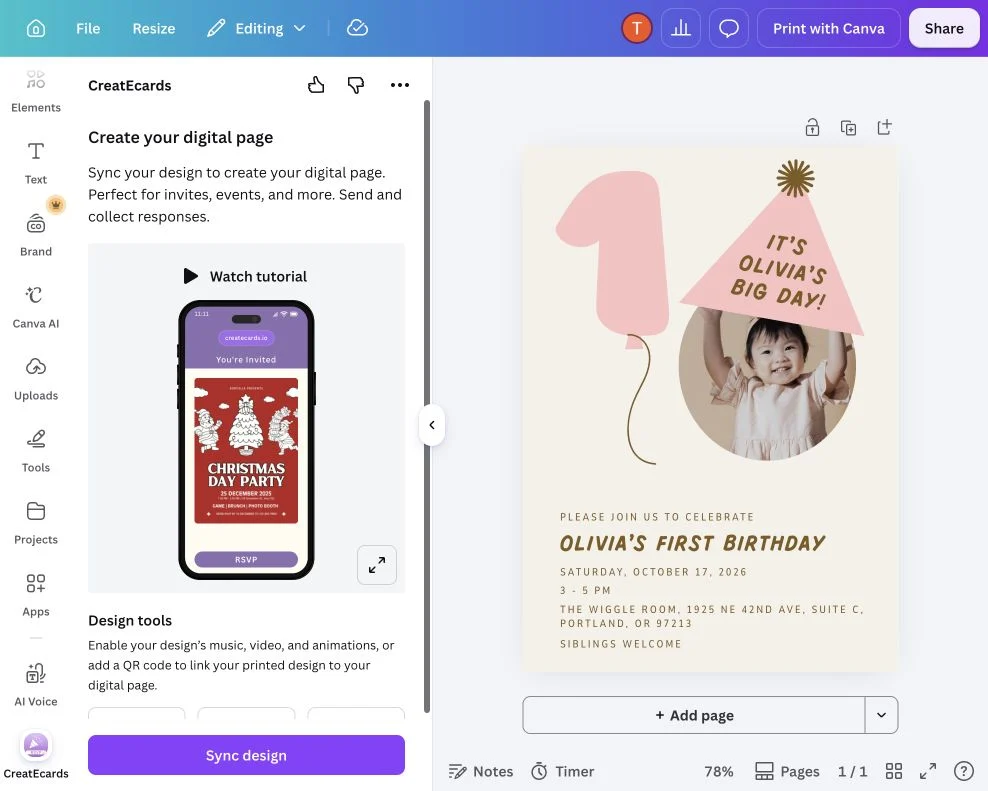
Start with the step you're on
Start with your design or choose the next step for your event. You can return for help with replies, reminders and changes later.

Find your next step
Pick the task you need help with. Each guide shows the real product steps and screenshots.
Start in Canva
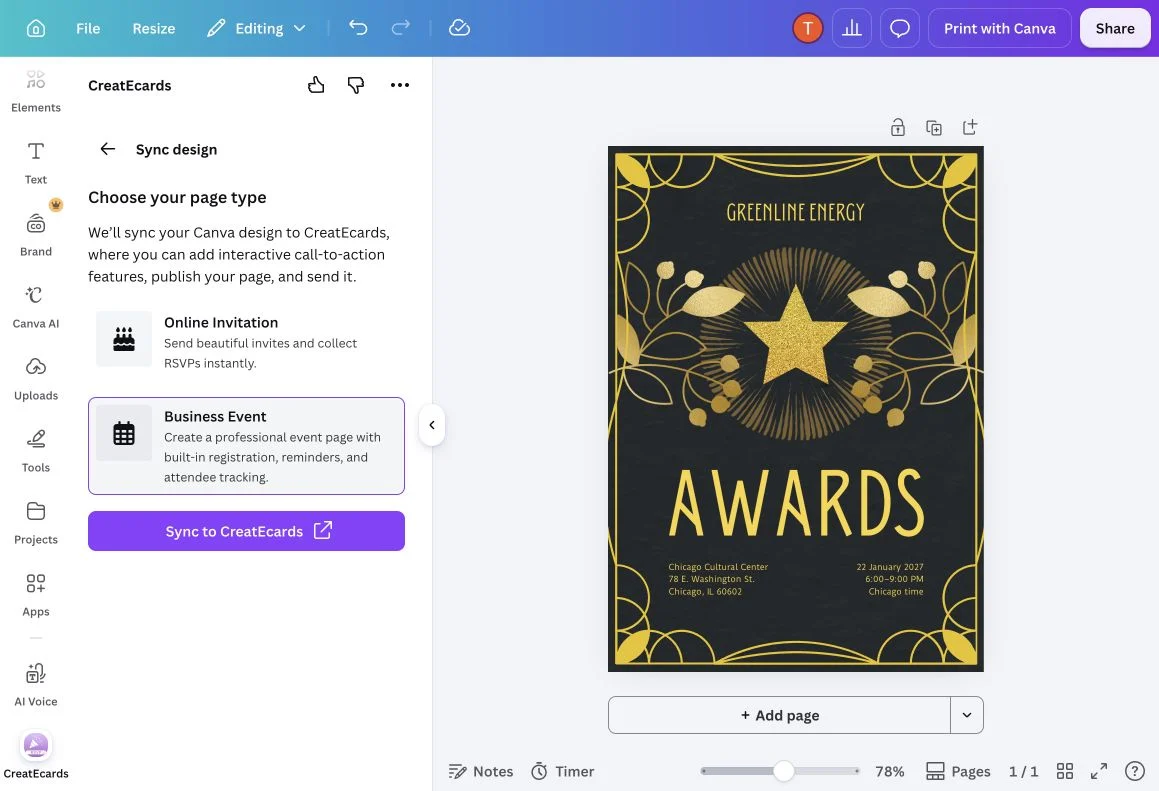
Sync your Canva invitation to an RSVP page
Bring your Canva design into CreatEcards, then finish the event details and RSVP page.
Read the steps
Add an RSVP QR code to your Canva invitation
Place a QR code on your printed Canva invitation so guests can open the RSVP page.
Read the steps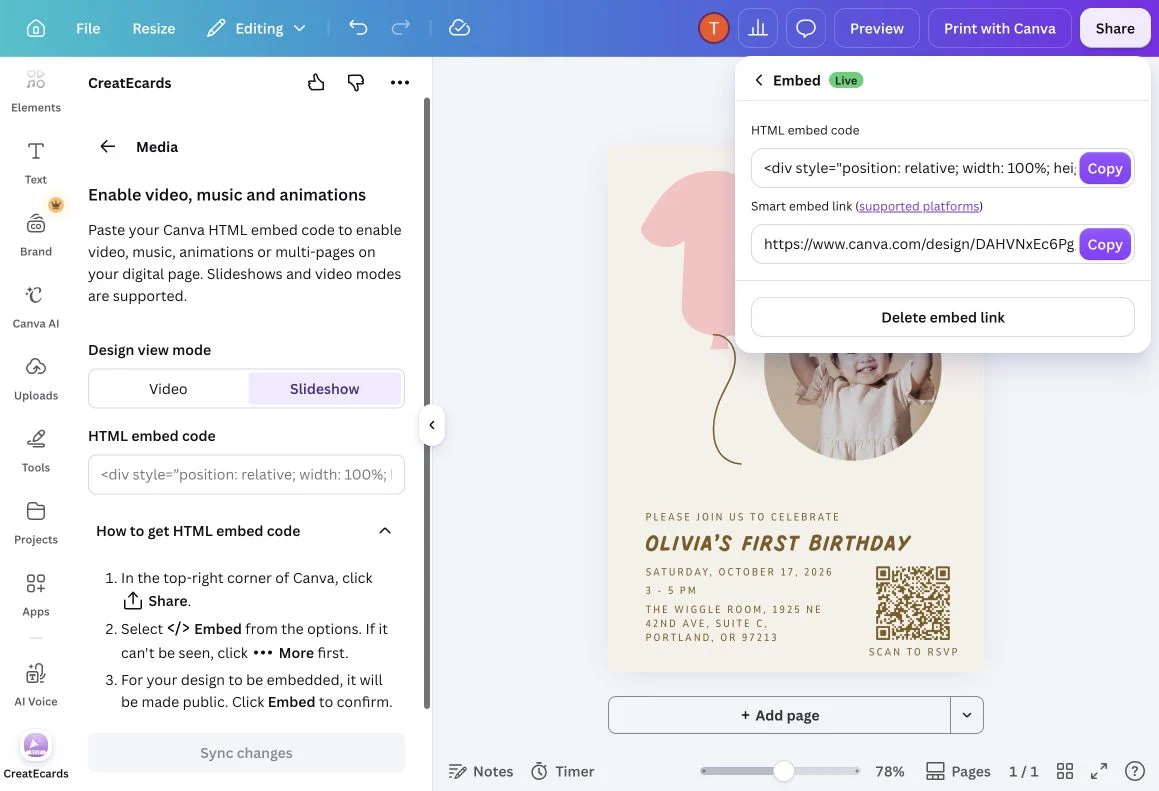
Use video, music or animation in your Canva invitation
Connect your moving Canva design to a CreatEcards RSVP page and check its playback.
Read the steps
Connect a Canva event website to your RSVP page
Link your Canva event website and CreatEcards invitation so guests can read and reply.
Read the stepsStart with AI or Adobe Express

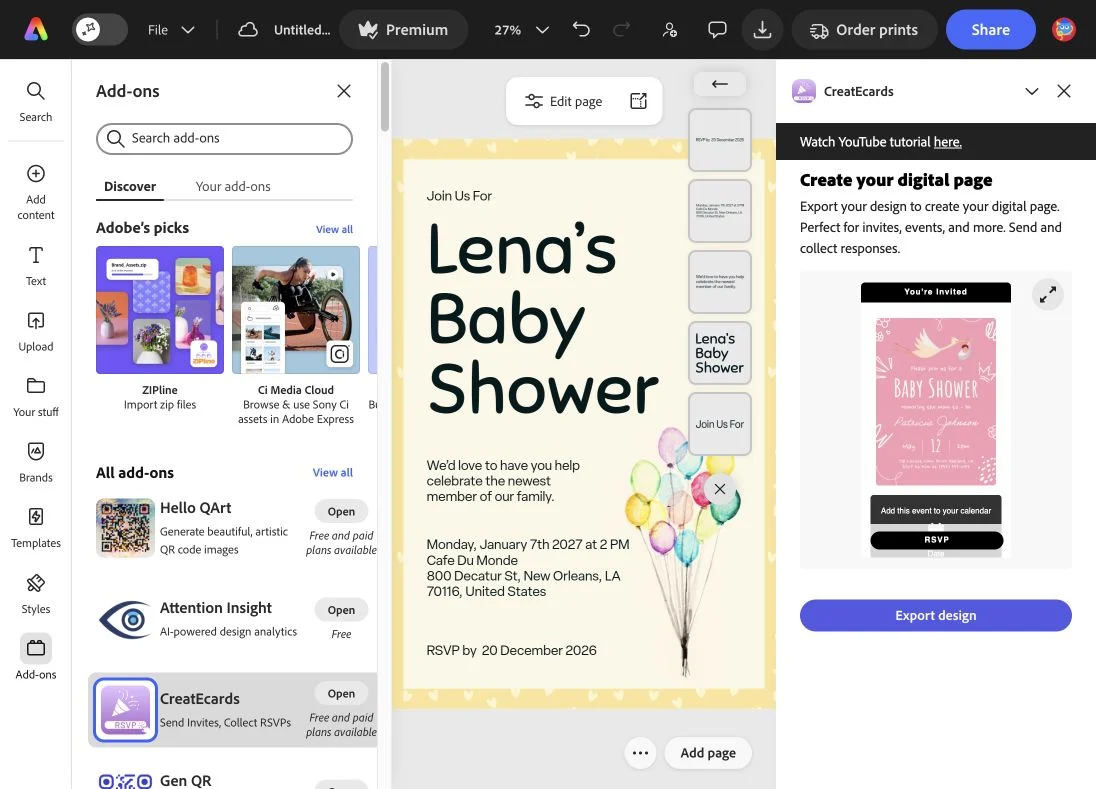
Set up your invitation
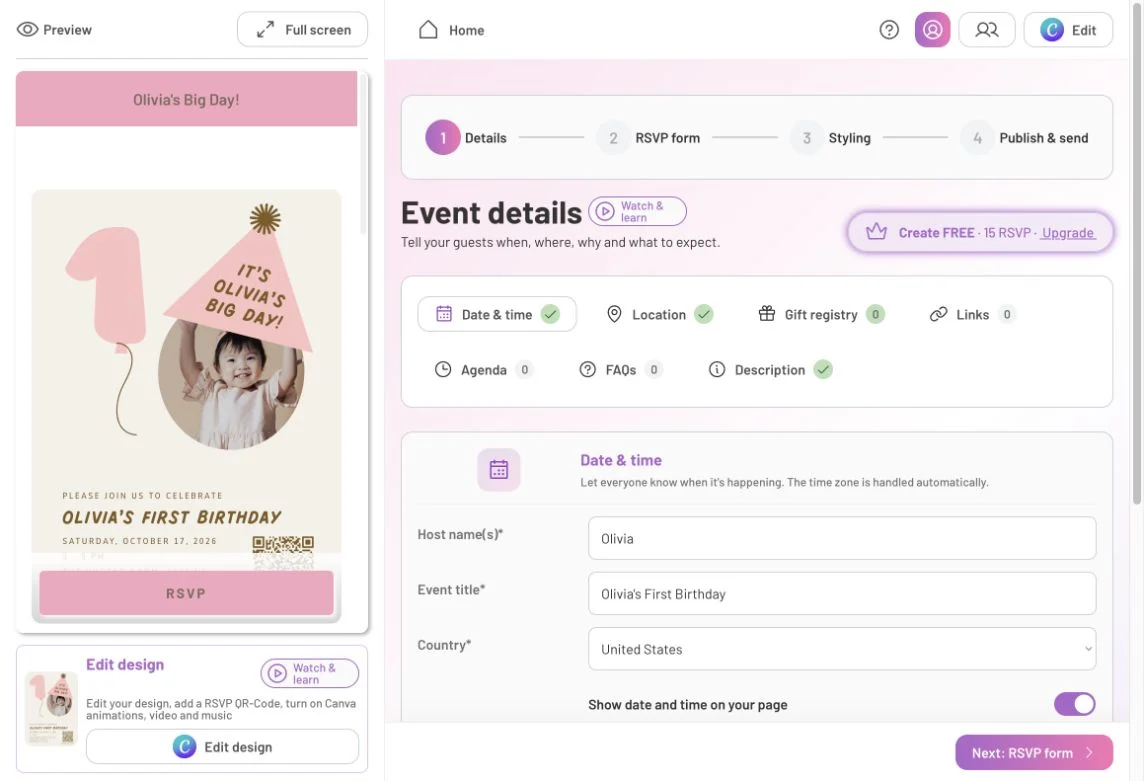
Add event details to your invitation page
Add dates, venue information, a schedule, links, FAQs and gift details to your RSVP page.
Read the steps
Choose Simple or Detailed RSVP
Choose a group headcount and shared answers, or collect each attendee’s name and answers.
Read the steps
Set guest details, plus-ones and an RSVP deadline
Choose contact details, guest allowances, a reply deadline and response notifications.
Read the stepsSet event capacity and a waitlist
Choose what happens when your event reaches capacity and how the waitlist works.
Read the steps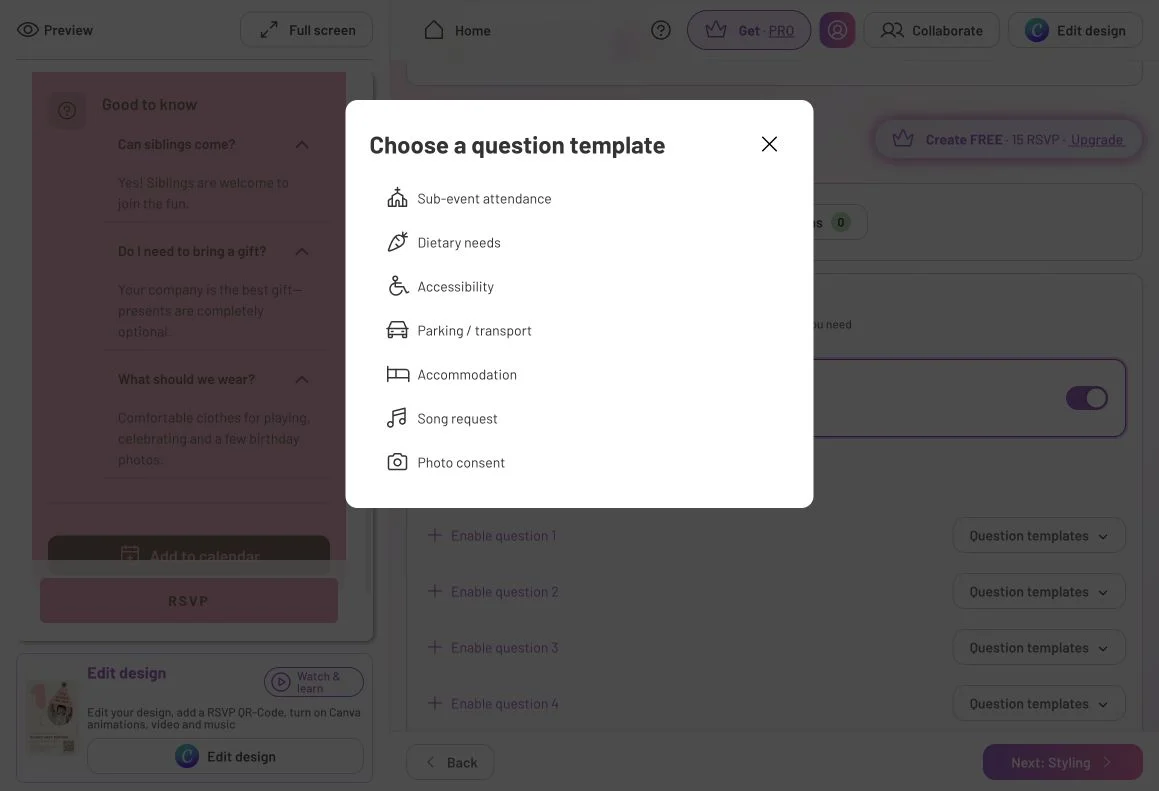
Ask guests custom RSVP questions
Ask guests for meal choices, access needs or other information alongside their RSVP.
Read the steps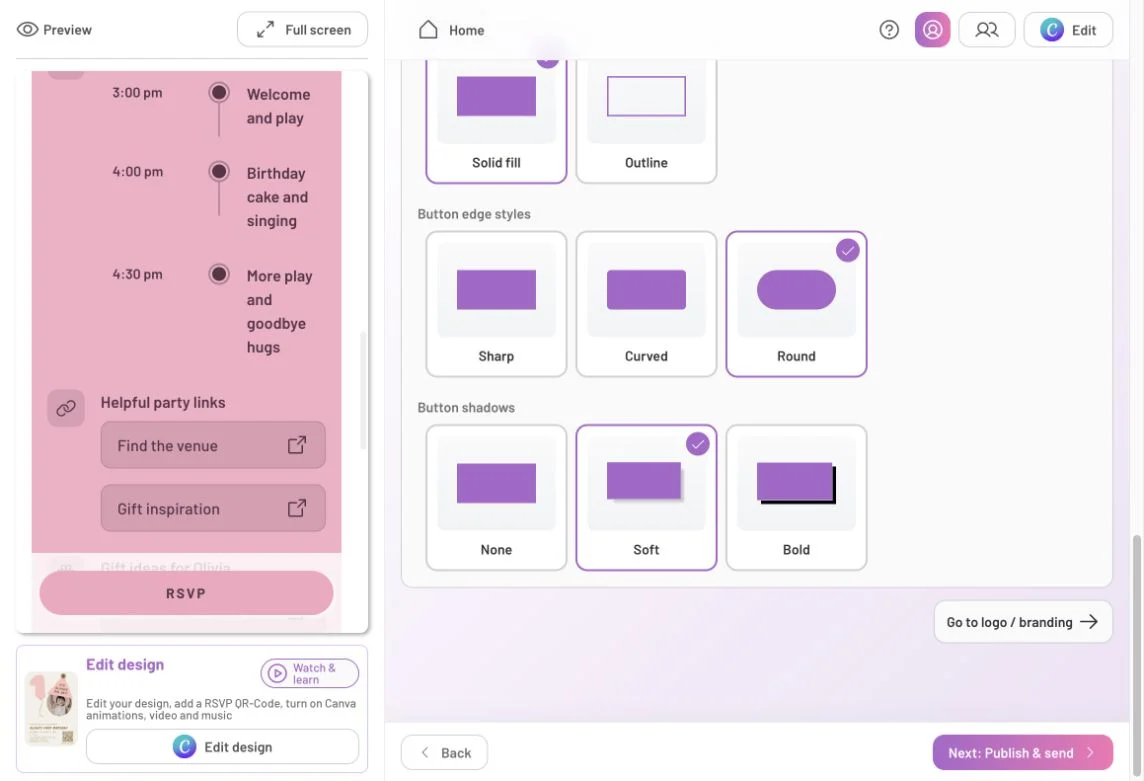
Style and preview your invitation page
Choose the page colors, background and section order, then check the complete preview.
Read the stepsPublish and invite guests
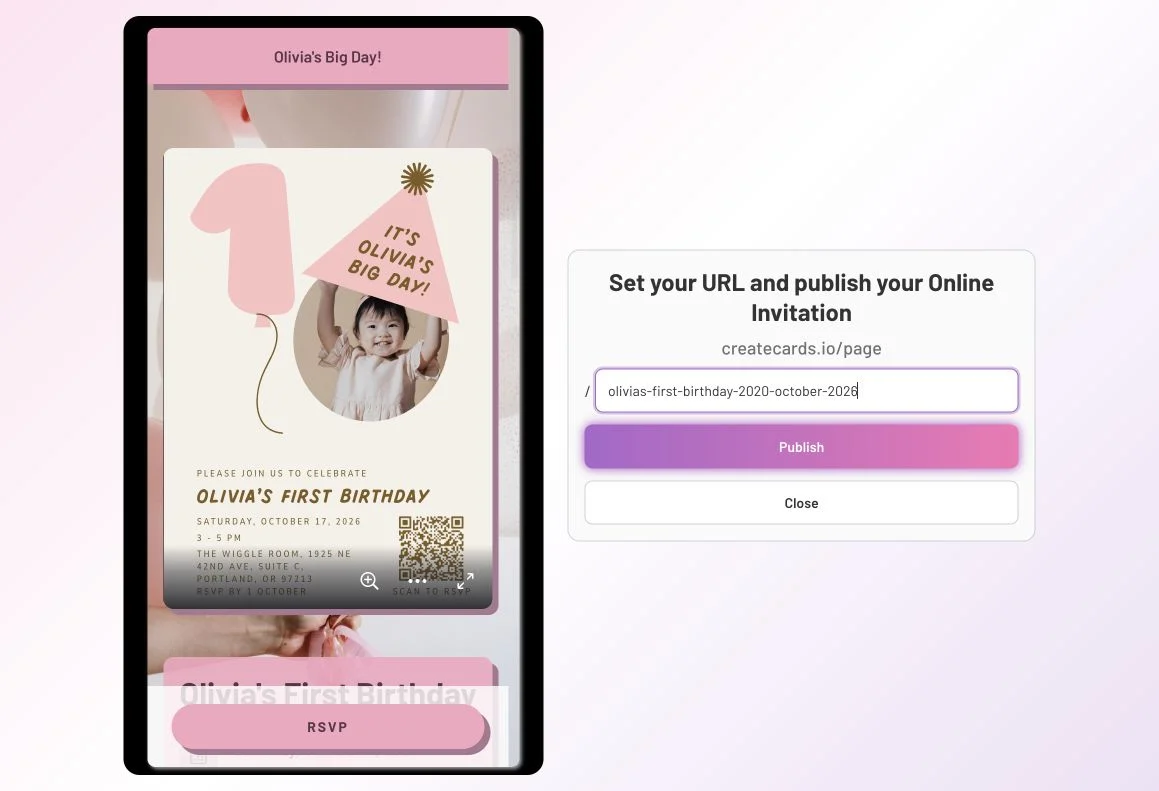
Publish your invitation and check access
Choose the page address, review access settings and confirm it is ready to share.
Read the steps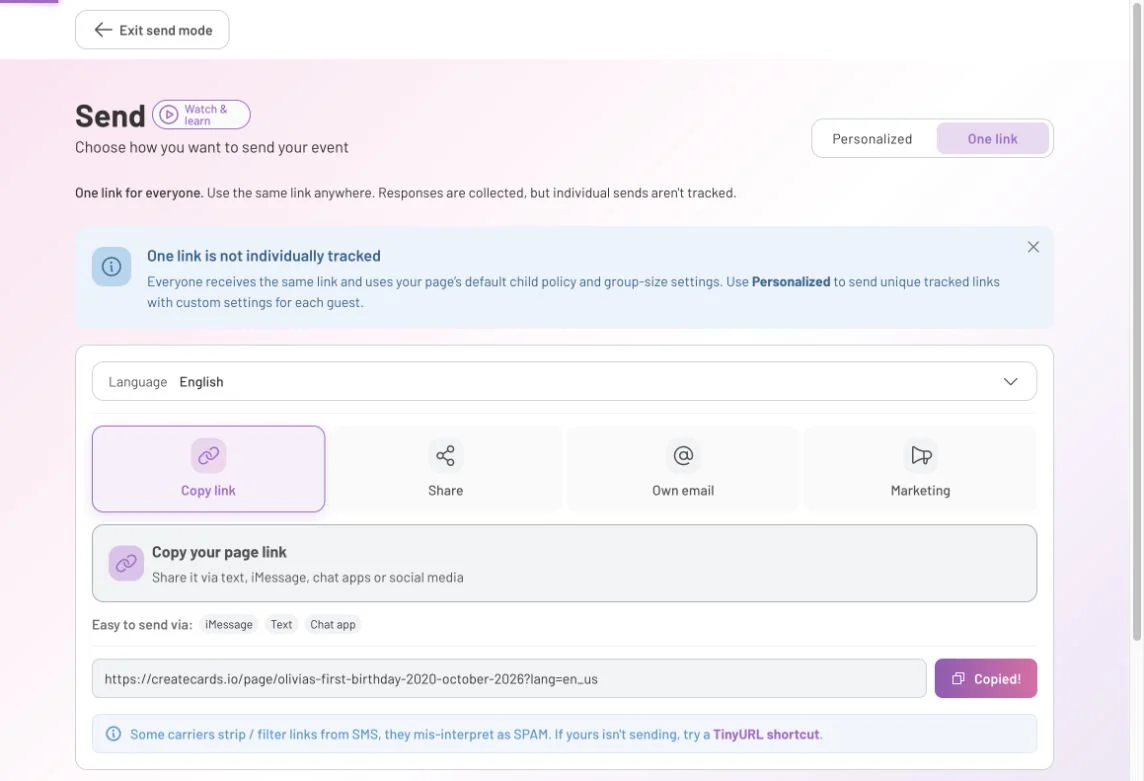
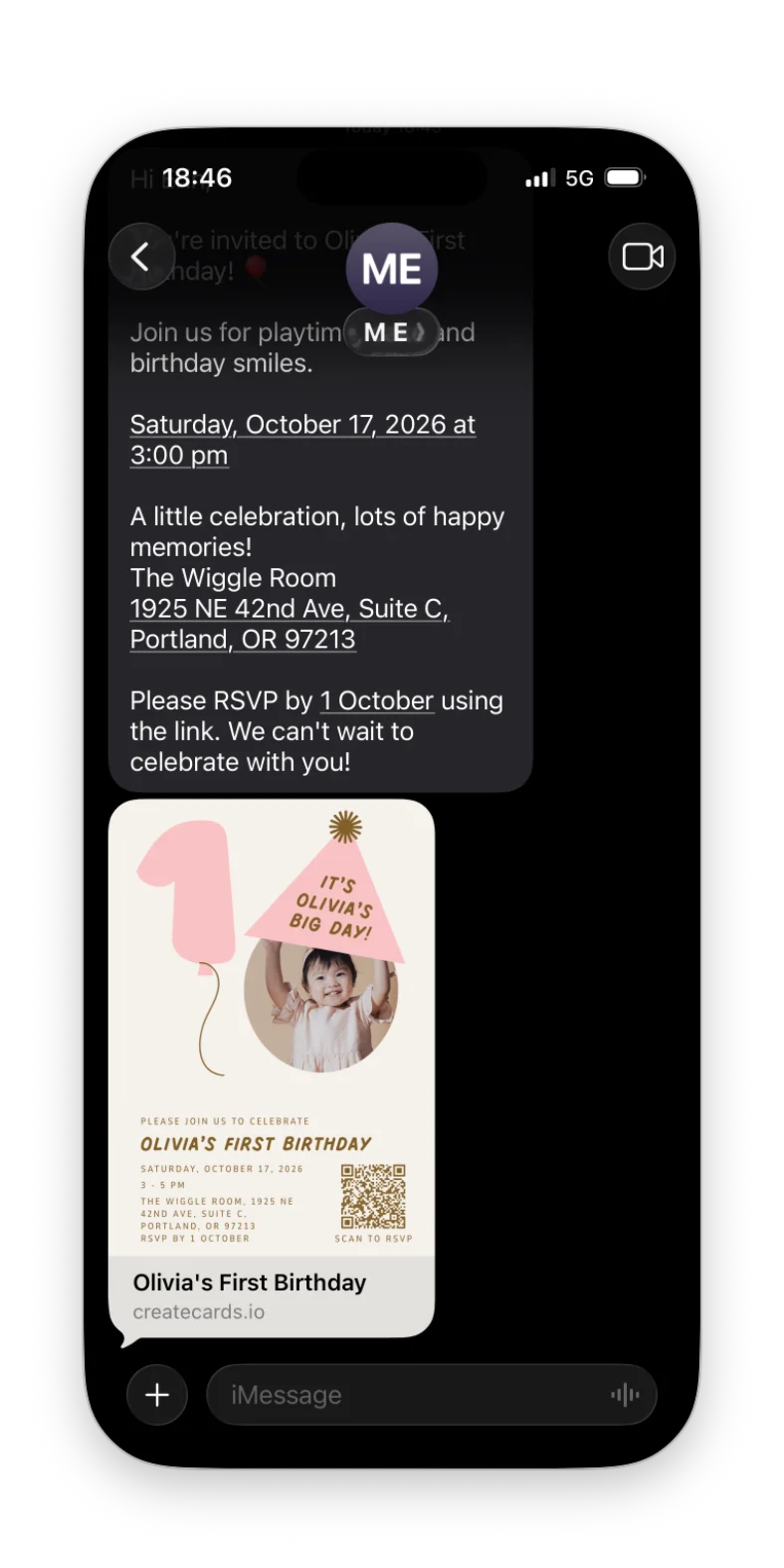
Share one link or use personalized invitations
Choose one shared link or personal guest links, then share through your own apps.
Read the steps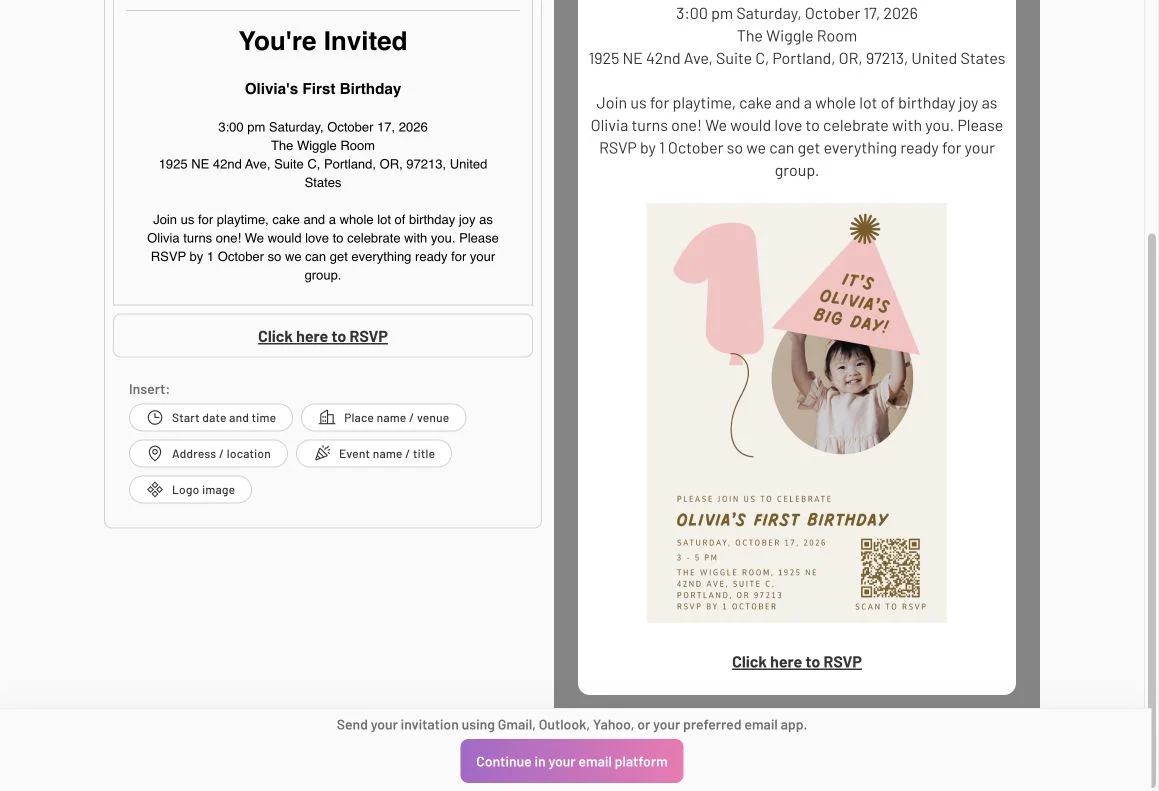
Send a formatted invitation from your email
Prepare a formatted invitation and send it from your own email account.
Read the stepsHelp guests respond

Manage your event
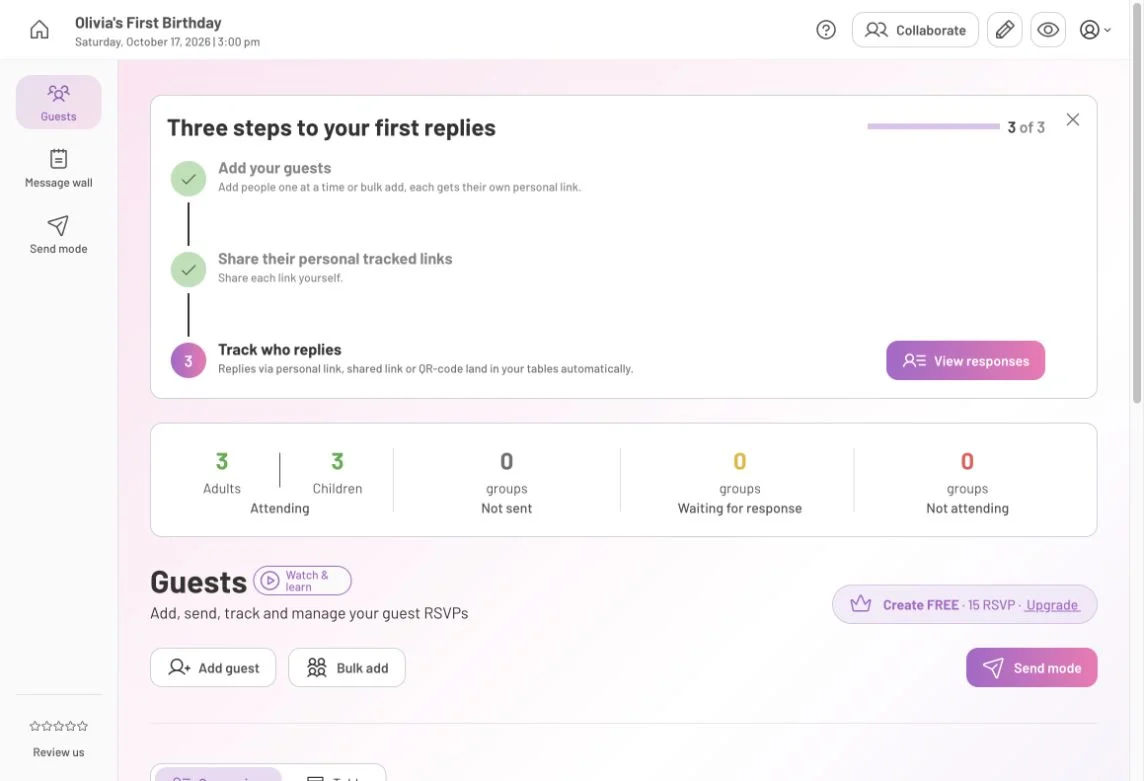
Manage invitation responses in Page Manager
See who is coming, read guest answers, download data and invite a co-host.
Read the steps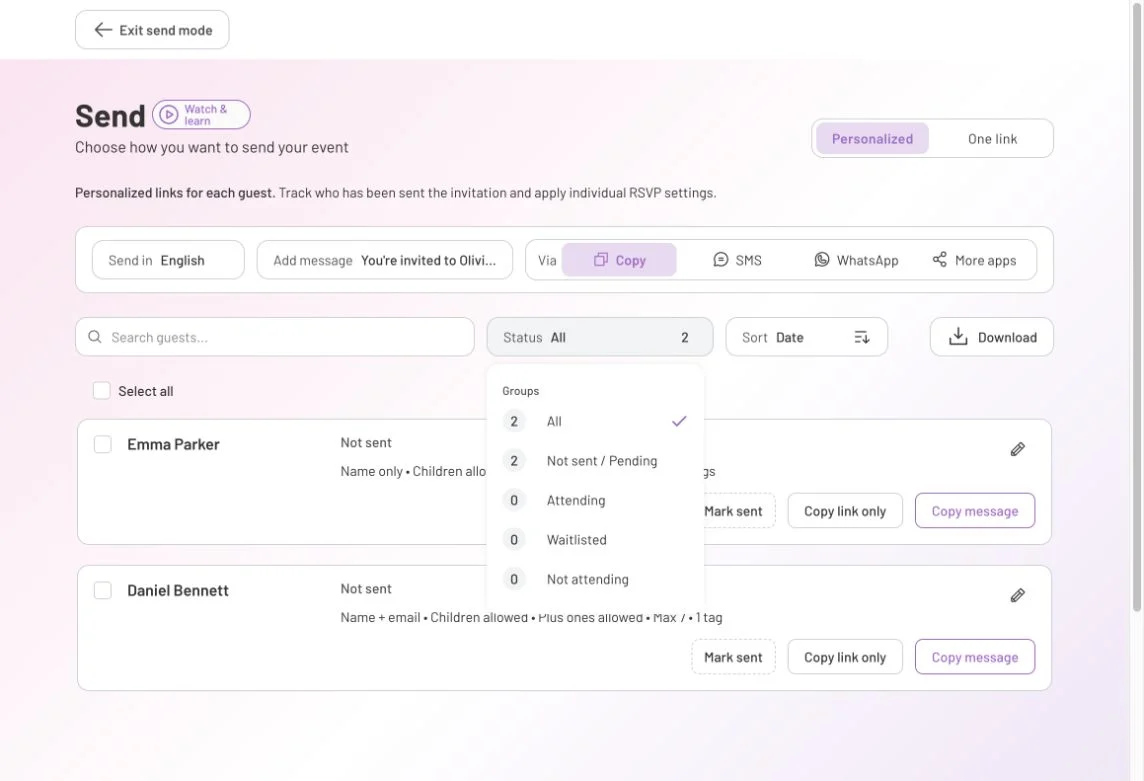
Send RSVP and event reminders
Choose a reminder template, tailor your message and send it through your own app.
Read the steps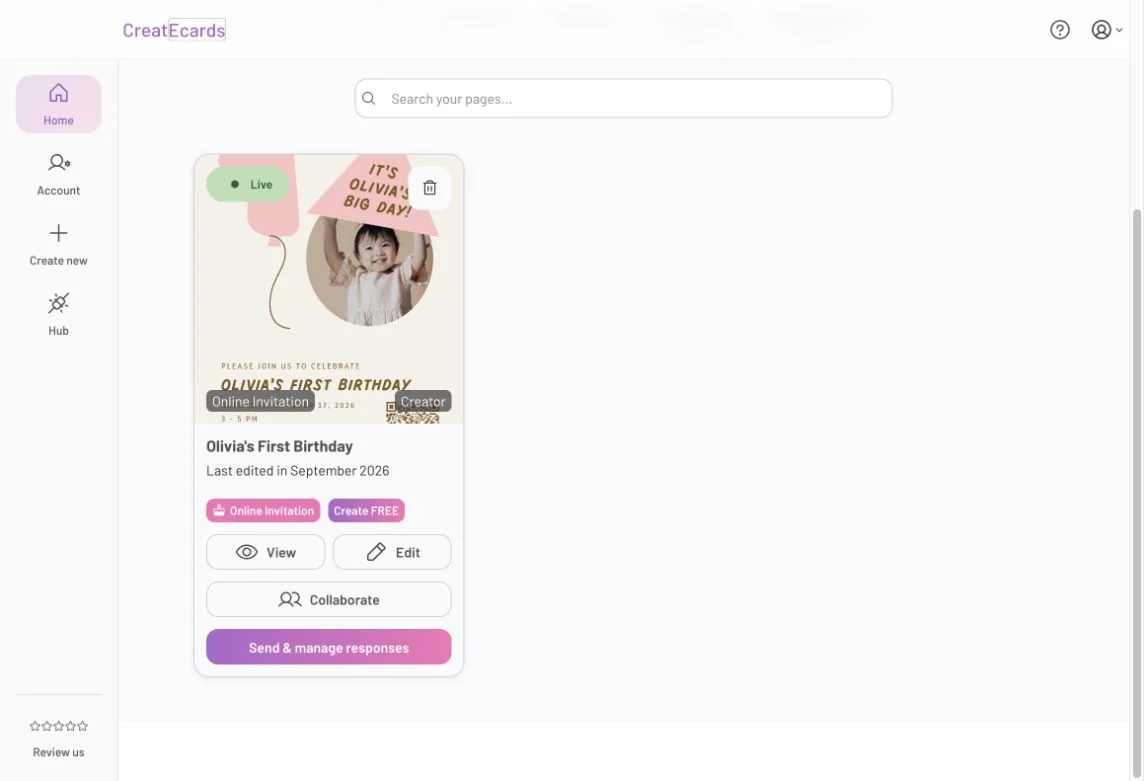
Edit an invitation after sharing it
Update the event details or design on the same invitation after sharing its link.
Read the stepsBusiness events
Need a quick answer?
Find short answers about invitations, responses, sharing and plans in the FAQ. The guides above take you through the full task.
Browse frequently asked questionsYour design stays yours
Keep editing your invitation in Canva. Sync it from the CreatEcards app, then add the date, location and RSVP form around it in CreatEcards. Publishing your page makes it ready to share; it does not send invitations for you.
See how syncing works