Online invitations for every occasion
Find your occasion. Choose a Canva template. Collect every RSVP.
CreatEcards turns your Canva design into a live RSVP page, so you can share event details, collect responses, and keep your guest list in one place.


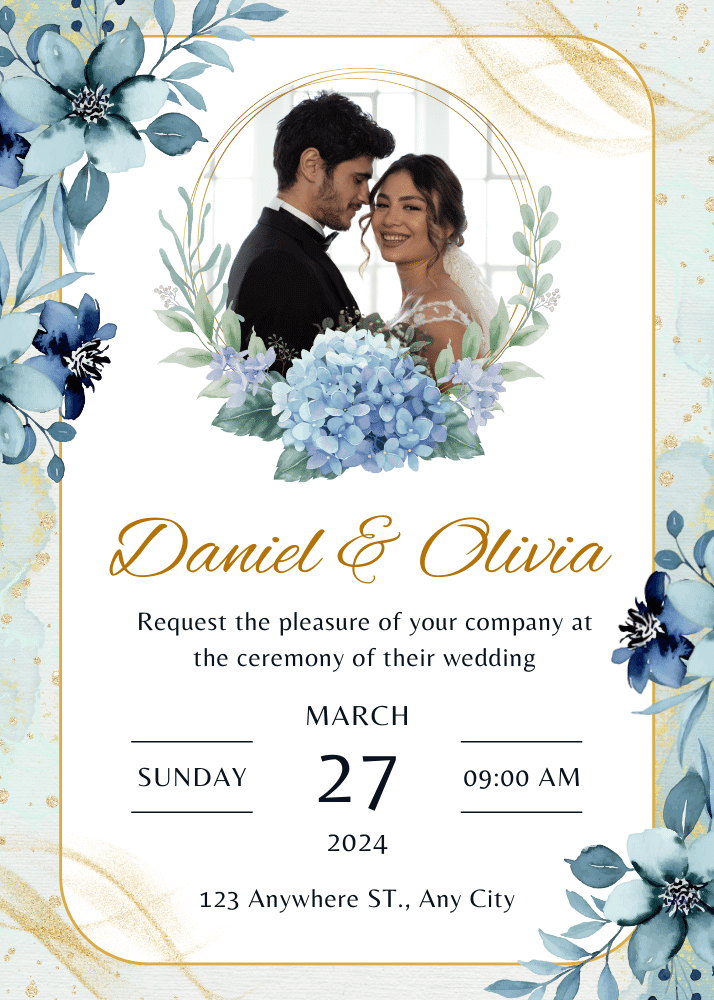
Popular occasions
Collect RSVPs and share the details guests need

Collect RSVPs and share the details guests need

Collect RSVPs and share the details guests need

Collect RSVPs and share the details guests need

Collect RSVPs and share the details guests need

Collect RSVPs and share the details guests need

Collect RSVPs and share the details guests need

Collect RSVPs and share the details guests need
Invitation formats
Choose how your invitation comes to life
Keep your Canva design animated, add video, show several pages, or make your photos the focus—then add event details and RSVP.
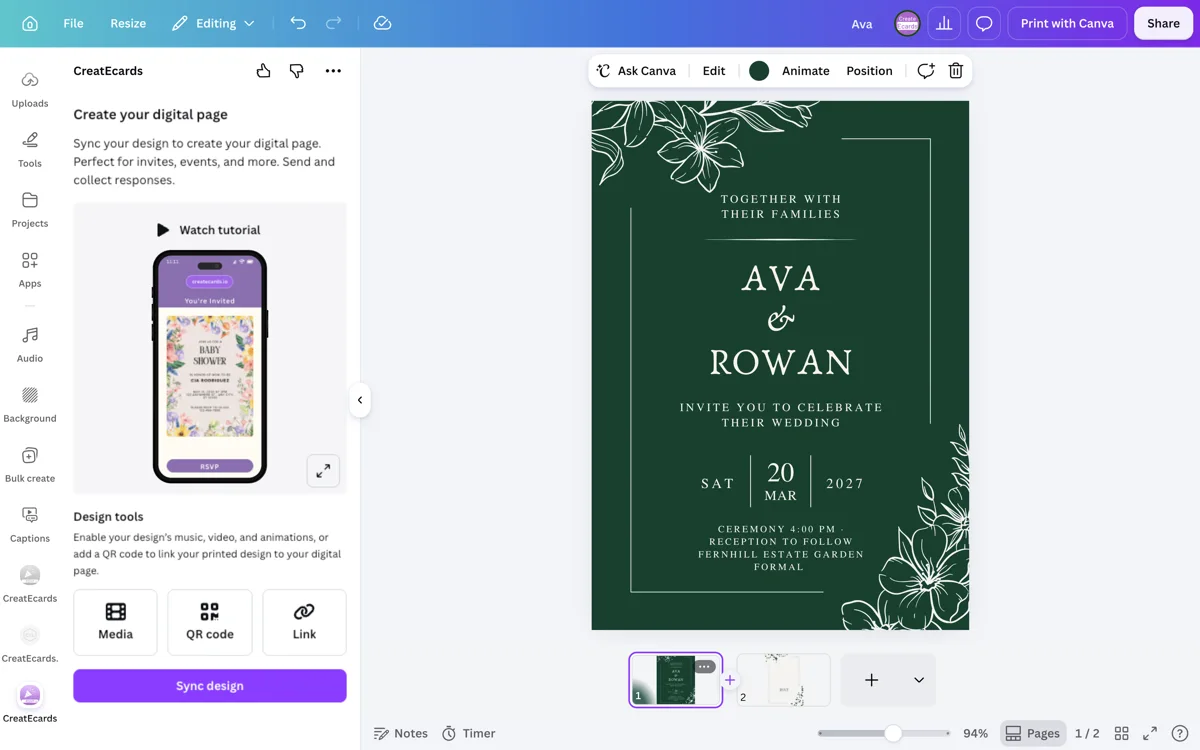 Motion preview
Animated invitations
Keep the motion you made in Canva and collect responses on the same live invitation.
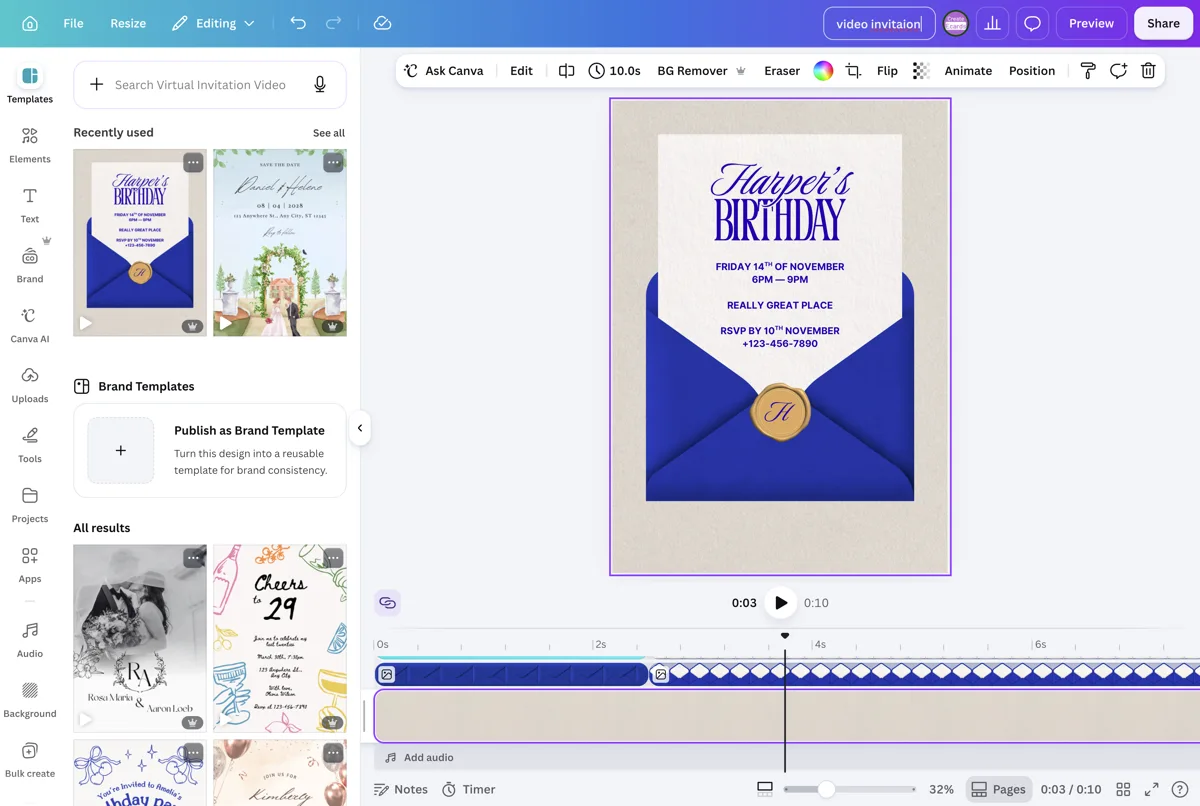
Video invitations
Keep motion, audio, event details and tracked RSVPs together.
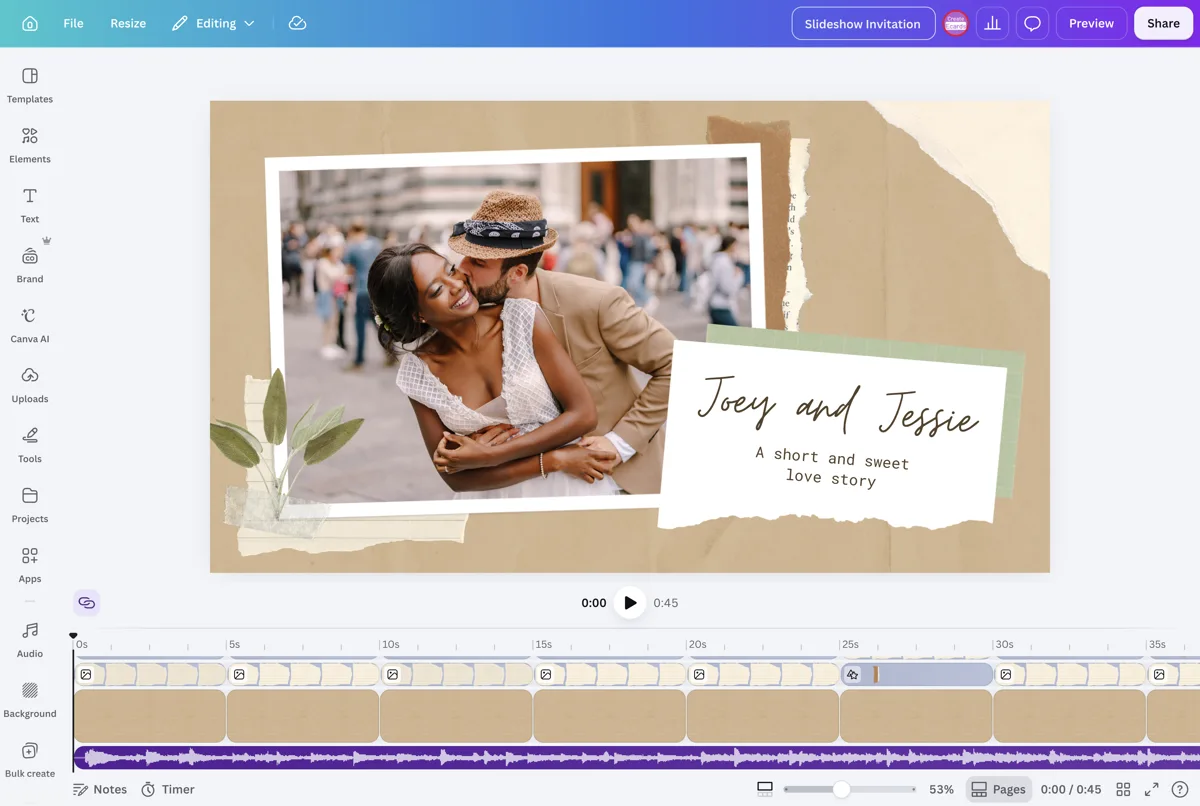
Slideshow invitations
Show several Canva pages in sequence, then collect responses from the live page.

Photo invitations
Put your own photo at the centre of the Canva design and add online RSVP.
Swipe to explore invitation formats
More ways to invite
Birthdays and children’s parties

Track guests, families, and party details

Track guests, families, and party details
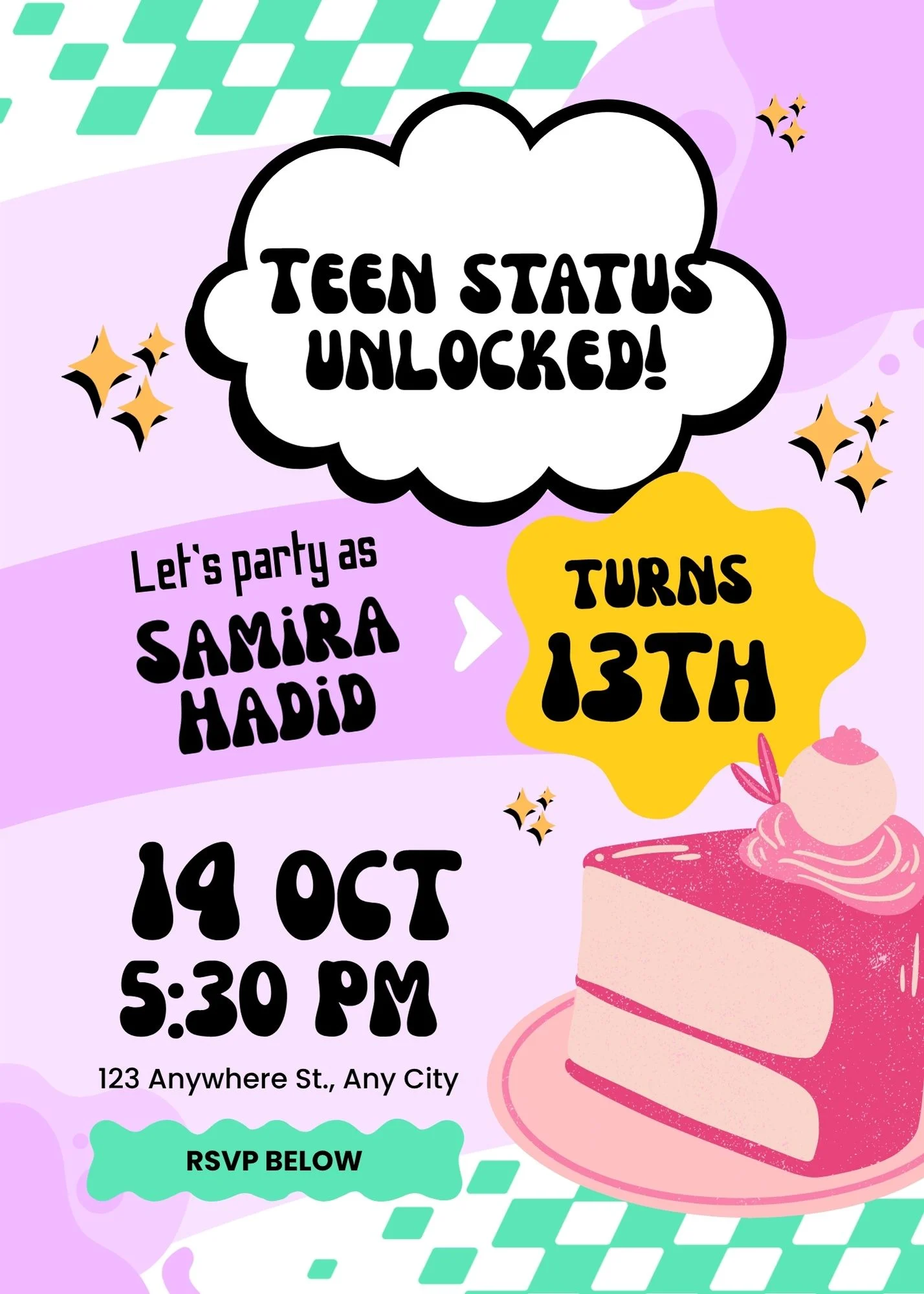
Track guests, families, and party details

Track guests, families, and party details

Track guests, families, and party details

Track guests, families, and party details

Track guests, families, and party details

Track guests, families, and party details

Track guests, families, and party details

Track guests, families, and party details

Track guests, families, and party details

Track guests, families, and party details

Track guests, families, and party details

Track guests, families, and party details

Track guests, families, and party details
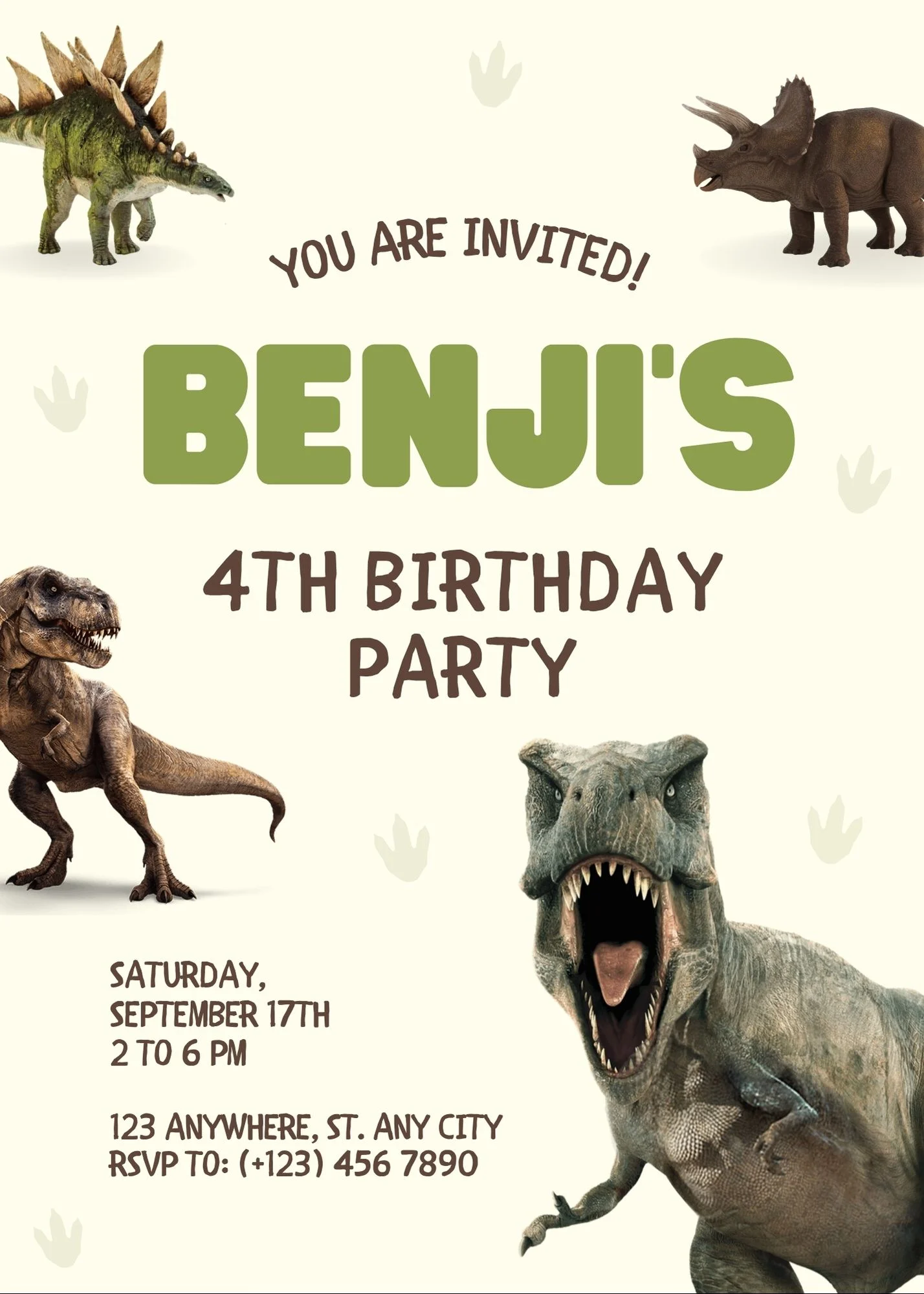
Track guests, families, and party details

Track guests, families, and party details

Track guests, families, and party details

Track guests, families, and party details
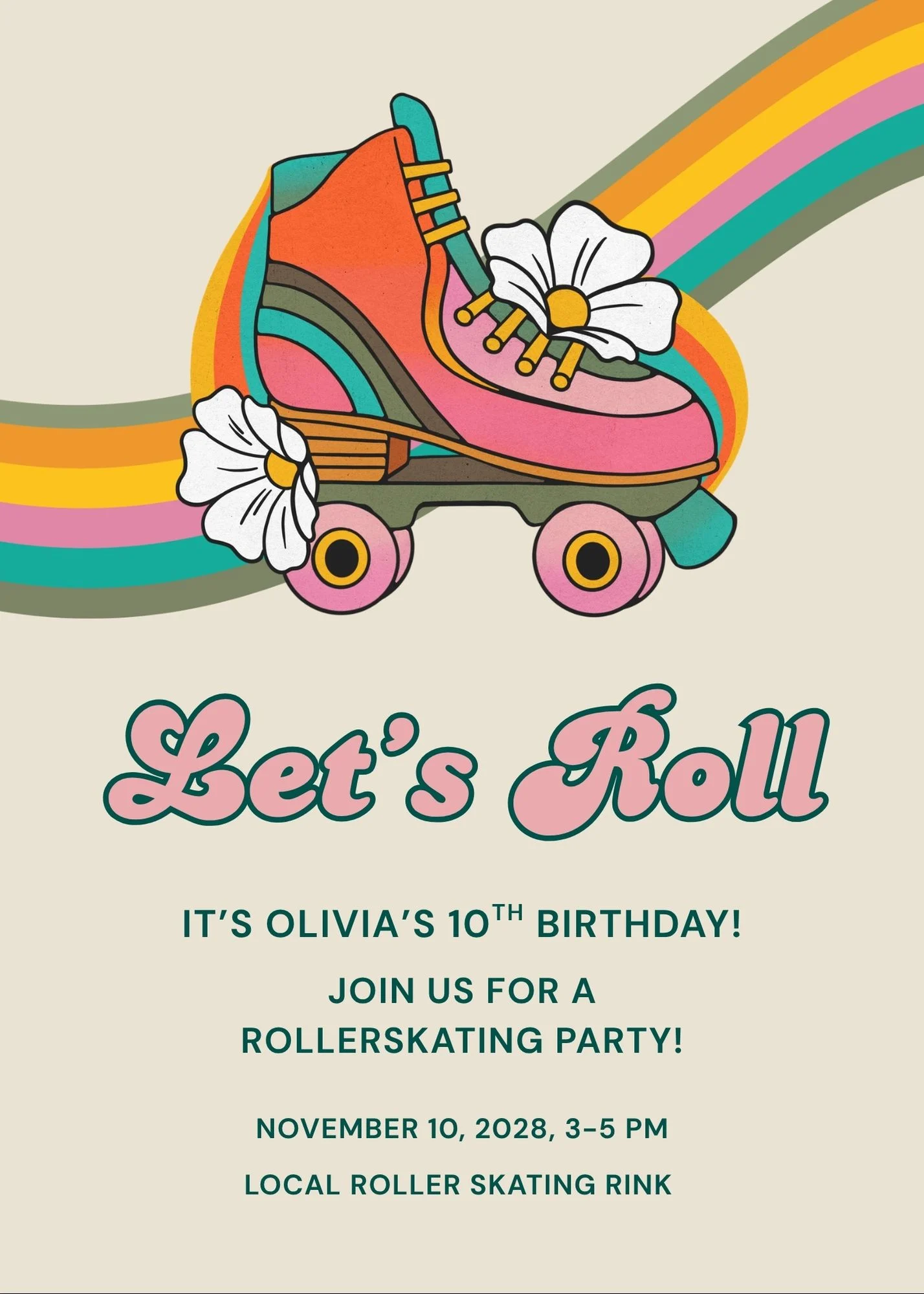
Track guests, families, and party details
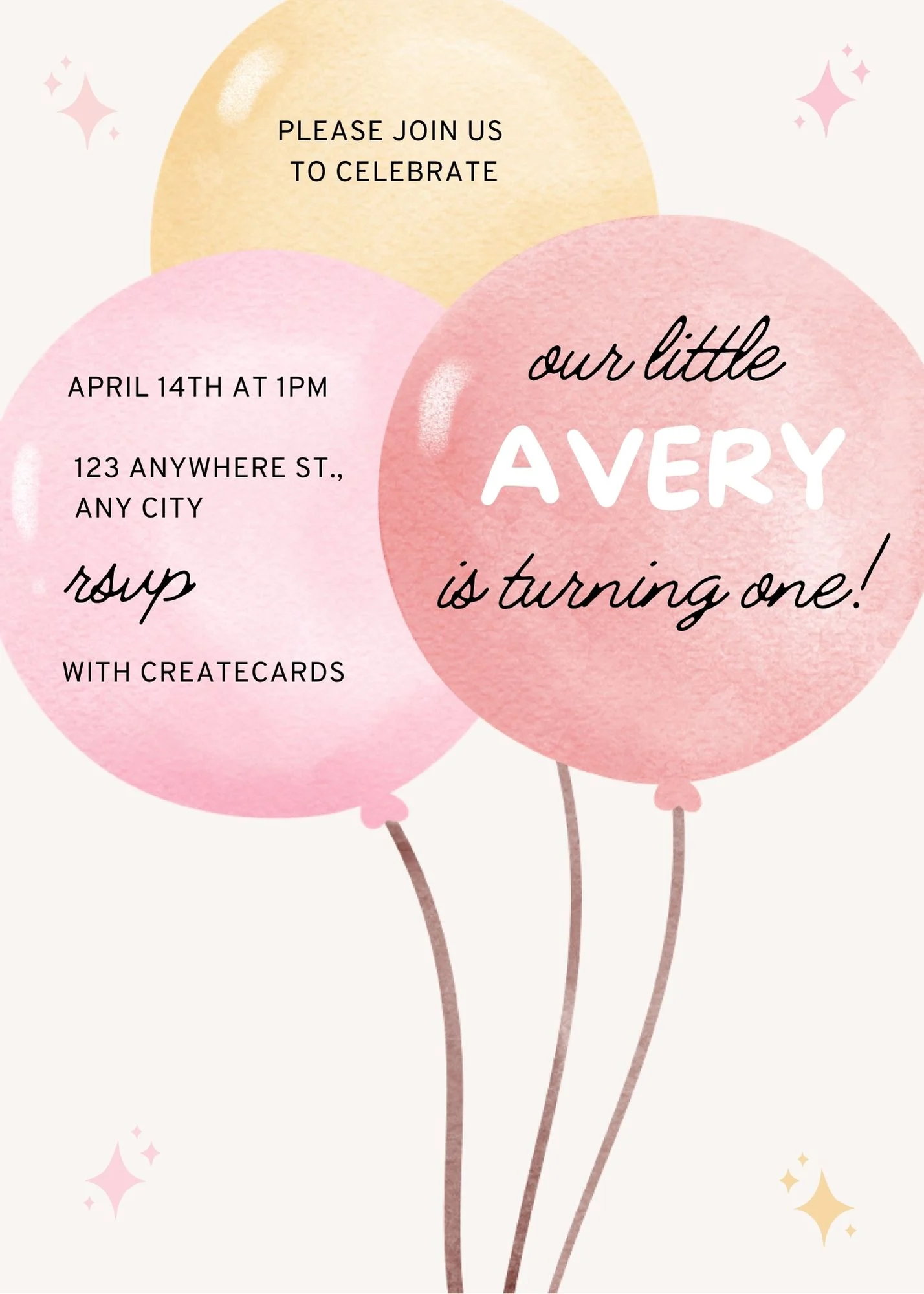
Track guests, families, and party details
Track guests, families, and party details
Track guests, families, and party details

Track guests, families, and party details

Track guests, families, and party details

Track guests, families, and party details

Track guests, families, and party details

Track guests, families, and party details

Track guests, families, and party details

Track guests, families, and party details

Track guests, families, and party details
Family, wedding, and milestone events

Collect RSVPs and share the details guests need

Collect RSVPs and share the details guests need

Collect RSVPs and share the details guests need

Collect RSVPs and share the details guests need

Collect RSVPs and share the details guests need

Collect RSVPs and share the details guests need

Collect RSVPs and share the details guests need

Collect RSVPs and share the details guests need

Collect RSVPs and share the details guests need

Collect RSVPs and share the details guests need

Collect RSVPs and share the details guests need

Collect RSVPs and share the details guests need

Collect RSVPs and share the details guests need

Collect RSVPs and share the details guests need

Collect RSVPs and share the details guests need
Collect RSVPs and share the details guests need
Friends and themed gatherings
Plan attendance, food, space, or activities

Plan attendance, food, space, or activities

Plan attendance, food, space, or activities
Plan attendance, food, space, or activities

Plan attendance, food, space, or activities

Plan attendance, food, space, or activities

Plan attendance, food, space, or activities

Plan attendance, food, space, or activities

Plan attendance, food, space, or activities

Plan attendance, food, space, or activities

Plan attendance, food, space, or activities

Plan attendance, food, space, or activities

Plan attendance, food, space, or activities

Plan attendance, food, space, or activities
Plan attendance, food, space, or activities

Plan attendance, food, space, or activities
Plan attendance, food, space, or activities

Plan attendance, food, space, or activities

Plan attendance, food, space, or activities

Plan attendance, food, space, or activities

Plan attendance, food, space, or activities
Professional and community events

Track attendance and practical event details

Track attendance and practical event details

Track attendance and practical event details

Track attendance and practical event details

Track attendance and practical event details
Track attendance and practical event details

Track attendance and practical event details

Track attendance and practical event details

Track attendance and practical event details

Track attendance and practical event details

Track attendance and practical event details
Track attendance and practical event details

Track attendance and practical event details
Holiday, cultural, and religious events

Collect household RSVPs and share gathering details

Collect household RSVPs and share gathering details

Collect household RSVPs and share gathering details

Collect household RSVPs and share gathering details

Collect household RSVPs and share gathering details

Collect household RSVPs and share gathering details
Collect household RSVPs and share gathering details

Collect household RSVPs and share gathering details

Collect household RSVPs and share gathering details

Collect household RSVPs and share gathering details

Collect household RSVPs and share gathering details

Collect household RSVPs and share gathering details

Collect household RSVPs and share gathering details

Collect household RSVPs and share gathering details
Collect household RSVPs and share gathering details

Collect household RSVPs and share gathering details

Collect household RSVPs and share gathering details
Collect household RSVPs and share gathering details

Collect household RSVPs and share gathering details


Online invitation questions, answered
Got a specific question? Open your AI with our FAQ link, then ask it there.
Yes. Choose from Canva’s invitation templates or use a design you already made, then sync it from the CreatEcards app in Canva.
Every live invitation page can collect responses. Choose the closest occasion above, then add the questions, event details, and guest options that fit your event.
No. Guests open the published invitation in their browser and respond from their phone or computer.
Yes. Update the design in Canva, then sync again and choose Sync changes. The published invitation link stays the same.
Yes. Add the CreatEcards QR code to your Canva design before syncing. Publish your RSVP page, then scan a test print before printing the full set.