Ring in the Lunar New Year with Canva
Celebrate new beginnings with Chinese New Year invitations from Canva and easy coordination with CreatEcards.
Free to start. No credit card required.



Cultural, religious, and seasonal invitations
Choose the page that matches the occasion you are planning.
- QuinceañeraHouseholds, ceremony, and reception
- Eid al-FitrGathering and guest details
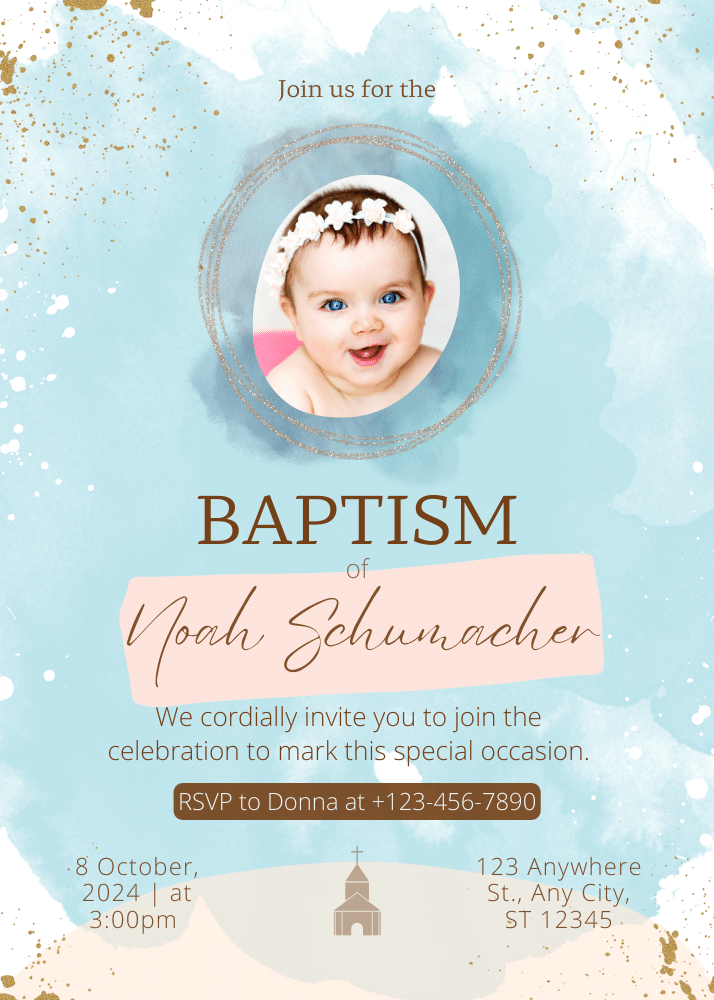
- BaptismCeremony and reception details
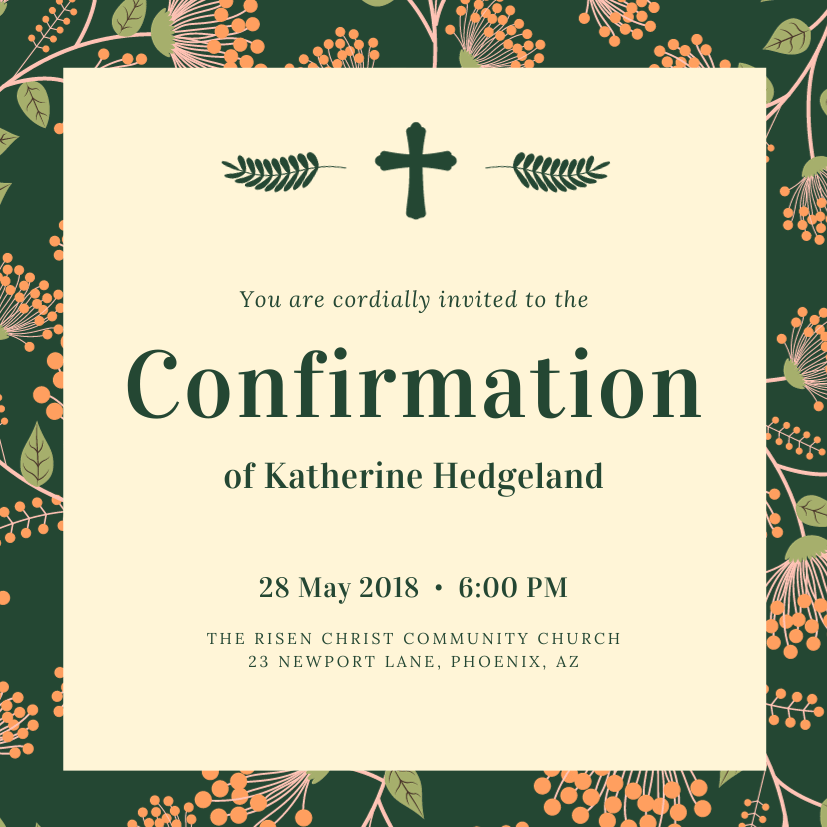
- ConfirmationCeremony and family attendance
- First CommunionCeremony and gathering details
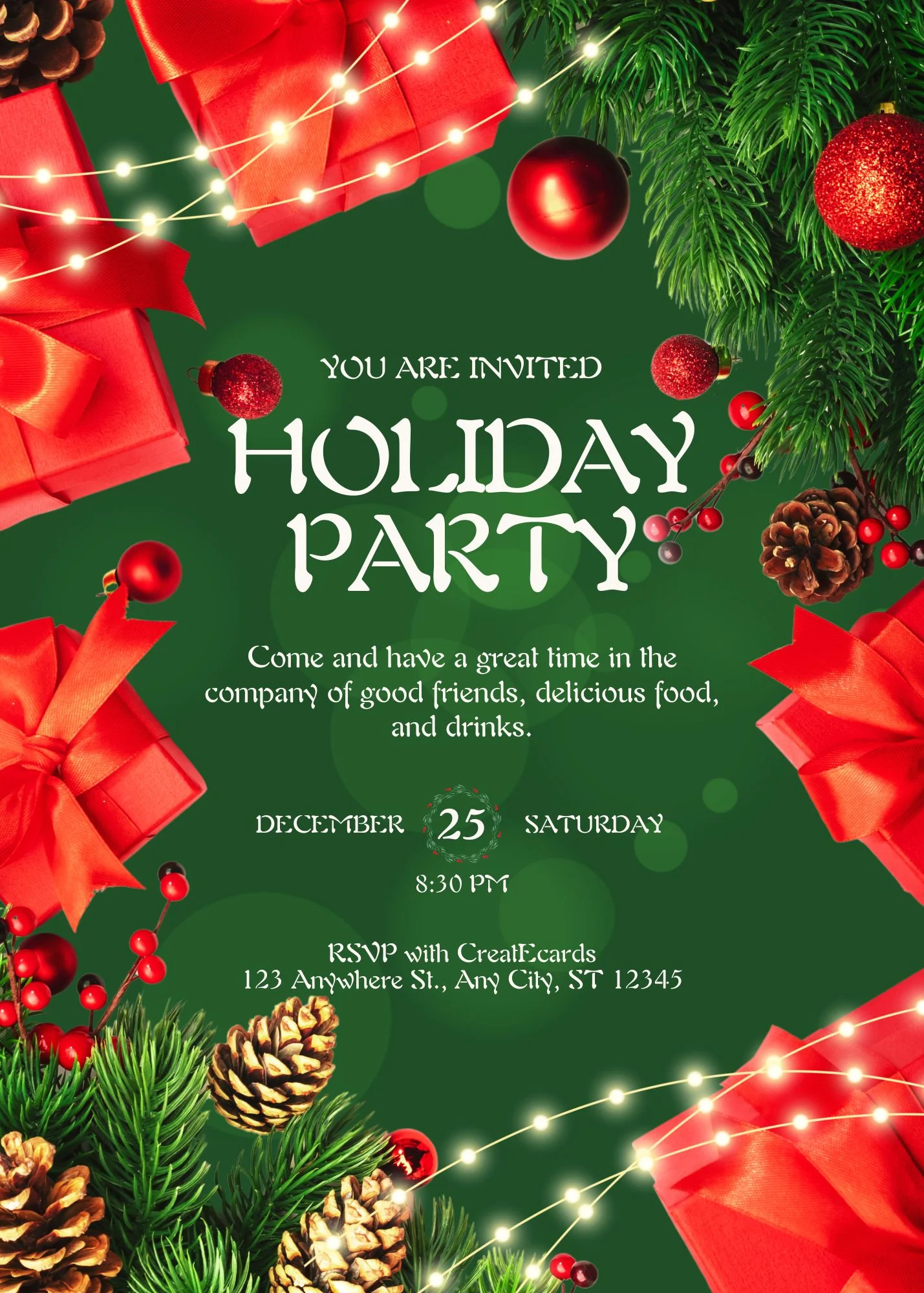
- Holiday partyInclusive seasonal gatherings
- ChristmasChristmas gathering details
- HalloweenCostumes, timing, and attendance
- ThanksgivingHouseholds, meals, and timing
- New Year'sCountdown and late-night details
- HanukkahHost-defined gathering details
- DiwaliGuest, meal, and venue details
- Mardi GrasCostume and event guidance
- EasterFamily gathering details
- Lunar New YearHousehold and gathering details
- Ramadan gatheringIftar or host-defined details
Lunar New Year invitation with online RSVP
Lunar Celebrations in Every Invite
CreatEcards turns the Lunar New Year gathering invitation made in Canva into a live page with trackable RSVPs. A family, friend, school, or community host can collect responses from households and invited guests, ask for attendance, household names, dietary needs, children, and accessibility, and share date, start time, venue, meal information, dress guidance, activities, parking, and accessibility in one place.
Use the Lunar New Year gathering invitation as the page guests open for the Lunar New Year meal or celebration. Collect responses from households and invited guests, ask for attendance, household names, dietary needs, children, and accessibility, and keep date, start time, venue, meal information, dress guidance, activities, parking, and accessibility available from the same link. Include the traditions and activities planned for your Lunar New Year gathering.
Track attendance
Ask guest questions
Share practical details
How to add RSVP to your Canva Lunar New Year gathering invitation
Keep the invitation made in Canva, add the attendance questions and practical details for the Lunar New Year meal or celebration, then track every response in one place.

How to add RSVP to your Canva Lunar New Year gathering invitation
Keep the invitation made in Canva, add the attendance questions and practical details for the Lunar New Year meal or celebration, then track every response in one place.
Simple or Detailed RSVP
Collect the level of guest detail your event needs
Use Simple RSVP for adult and child totals plus one set of answers for the group. Use Detailed RSVP to name every guest and collect answers for each person attending the Lunar New Year meal or celebration.
- Choose group totals or named guests
- Collect group-level or per-person answers
RSVP & responses setting
How responses will be collected
What your guest sees
Attendance
RSVP & Responses Setting
How responses will be collected
Guest groups and invitation rules
Set default rules or personalize each invited group
Set defaults for plus-ones, adults, children, and maximum group size. Upload invited groups when the Lunar New Year meal or celebration needs personalized links with different rules for family, friends, or other guests.
- Apply sensible defaults across the event
- Override the rules for an individual invited group
Guest policy
Set who guests can bring
What your guest sees
Attendance
Guest policy
Set who guests can bring
Custom questions
Ask questions once per group or for every named guest
With Simple RSVP, collect one set of answers for the group. With Detailed RSVP, ask each named guest about attendance, household names, dietary needs, children, and accessibility or attendance at another part of the Lunar New Year meal or celebration.
- Use text or multiple-choice questions
- Choose group-level or per-person answers
Host setup
Add your questions
Custom questions
Ask anything and collect the details you need
What people see
A few quick questions
One live invitation page
Keep your Canva design, RSVP, and event details together
Turn the Canva Lunar New Year gathering design into one mobile-friendly page for responses, date, start time, venue, meal information, dress guidance, activities, parking, and accessibility, and later updates from the host.
- Update practical details without sending a replacement invitation
- Keep the same shared link as plans change
Event details
Tell your guests when, where and what to expect
What your guest sees
Your invitation, details and response in one place
Event details
Tell your guests when, where and what to expect
Before the reply-by date
A reliable household count for the Lunar New Year gathering
Named guests
With Detailed RSVP, see each attending guest by name.
Useful planning details
Keep attendance, household names, dietary needs, children, and accessibility with the right guest.
Fewer repeated questions
Give guests one place to check date, start time, venue, meal information, dress guidance, activities, parking, and accessibility.
Why invitation hosts use CreatEcards
“💌 CreatEcards is the absolute best choice for creating and managing Canva invitations, and I'm telling you, it's absolutely amazing! From their incredible user-friendly setup for RSVP collection to their seamless addition of additional information, they completely remove any obstacles when it comes to event planning. You won't believe how incredible it feels to use their platform and see your event come to life. Trust me, it's a total game-changer! 🎉”
“CreatEcards made RSVP collection a breeze for me, turning event planning into a stress-free experience. The seamless integration with Canva allowed me to showcase my creativity while designing beautiful online invitations and event websites. I highly recommend CreatEcards to any Canva lover looking to easily manage their events and impress their guests with personalized digital creations.”
“💌 CreatEcards is the absolute best choice for creating and managing Canva invitations, and I'm telling you, it's absolutely amazing! From their incredible user-friendly setup for RSVP collection to their seamless addition of additional information, they completely remove any obstacles when it comes to event planning. You won't believe how incredible it feels to use their platform and see your event come to life. Trust me, it's a total game-changer! 🎉”
“💌 CreatEcards is the absolute best choice for creating and managing Canva invitations, and I'm telling you, it's absolutely amazing! From their incredible user-friendly setup for RSVP collection to their seamless addition of additional information, they completely remove any obstacles when it comes to event planning. You won't believe how incredible it feels to use their platform and see your event come to life. Trust me, it's a total game-changer! 🎉”
“CreatEcards made RSVP collection a breeze for me, turning event planning into a stress-free experience. The seamless integration with Canva allowed me to showcase my creativity while designing beautiful online invitations and event websites. I highly recommend CreatEcards to any Canva lover looking to easily manage their events and impress their guests with personalized digital creations.”
“💌 CreatEcards is the absolute best choice for creating and managing Canva invitations, and I'm telling you, it's absolutely amazing! From their incredible user-friendly setup for RSVP collection to their seamless addition of additional information, they completely remove any obstacles when it comes to event planning. You won't believe how incredible it feels to use their platform and see your event come to life. Trust me, it's a total game-changer! 🎉”
“CreatEcards is a game changer for event planning! With its Canva integration, I was able to effortlessly create beautiful invitations and easily collect RSVPs, all at an affordable cost. Highly recommend this user-friendly platform for anyone looking to streamline their party planning process.”
“CreatEcards is a game changer for event planning! With its Canva integration, I was able to effortlessly create beautiful invitations and easily collect RSVPs, all at an affordable cost. Highly recommend this user-friendly platform for anyone looking to streamline their party planning process.”
“CreatEcards is a game changer for event planning! With its Canva integration, I was able to effortlessly create beautiful invitations and easily collect RSVPs, all at an affordable cost. Highly recommend this user-friendly platform for anyone looking to streamline their party planning process.”
“CreatEcards is a game changer for event planning! With its Canva integration, I was able to effortlessly create beautiful invitations and easily collect RSVPs, all at an affordable cost. Highly recommend this user-friendly platform for anyone looking to streamline their party planning process.”
“CreatEcards is a game changer for event planning! With its Canva integration, I was able to effortlessly create beautiful invitations and easily collect RSVPs, all at an affordable cost. Highly recommend this user-friendly platform for anyone looking to streamline their party planning process.”
“CreatEcards is a game changer for event planning! With its Canva integration, I was able to effortlessly create beautiful invitations and easily collect RSVPs, all at an affordable cost. Highly recommend this user-friendly platform for anyone looking to streamline their party planning process.”
Lunar New Year invitation questions, answered
Got a specific question? Open your AI with our FAQ link, then ask it there.
Yes. In Canva, open Apps, choose CreatEcards, click Sync design, then choose Online Invitation. Add RSVPs without rebuilding your design.
Add the exact plans your guests need: date, start time, venue, meal information, dress guidance, activities, parking, and accessibility. Include the traditions and activities planned for your Lunar New Year gathering.
Yes. Allow plus-ones and set the maximum party size, including the person replying. Use Detailed RSVP if you need each guest's name.
Yes. Add text or multiple-choice questions for attendance, household names, dietary needs, children, and accessibility, and keep each answer with the guest's response.
Yes. Update the design in Canva, sync it again, and choose Sync changes. Update any matching event details in CreatEcards too. Guests keep using the same invitation link.
No. Guests open the live invitation on their phone and respond without creating an account.
Related invitation journeys
More cultural, religious, and seasonal invitation journeys
Explore invitations for other cultural, religious, and seasonal occasions.




Add online RSVP to your Lunar New Year gathering invitation
Keep your Canva design, collect the guest details you need, and share one live page for the Lunar New Year meal or celebration.
Organize Your Lunar New Year