Create online invitations with Canva and track every RSVP
Turn your invitation into an RSVP page. Guests can view all your event details and RSVP in one place, while you see who's coming as they reply.
Free to start. No credit card required.

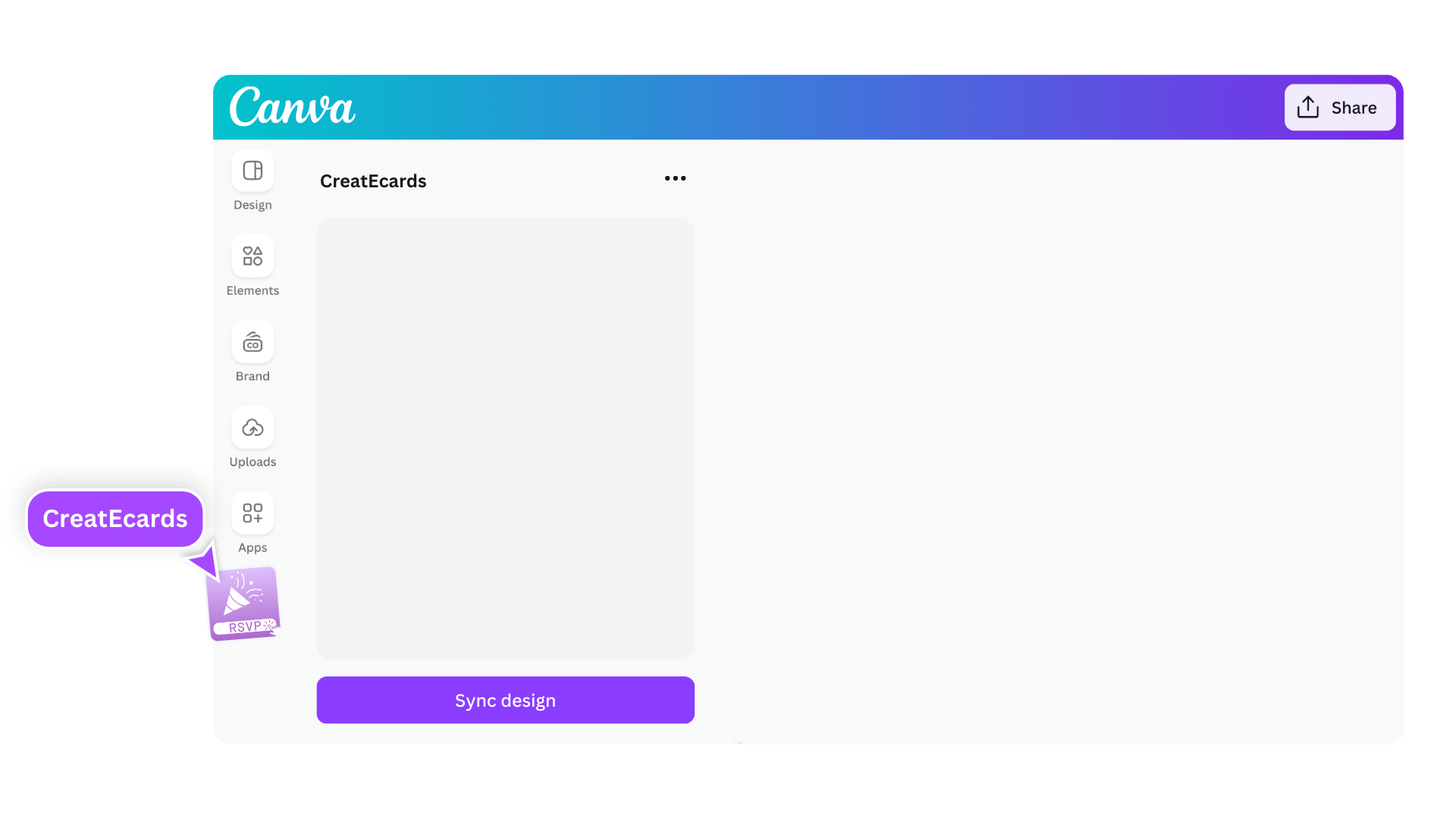
Start with the design you want to share
Loved by hosts worldwide: 1,000,000+ guests across 100,000+ events in 100+ countries.
Reviews from hosts who use Canva invitations.
What hosts say about using their Canva invitations with CreatEcards
“💌 CreatEcards is the absolute best choice for creating and managing Canva invitations, and I'm telling you, it's absolutely amazing! From their incredible user-friendly setup for RSVP collection to their seamless addition of additional information, they completely remove any obstacles when it comes to event planning. You won't believe how incredible it feels to use their platform and see your event come to life. Trust me, it's a total game-changer! 🎉”
“I am absolutely thrilled with the way my wedding invitation turned out, thanks to CreatEcards! Unlike other online invitation services, this platform made it a breeze to create a personalized and one-of-a-kind design that beautifully reflected my personal style. Throughout the entire process, I felt completely at ease and confident in my abilities, thanks to the user-friendly interface and helpful guidance provided by CreatEcards.”
“I used CreatEcards to create my daughter's birthday invitation, and it was a breeze! I love that CreatEcards integrates seamlessly with Canva, allowing me to fully customize my design to match our party theme without being constrained by pre-made templates. It's so convenient to have the freedom to make it uniquely ours. Highly recommend for easy, personalized e-Vites!”
“I recently used CreatEcards for my niece's baby shower and it was a game-changer! The Canva integration made it super easy to design beautiful and personalized e-vites that stood out. The RSVP feature and gift registry links made organizing the event a breeze. Highly recommend for fellow Canva lovers looking to add a special touch to their events!”
“💌 CreatEcards is the absolute best choice for creating and managing Canva invitations, and I'm telling you, it's absolutely amazing! From their incredible user-friendly setup for RSVP collection to their seamless addition of additional information, they completely remove any obstacles when it comes to event planning. You won't believe how incredible it feels to use their platform and see your event come to life. Trust me, it's a total game-changer! 🎉”
“I am absolutely thrilled with the way my wedding invitation turned out, thanks to CreatEcards! Unlike other online invitation services, this platform made it a breeze to create a personalized and one-of-a-kind design that beautifully reflected my personal style. Throughout the entire process, I felt completely at ease and confident in my abilities, thanks to the user-friendly interface and helpful guidance provided by CreatEcards.”
“I used CreatEcards to create my daughter's birthday invitation, and it was a breeze! I love that CreatEcards integrates seamlessly with Canva, allowing me to fully customize my design to match our party theme without being constrained by pre-made templates. It's so convenient to have the freedom to make it uniquely ours. Highly recommend for easy, personalized e-Vites!”
“I recently used CreatEcards for my niece's baby shower and it was a game-changer! The Canva integration made it super easy to design beautiful and personalized e-vites that stood out. The RSVP feature and gift registry links made organizing the event a breeze. Highly recommend for fellow Canva lovers looking to add a special touch to their events!”
“CreatEcards is a game changer for event planning! With its Canva integration, I was able to effortlessly create beautiful invitations and easily collect RSVPs, all at an affordable cost. Highly recommend this user-friendly platform for anyone looking to streamline their party planning process.”
“CreatEcards made RSVP collection a breeze for me, turning event planning into a stress-free experience. The seamless integration with Canva allowed me to showcase my creativity while designing beautiful online invitations and event websites. I highly recommend CreatEcards to any Canva lover looking to easily manage their events and impress their guests with personalized digital creations.”
“I absolutely loved using CreatEcards for my graduation party! It was so convenient how I could easily transfer my Canva designs straight to the platform. The RSVP feature, gift registry links, and location integration made planning and organizing my event a breeze. Such a fantastic tool for Canva lovers like myself!”
“I absolutely love CreatEcards for transforming my Canva designs into stunning online invitations and event websites effortlessly. The platform is user-friendly and allows me to customize every detail from RSVP collection to adding gift registry links, making event planning a breeze. With CreatEcards, I can easily share my creations with guests, saving time and adding a touch of elegance to every event!”
“CreatEcards is a game changer for event planning! With its Canva integration, I was able to effortlessly create beautiful invitations and easily collect RSVPs, all at an affordable cost. Highly recommend this user-friendly platform for anyone looking to streamline their party planning process.”
“CreatEcards made RSVP collection a breeze for me, turning event planning into a stress-free experience. The seamless integration with Canva allowed me to showcase my creativity while designing beautiful online invitations and event websites. I highly recommend CreatEcards to any Canva lover looking to easily manage their events and impress their guests with personalized digital creations.”
“I absolutely loved using CreatEcards for my graduation party! It was so convenient how I could easily transfer my Canva designs straight to the platform. The RSVP feature, gift registry links, and location integration made planning and organizing my event a breeze. Such a fantastic tool for Canva lovers like myself!”
“I absolutely love CreatEcards for transforming my Canva designs into stunning online invitations and event websites effortlessly. The platform is user-friendly and allows me to customize every detail from RSVP collection to adding gift registry links, making event planning a breeze. With CreatEcards, I can easily share my creations with guests, saving time and adding a touch of elegance to every event!”
From Canva invitation to tracked RSVPs
Guests see your invitation, find the details, and RSVP on one live page. You see every response and headcount in one place.
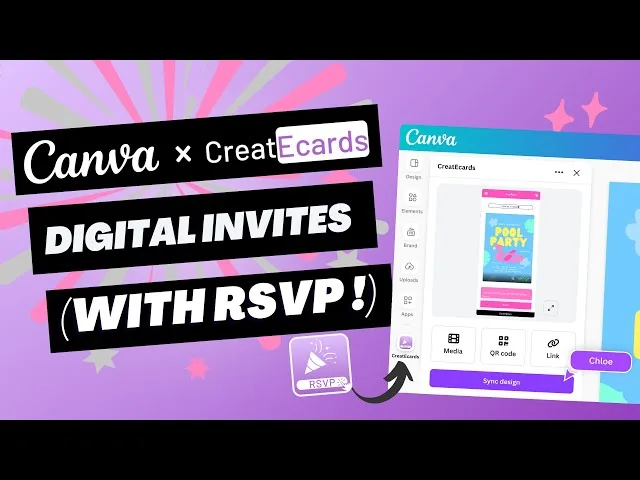
Plays from YouTube. Pressing play loads YouTube's privacy-enhanced player, and Google may store cookies on your device. Cookie policy
From Canva invitation to tracked RSVPs
Guests see your invitation, find the details, and RSVP on one live page. You see every response and headcount in one place.
Not planning today?
Plan it later
Pick your occasion and event date, then add a planning reminder to your calendar.
Choose the occasion
Add the exact or approximate event date
Choose when planning starts and add your reminders
Choose a date to start planning. You can add it to your calendar and explore the email option during setup.
Give guests the details. Get the replies you need.
Add your event's date and place to your RSVP page. Ask for extra details when you need them, then check the replies in one place.
Canva to live page
Your design, ready for guests
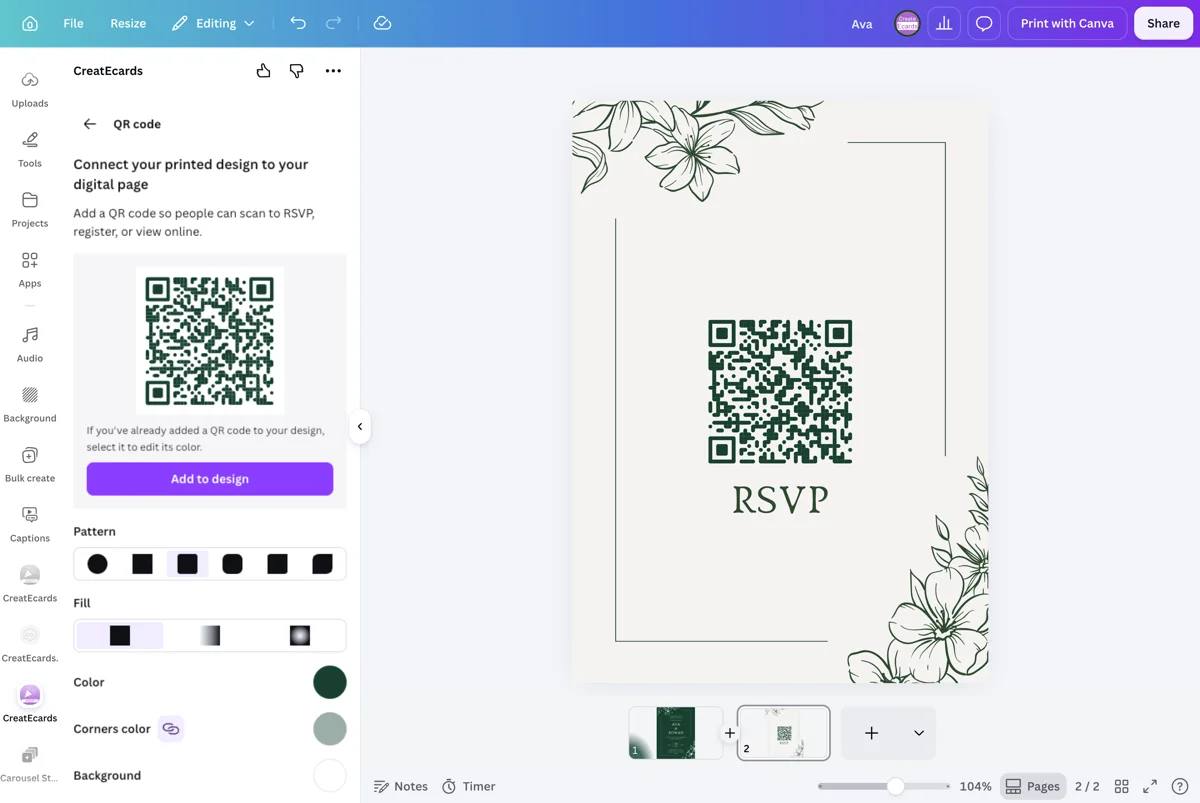
Your Canva invitation becomes an RSVP page with an event link guests can open on their phones. Share the link directly, or add an RSVP QR code to a printed invitation.
- Edit in Canva, re-sync, and your live page updates
- Guests can open and respond from any device
What people see
Your design becomes live
Simple and detailed RSVP
Ask for just a headcount, or each guest's details
For a family party, one person can reply with the number of adults and children coming. If you need each guest's name or meal choice, ask for those details too.
- Guests do not need an account to respond
- Every response appears in your dashboard as soon as it is submitted
Step 1 of 4 · Your details
Your details
Hi Chloe, let's start with you
Guest list and headcount
See who's coming and how many guests to expect
As RSVPs arrive, see who is coming, who cannot make it and how many adults and children to expect.
- Add a guest list, send personal links and track who's responded
- Set adult, child and plus-one rules for each invited group
RSVP & responses setting
How responses will be collected
What your guest sees
Attendance
RSVP & Responses Setting
How responses will be collected
Custom questions
Get the answers you need from guests
Ask about meal choices, dietary needs, song requests or other details that help you plan your event.
- Add multiple-choice or free-text questions
- Ask once for the group or separately for each guest
Host setup
Add your questions
Custom questions
Ask anything and collect the details you need
What people see
A few quick questions
Share your invitation
Share your invitation where your guests already are
Send your invitation link from your own email or messaging app, or add an RSVP QR code to a printed invitation. Guests open your RSVP page to read the details and reply.
- If event details change, the same link and QR code still open your updated RSVP page
Get your invitation to guests
Email from your inbox or share the live link
What guests receive
Your email
Write it, then send from your inbox
AI-assisted setup
Give your RSVP page the magic touch
Our AI reads your invitation to draft your RSVP page. Review what it finds, make any changes, then publish when you're ready.
- Start with event details drawn from your design
- Get page colors chosen to complement your invitation
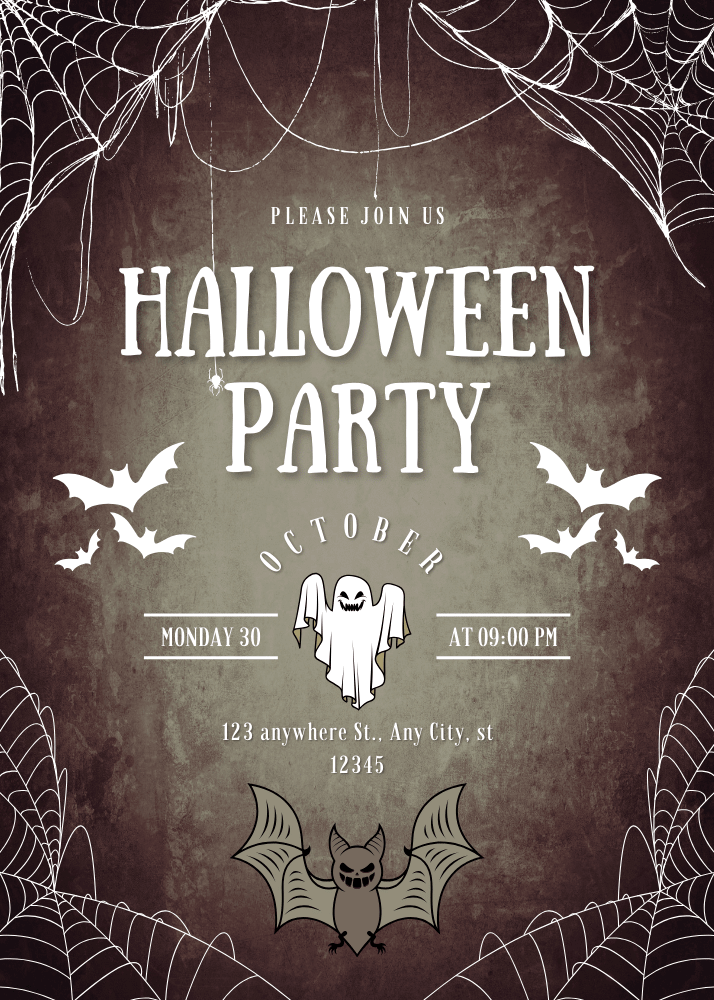
Please join us
Halloween Party
Monday · October 30 · 09:00 PM
123 Anywhere St., Any City
Page styling
Make the whole invitation feel like yours
Style your RSVP page to complement your Canva design and event theme.
- Choose your page colors, button styles and shadows
- Arrange your event details in the order you want guests to read them
Host setup
Style your page
Styling
Colours
What people see
Everything feels connected
Everything guests need
The details guests will look for
Add the time, place and any practical notes to your RSVP page. Include a schedule or gift registry link if your occasion calls for one.
- Guests can add the event to their calendar from your RSVP page
- Registry links and event details can be updated after publishing
Event details
Tell your guests when, where and what to expect
What your guest sees
Your invitation, details and response in one place
Event details
Tell your guests when, where and what to expect
Your Canva invitation
Keep your invitation just as you designed it in Canva
Whether you've made a still invitation, animated design, video invite or slideshow in Canva, your design stays at the center of your RSVP page.
- Multi-page designs work too
- Guests can see your invitation alongside the event details and RSVP
Browse Canva invitation ideas
Start with a template that suits your occasion, then turn your design into an RSVP page to share with guests.



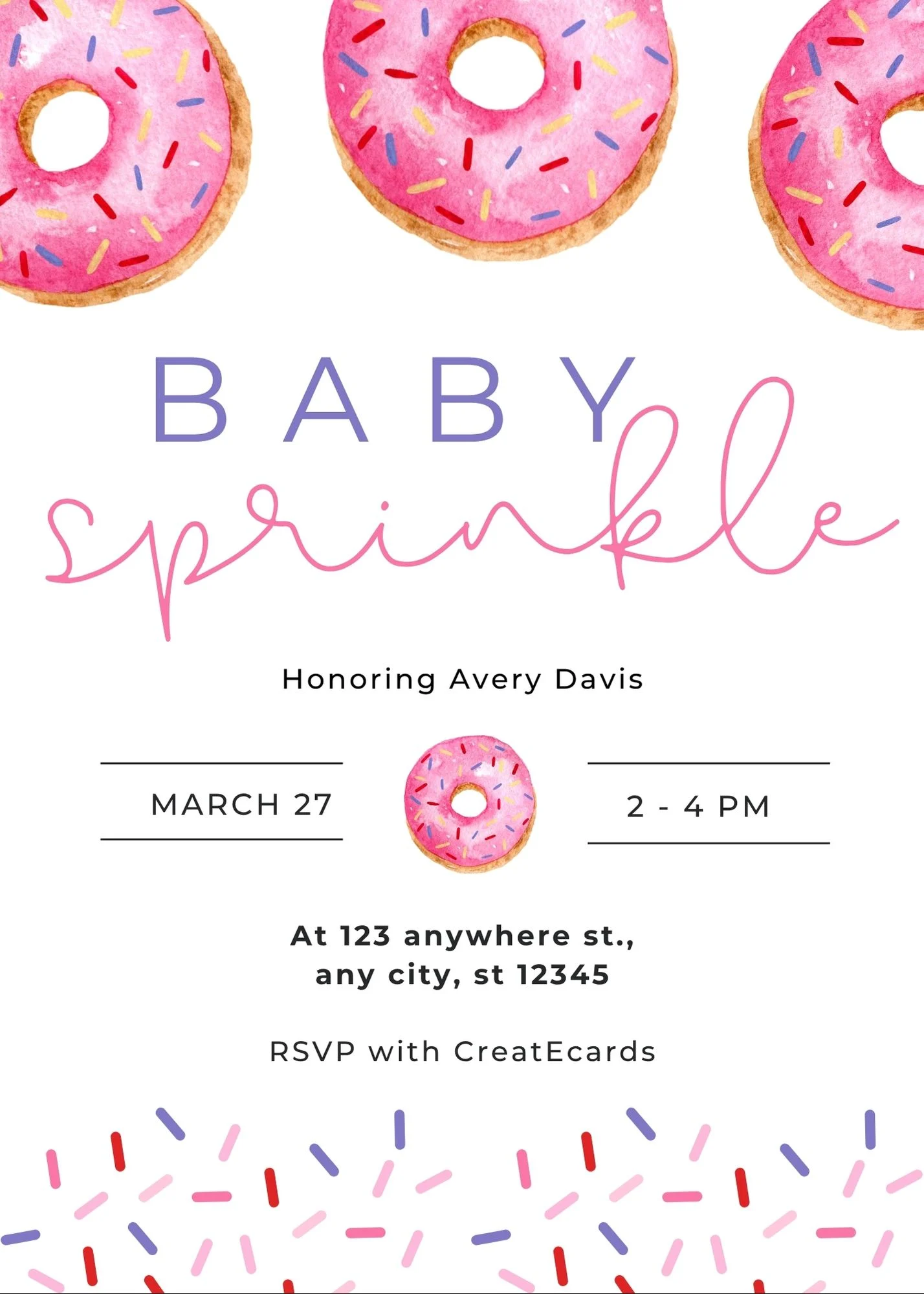





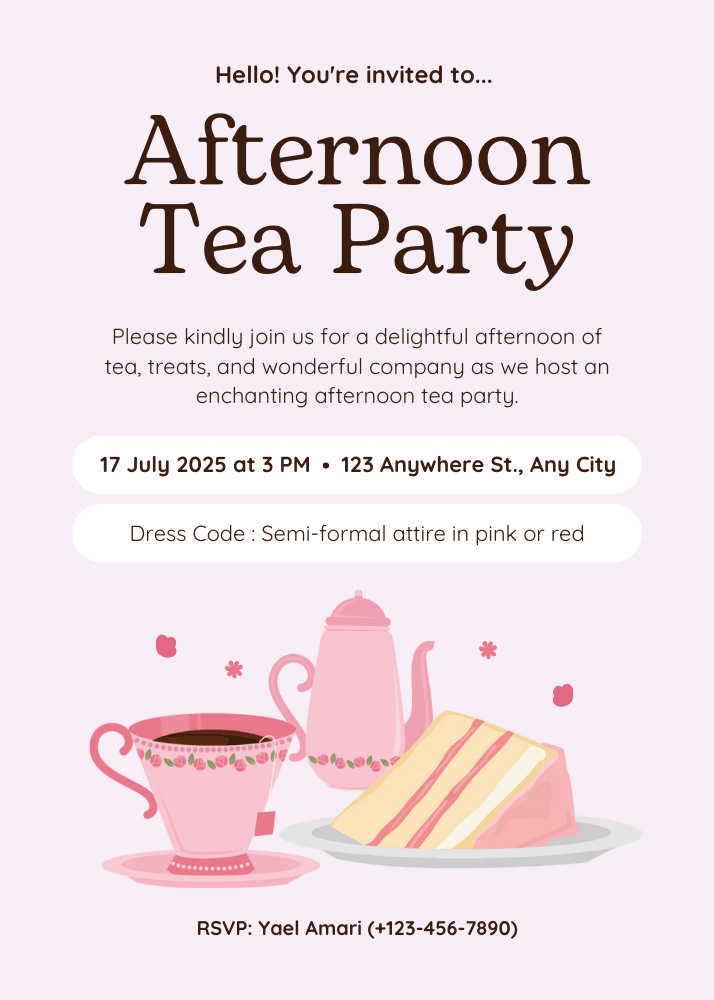

Find invitations for your occasion
Explore Canva invitation ideas for weddings, birthdays, baby showers, graduations and more.
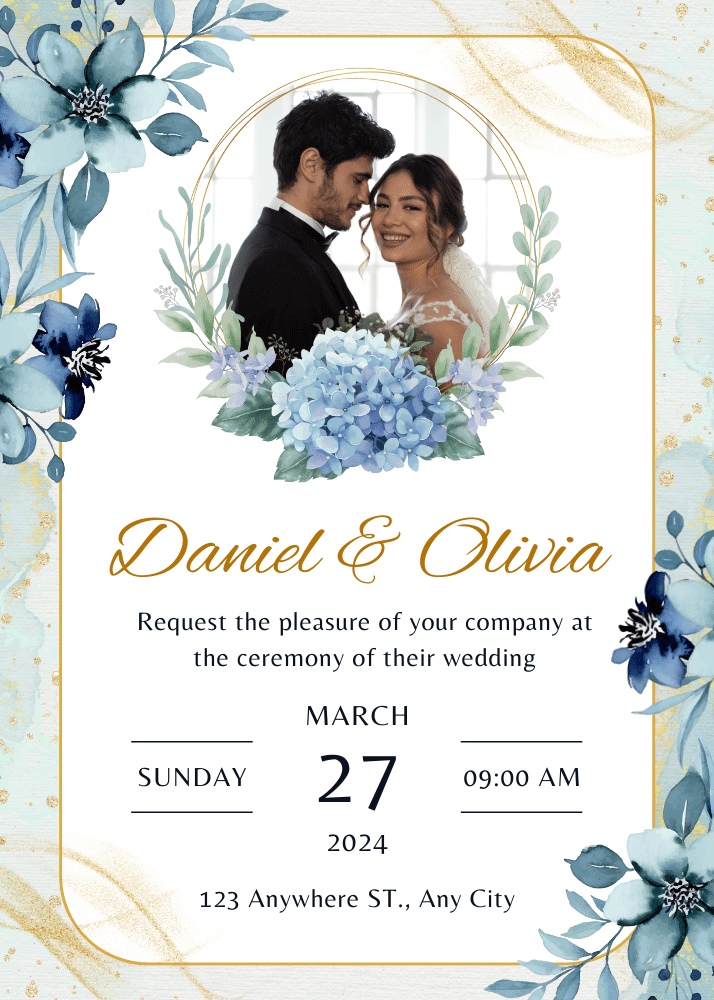







Invitation formats
Your Canva invitation, with RSVPs built in
Keep your invitation as you designed it, whether it's a static card, animation, video or slideshow.
- Static Canva designs
Static Canva designs
Keep your static Canva invitation and add a live RSVP page.
- Animated invitations
Animated invitations
Keep your Canva animation and collect responses on the same live invitation.
- Video invitations
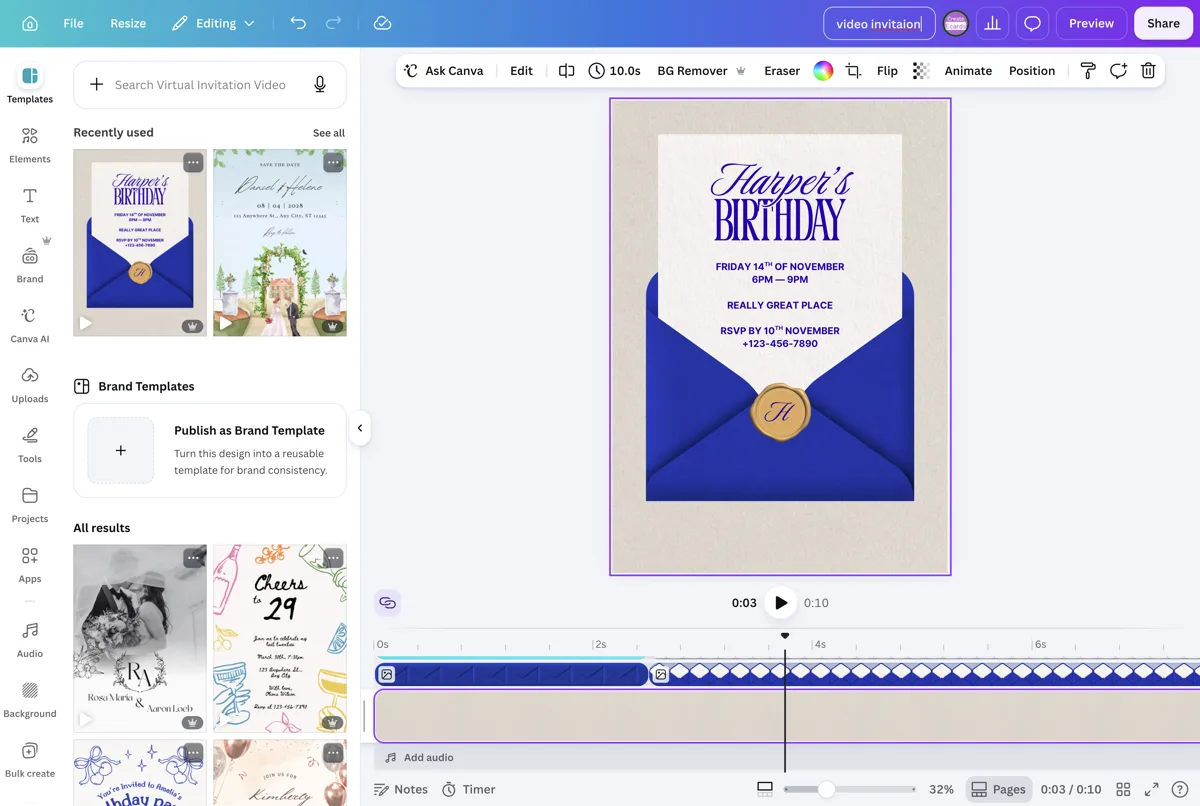
Video invitations
Share your Canva video invitation with event details and tracked RSVPs built in.
- Slideshow invitations
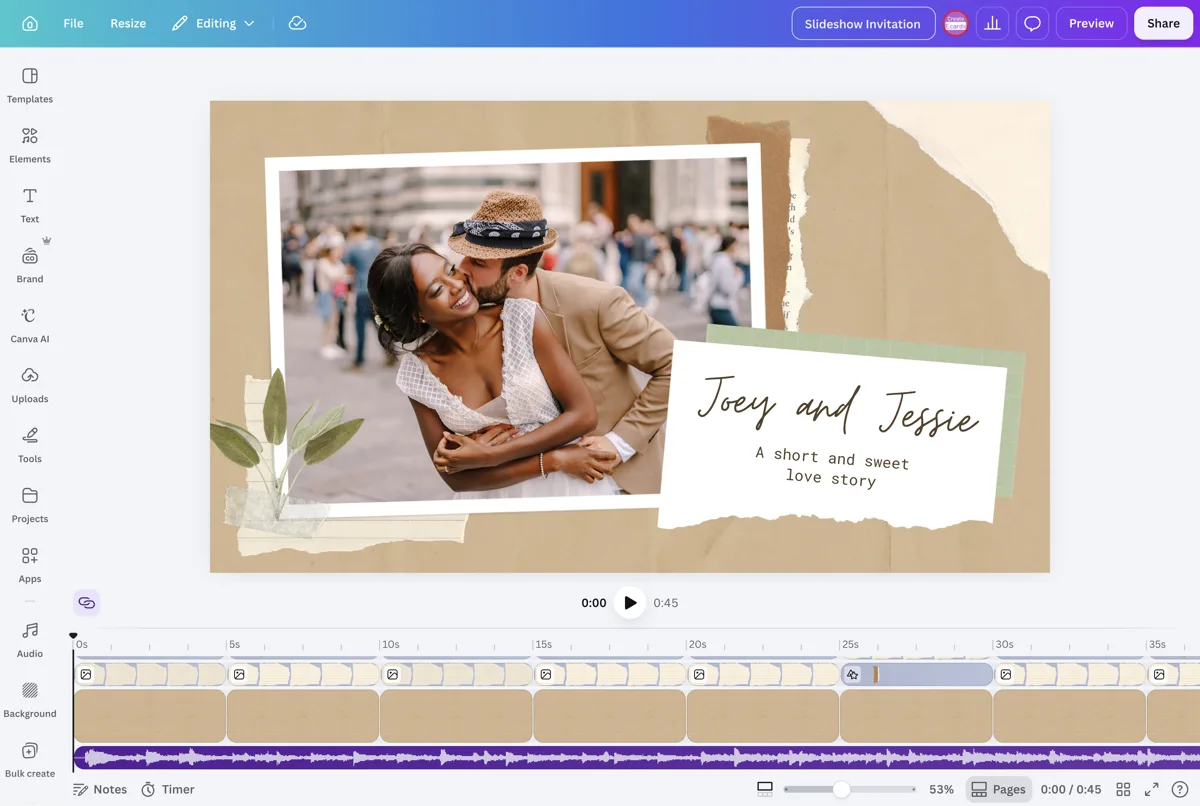
Slideshow invitations
Keep your Canva slideshow and collect guest responses from the live page.
- Canva wedding & event websites
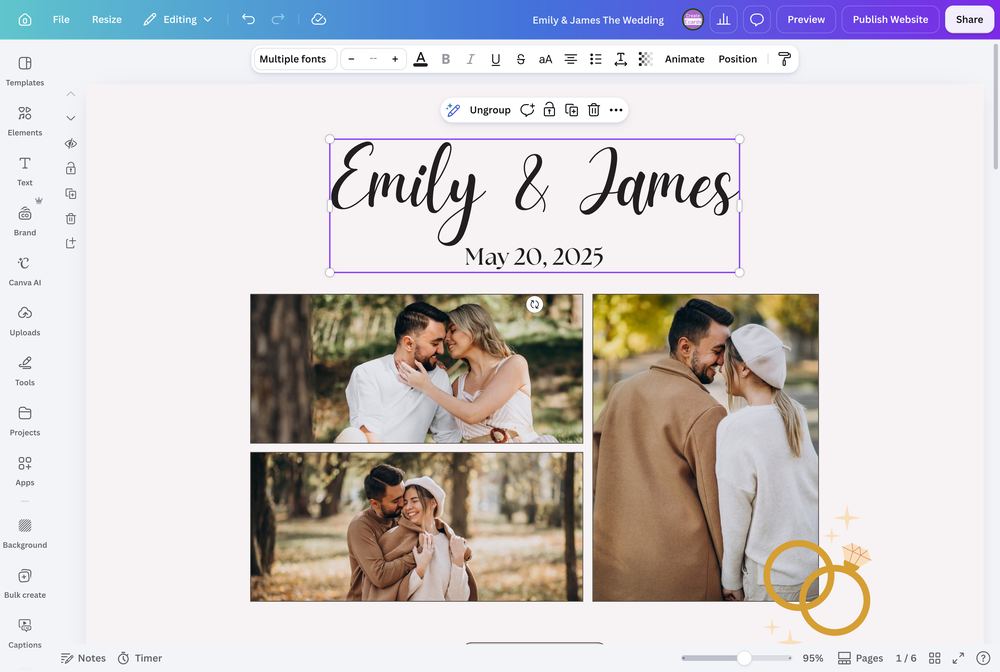
Canva wedding & event websites
Add RSVPs and guest details to your Canva wedding or event website.
More ways to make a Canva design work
Planning something other than a personal event? Use the same Canva-first workflow for business registrations, QR contact sharing, open home sign-ins, and review pages.
Business events
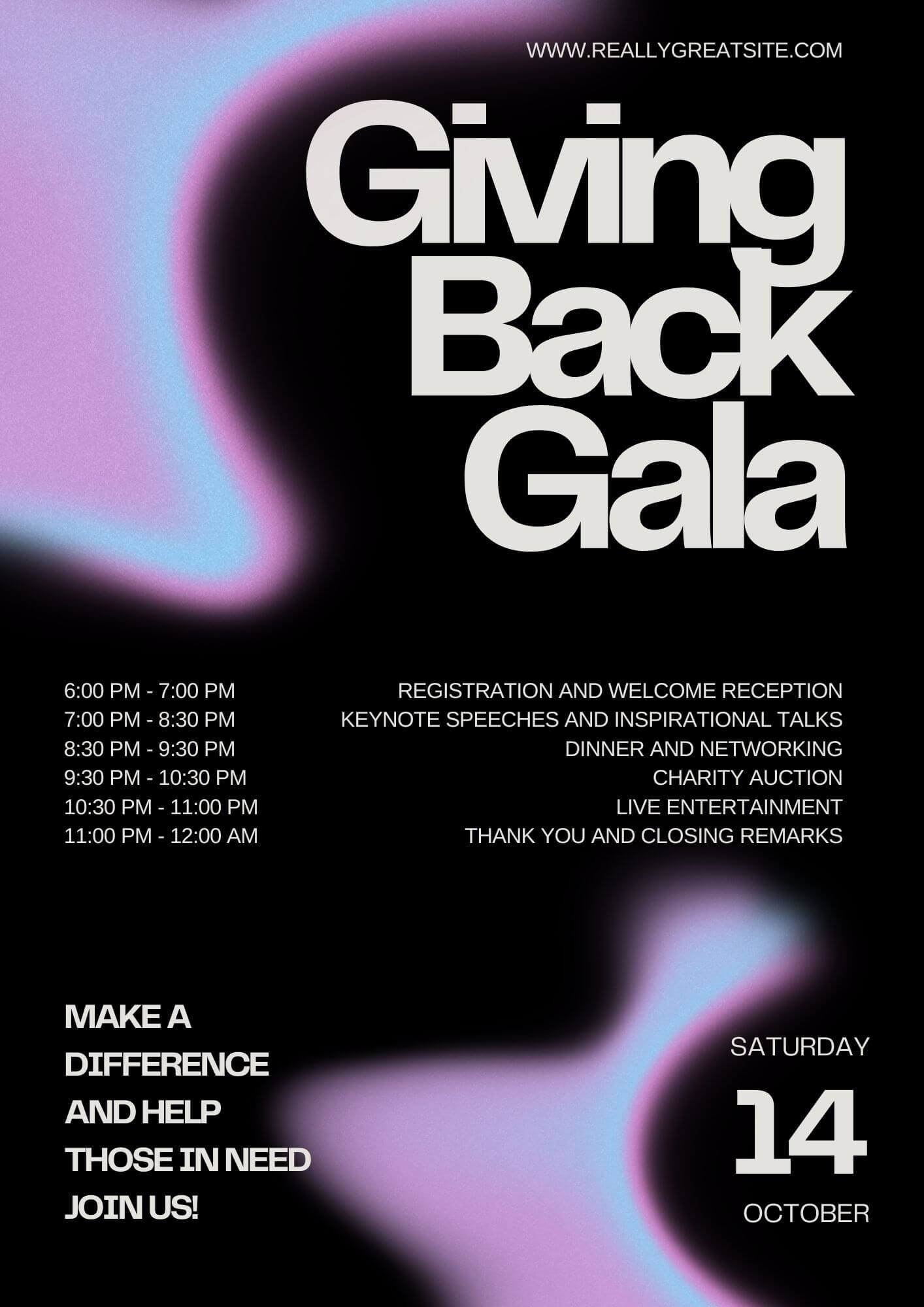
Available nowKeep your approved Canva flyer. Add professional registrations.
Sync the flyer your team already approved and collect registrations on a private, polished page without rebuilding it in a ticketing template or involving IT.
- Know who is attending and who still needs a reminder
- Collect dietary needs, company details, or session choices
- Give the venue or caterer a clean final headcount
Event details
Digital business cards
Coming soonMake your Canva business card scannable
Add a QR code to the Canva card you already designed, so people can save your details and share their contact information back.
- Share contact details with a phone-camera scan
- Offer a simple way for new contacts to share their details back
- Update the QR destination after the card is printed

Contact
Open home sign-ins
Coming soonSet up a QR sign-in before your next open home
Sync your Canva property flyer and let visitors sign in from their own phones, so you have a legible visitor list ready for follow-up and reporting.
- Replace the paper sign-in sheet
- Capture visitor details while interest is warm
- Prepare a clear vendor or seller report after the open

Open house
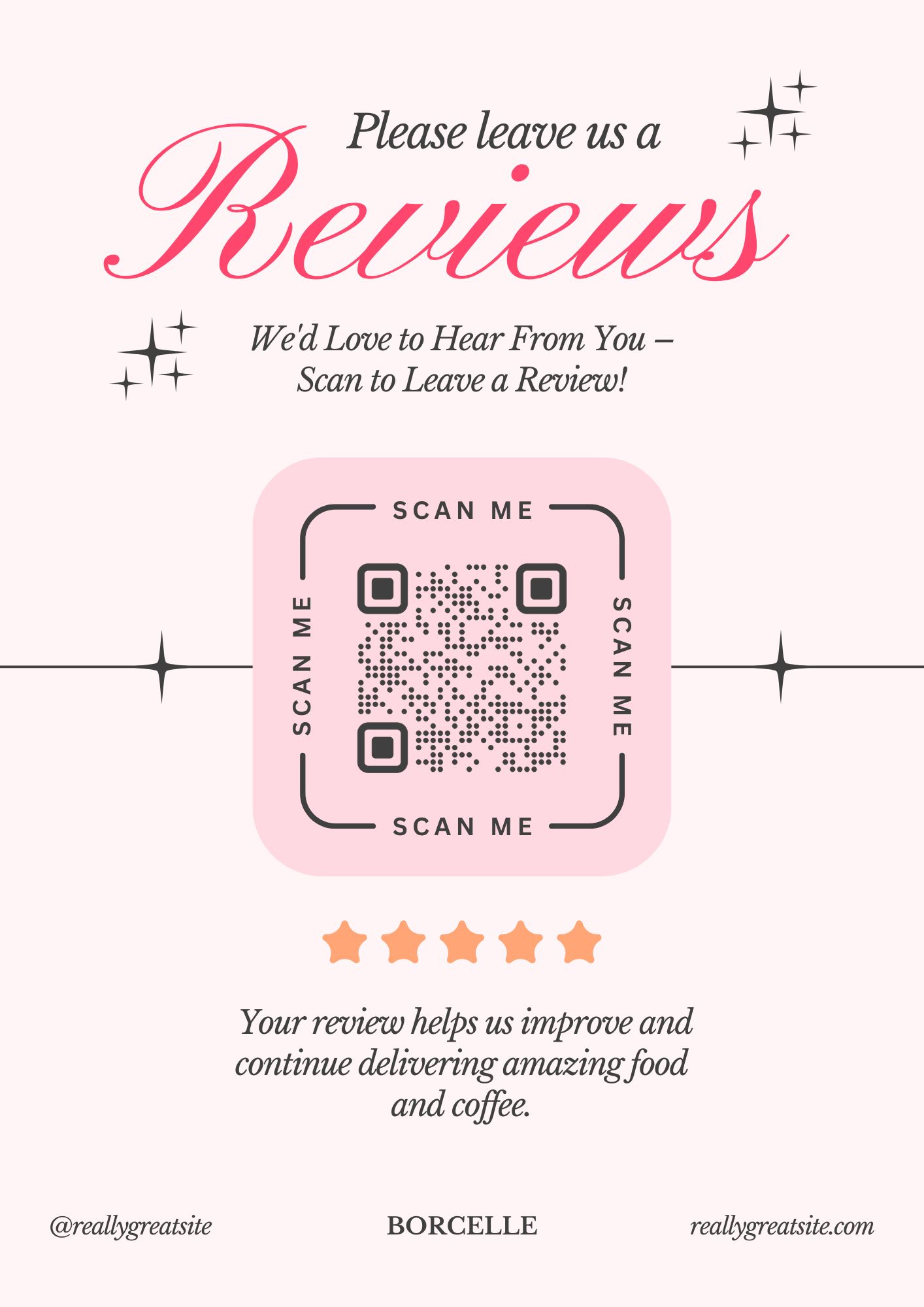
Review & referral
Coming soonMake public reviews easy from your Canva counter card
Add a QR code to your Canva card so every customer can choose to leave a public review, with a private feedback option available too.
- Make your public review links easy to reach
- Collect private feedback alongside the public option
- Catch service issues before they escalate
Leave a review
Questions about Canva invitations and RSVPs
Got a specific question? Open your AI with our FAQ link, then ask it there.
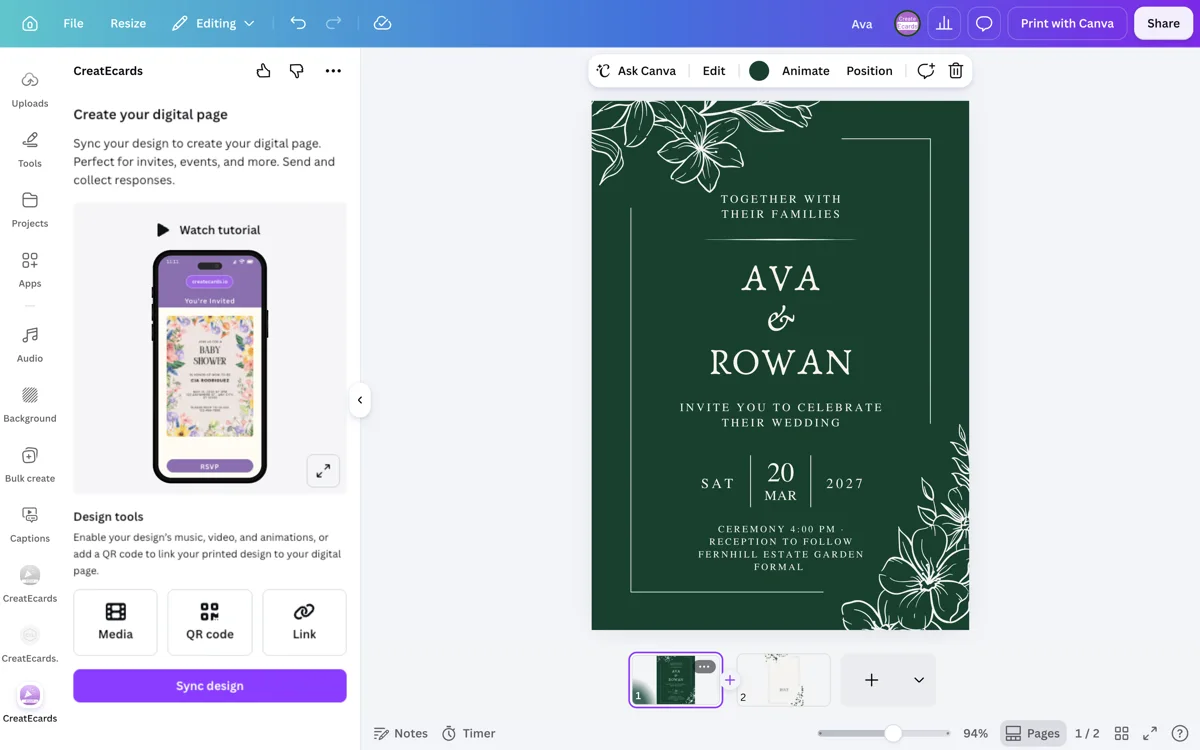
Make or open your invitation in Canva, then open the CreatEcards app from Canva’s Share menu and sync the design. Add your event details and RSVP questions, share the live link, and each response appears in your dashboard with the guest name and headcount.
Share the live invitation link by email, iMessage, WhatsApp, another chat app, or social. You can also add the printable QR code to a mailed invitation so guests reach the same RSVP page.
Yes. You can start without a credit card. If your event needs more responses or additional features, you can choose an upgrade from the current plan options.
No. You can start with a Canva or Adobe Express design. If you do not have one, the AI Invitation Maker can help you make a design with your own AI tool, then bring the finished image into CreatEcards for your RSVP page.
One response can include the primary guest, their allowed plus-ones or family members, and the answers you request, such as meal choices or dietary needs.
Yes. Add the printable CreatEcards QR code to your Canva invitation before printing. Guests scan it with their phone camera and respond on the same live RSVP page, without typing a link.
Yes. Sync your design from the CreatEcards add-on in Adobe Express. If you do not have a design yet, the AI invitation maker is another starting option. Canva remains the main workflow for making and syncing an invitation.
Yes. Sync your approved Canva flyer and turn it into a professional registration page for a client event, awards night, launch, or workshop. Collect registrations and the details your venue or caterer needs without rebuilding the flyer in another template.
Yes. Update the Canva design, then sync it again from the CreatEcards app in Canva. Your existing invitation link shows the updated design, so guests keep using the same page.
Yes, if you add your guest list and send each person or household a personal link. Their replies are matched to that list, so you can see who is still waiting to reply. If you share one link with everyone instead, you can collect RSVPs but cannot identify every person who has not responded.
No. You can let guests respond with their name only, or ask for an email address, phone number, or both when your event needs them.
Yes. Send your invitation link from your own email or messaging app, including WhatsApp or iMessage. Guests open your RSVP page to reply.
An invitation that helps you plan, too
Share your invitation, collect RSVPs and see your guest count come together. Free to start. No credit card required.
Collect RSVPs from your design