Create an e-invite that keeps every RSVP together
Give guests one live page for the electronic invitation, event details, and response, then manage the headcount from one dashboard.
Free to start. No credit card required.



What is an e-invite?
Keep the electronic invite and RSVP flow connected
An e-invite is a digital invitation shared as a live link. CreatEcards keeps your Canva design and adds event details and an RSVP form on the same mobile-friendly page. You manage replies in your dashboard.
Make the e-invite in Canva, then add the event details and RSVP. Guests open one link for the design, date, venue, map, helpful links, and response. You keep each guest, plus-one, and answer in one list.
Make the e-invite
Add RSVP questions
Track the guest list
E-invite options
Keep the electronic invitation and RSVP together
A static card shows the design. A live e-invite also collects and organizes responses.
Canva image or PDF
Share your design as a file. Guests reply through your email or messaging app.
Design file plus a separate form
Share the design file and a separate link to the RSVP form.
RSVP form with your design
Upload your invitation image into a form and add response questions.
Canva plus CreatEcards
Sync your Canva design into an invitation page with event details, an RSVP form and a guest dashboard.
Use CreatEcards when you want to sync your Canva design into a dedicated invitation page, add event details and RSVP questions, and manage replies in your guest dashboard.
Create your invitation/RSVP pageHow to create an e-invite that tracks RSVPs
Finish the design in Canva, connect it to a live invitation page, and share one link for the details and response.

How to create an e-invite that tracks RSVPs
Finish the design in Canva, connect it to a live invitation page, and share one link for the details and response.
One live invitation page
Keep your Canva design, RSVP, and event details together
Turn the design you made in Canva into one mobile-friendly page for responses, dates, venues, maps, schedules, helpful links, and later updates.
- Update practical details without sending a replacement invitation
- Keep your invitation’s web address unchanged when updating the page
Event details
Tell your guests when, where and what to expect
What your guest sees
Your invitation, details and response in one place
Event details
Tell your guests when, where and what to expect
Guest groups and invitation rules
Set default rules or personalize each invited group
Set defaults for plus-ones, adults, children and the total number allowed in one reply, including the person replying. Add guests individually or upload a guest list. Send personal links when invited groups need different rules.
- Apply sensible defaults across the event
- Override the rules for an individual invited group
Guest policy
Set who guests can bring
What your guest sees
Attendance
Guest policy
Set who guests can bring
Simple or Detailed RSVP
Collect the level of guest detail your event needs
Use Simple RSVP for adult and child totals plus one set of answers for the group. Use Detailed RSVP to name every guest and collect answers for each person.
- Choose group totals or named guests
- Collect group-level or per-person answers
RSVP & responses setting
How responses will be collected
What your guest sees
Attendance
RSVP & Responses Setting
How responses will be collected
Printable QR code
Make your printed Canva invitation open the same live page
The CreatEcards app in Canva gives you a QR code before your invitation is published. Add it to the design before syncing, then publish your invitation and scan a test print before printing the full batch.
- Use the QR code on printed invitations, flyers, or signs
- Show updated details without reprinting the design
Your printed design
Live page
E-invite users on guest responses and event details
“CreatEcards saved me so much time by allowing me to create my event invitation without the need to redesign anything. I love that CreatEcards is seamlessly linked to Canva designs, making it easy to bring my creations to life as online invitations or event websites. Thanks to CreatEcards, managing RSVPs, including gift registry links, location details, and calendar links, has never been easier!”
“CreatEcards helped me utilize my Canva design and seamlessly create an online invitation with all the necessary details like RSVPs, gift registry links, and more. I love how easy it is to incorporate my Canva designs, which sets it apart from other online invitation websites!”
“I absolutely love using CreatEcards! It's super easy to create a free ecard through Canva and seamlessly integrate RSVPs with just a click, making it a breeze to combine Canva and CreatEcards effortlessly. Compared to other online invitation sites, CreatEcards stands out with its fantastic Canva integration – I personally adore Canva for its user-friendly customization features, and CreatEcards just takes that convenience to the next level.”
“CreatEcards saved me so much time by allowing me to create my event invitation without the need to redesign anything. I love that CreatEcards is seamlessly linked to Canva designs, making it easy to bring my creations to life as online invitations or event websites. Thanks to CreatEcards, managing RSVPs, including gift registry links, location details, and calendar links, has never been easier!”
“CreatEcards helped me utilize my Canva design and seamlessly create an online invitation with all the necessary details like RSVPs, gift registry links, and more. I love how easy it is to incorporate my Canva designs, which sets it apart from other online invitation websites!”
“I absolutely love using CreatEcards! It's super easy to create a free ecard through Canva and seamlessly integrate RSVPs with just a click, making it a breeze to combine Canva and CreatEcards effortlessly. Compared to other online invitation sites, CreatEcards stands out with its fantastic Canva integration – I personally adore Canva for its user-friendly customization features, and CreatEcards just takes that convenience to the next level.”
“CreatEcards made RSVP collection a breeze for me, turning event planning into a stress-free experience. The seamless integration with Canva allowed me to showcase my creativity while designing beautiful online invitations and event websites. I highly recommend CreatEcards to any Canva lover looking to easily manage their events and impress their guests with personalized digital creations.”
“I absolutely love CreatEcards for transforming my Canva designs into stunning online invitations and event websites effortlessly. The platform is user-friendly and allows me to customize every detail from RSVP collection to adding gift registry links, making event planning a breeze. With CreatEcards, I can easily share my creations with guests, saving time and adding a touch of elegance to every event!”
“CreatEcards has made my Canva dreams a reality with its seamless integration - truly a game-changer! Thanks to CreatEcards, effortlessly publishing my Canva designs as online invitations and event websites has been a time-saving blessing. If you're a fan of Canva, you'll absolutely love how CreatEcards transforms your creations into interactive and stunning e-vites with just a few simple clicks.”
“CreatEcards made RSVP collection a breeze for me, turning event planning into a stress-free experience. The seamless integration with Canva allowed me to showcase my creativity while designing beautiful online invitations and event websites. I highly recommend CreatEcards to any Canva lover looking to easily manage their events and impress their guests with personalized digital creations.”
“I absolutely love CreatEcards for transforming my Canva designs into stunning online invitations and event websites effortlessly. The platform is user-friendly and allows me to customize every detail from RSVP collection to adding gift registry links, making event planning a breeze. With CreatEcards, I can easily share my creations with guests, saving time and adding a touch of elegance to every event!”
“CreatEcards has made my Canva dreams a reality with its seamless integration - truly a game-changer! Thanks to CreatEcards, effortlessly publishing my Canva designs as online invitations and event websites has been a time-saving blessing. If you're a fan of Canva, you'll absolutely love how CreatEcards transforms your creations into interactive and stunning e-vites with just a few simple clicks.”
E-invite questions, answered
An e-invite is a digital invitation shared online. With CreatEcards, guests see your Canva design, event details and RSVP form on one live page. You manage their replies in your dashboard.
The terms are commonly used for the same idea: an electronic invitation shared online. The important difference is whether it is a static card or a live invitation that can collect responses.
Yes. Create the design in Canva, then sync it from the CreatEcards app into a live online invitation.
Yes. Guests respond on the live e-invite and each response appears in the CreatEcards guest dashboard.
Yes. Add the date, time, venue, map, agenda, registry, helpful links, and other practical information.
Yes. Changes to your event details appear on the existing invitation page. Keep that invitation and its web address unchanged. For design changes, edit in Canva, open the CreatEcards app, select the existing invitation, and choose Sync changes.
No. Guests open the published e-invite in their browser without a Canva account.
Related invitation journeys
Choose the next part of the invitation project
Go deeper on RSVP tracking, sharing, or the Canva format you want guests to experience.
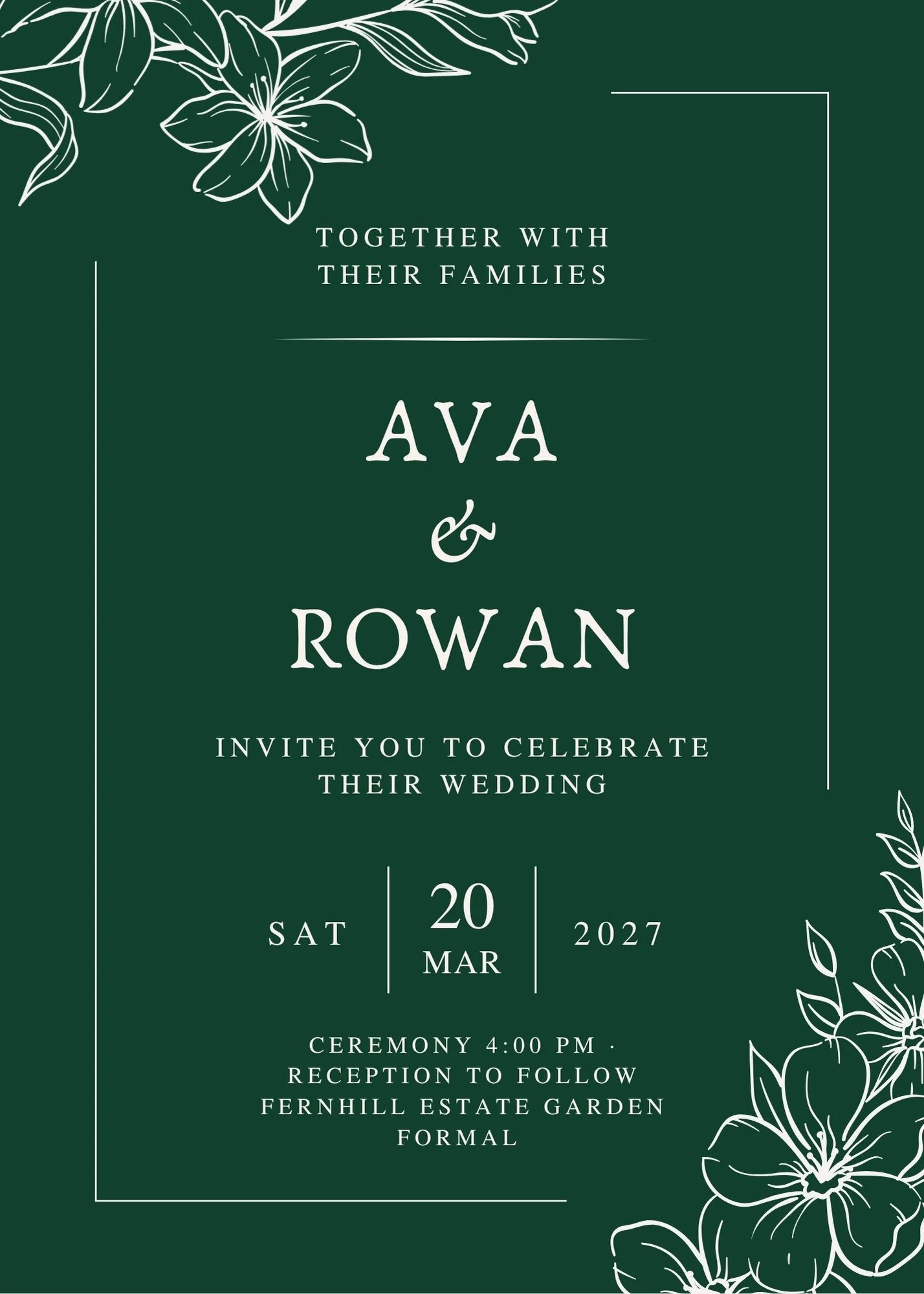

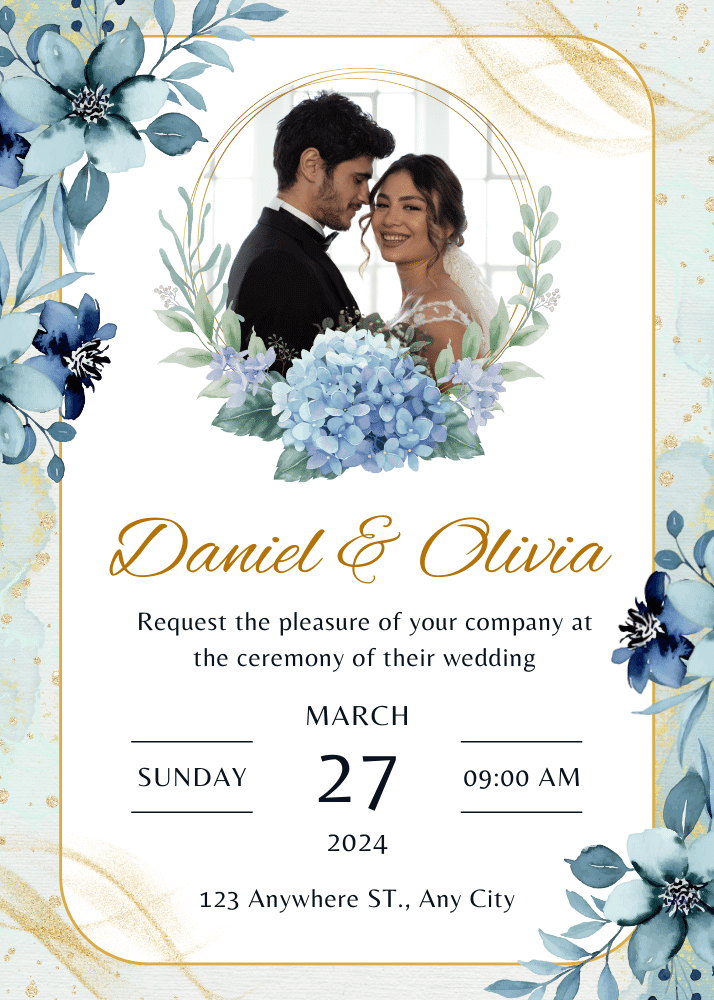
Make an e-invite that keeps every RSVP together
Give guests one page for the design, details, and response, then manage the headcount from one dashboard.
Create your invitation/RSVP page