Unique Gender Reveal Invitations Made Easy with CreatEcards
Transform your Canva designs into stunning gender reveal invites
Free to start. No credit card required.



Baby event invitations
Choose the invitation page that matches the pregnancy or new-baby event you are planning.
Gender reveal invitation with online RSVP
A Reveal to Remember
CreatEcards turns the gender reveal invitation you made in Canva into a live page with trackable RSVPs. Guests can respond, answer your questions, and find the timing, venue, map, and event instructions in one place.
Give guests one page for your Canva gender reveal design, RSVP and party details. Add the arrival time, reveal timing and venue directions. If you need to plan food, add a dietary question to the RSVP form.
Track attendance
Collect guest details
Share timing and venue
How to add RSVP to your Canva gender reveal invitation
Keep the invitation you made in Canva, add the event details and questions guests need, then track every response in one place.

How to add RSVP to your Canva gender reveal invitation
Keep the invitation you made in Canva, add the event details and questions guests need, then track every response in one place.
Simple or Detailed RSVP
Collect a headcount or each guest's details
Use Simple RSVP for adult and child totals plus one set of answers for the group. Use Detailed RSVP to name every gender reveal guest and collect answers for each person.
- Choose group totals or named guests
- Collect group-level or per-person answers
RSVP & responses setting
How responses will be collected
What your guest sees
Attendance
RSVP & Responses Setting
How responses will be collected
Guest groups and invitation rules
Choose who can bring a plus-one
Choose whether guests can bring someone and set the total number of people allowed in a reply, including the person responding. Allow children if they are invited. If particular households need different allowances, add them to your guest list and send their personal links.
- Set the total number of people allowed in a reply
- Use personal links for different guest allowances
Guest policy
Set who guests can bring
What your guest sees
Attendance
Guest policy
Set who guests can bring
Custom questions
Ask about dietary needs for the party
Add questions about dietary needs, access requirements or anything else you need to help plan the party. Simple RSVP collects one set of answers per group. Choose Detailed RSVP if you need an answer for each named guest.
- Use text or multiple-choice questions
- Choose group-level or per-person answers
Host setup
Add your questions
Custom questions
Ask anything and collect the details you need
What people see
A few quick questions
One live invitation page
Keep your Canva design, RSVP, and event details together
Turn the Canva gender reveal design into one mobile-friendly page for responses, venue details, maps, timing, host instructions, and later updates.
- Update practical details without sending a replacement invitation
- Keep the same shared link as plans change
Event details
Tell your guests when, where and what to expect
What your guest sees
Your invitation, details and response in one place
Event details
Tell your guests when, where and what to expect
Before the reply-by date
Check your guest count and RSVP answers
Reliable attendance
Add your guest list and send personal links to see which invitees have not replied.
Useful food numbers
Choose Detailed RSVP and add dietary questions to keep each attendee's answers with their name.
Clear event information
Give guests one place to check the timing, venue, map, and instructions.
Why baby event hosts use CreatEcards
“CreatEcards made setting up my Gender reveal a breeze! I absolutely love the ease of use and the ability to personalize my e-Vites with my own video content. It's a fantastic platform for creating stunning online invitations and event websites - highly recommend it for all Canva lovers out there!”
“CreatEcards was a game-changer for my baby shower ecard - the Canva integration was a huge plus compared to other online invitation sites. Designing and sharing my beautiful ecard with all the necessary details was a breeze thanks to CreatEcards!”
“CreatEcards made setting up my Gender reveal a breeze! I absolutely love the ease of use and the ability to personalize my e-Vites with my own video content. It's a fantastic platform for creating stunning online invitations and event websites - highly recommend it for all Canva lovers out there!”
“CreatEcards made setting up my Gender reveal a breeze! I absolutely love the ease of use and the ability to personalize my e-Vites with my own video content. It's a fantastic platform for creating stunning online invitations and event websites - highly recommend it for all Canva lovers out there!”
“CreatEcards was a game-changer for my baby shower ecard - the Canva integration was a huge plus compared to other online invitation sites. Designing and sharing my beautiful ecard with all the necessary details was a breeze thanks to CreatEcards!”
“CreatEcards made setting up my Gender reveal a breeze! I absolutely love the ease of use and the ability to personalize my e-Vites with my own video content. It's a fantastic platform for creating stunning online invitations and event websites - highly recommend it for all Canva lovers out there!”
“CreatEcards made it a breeze to create RSVPs for our baby's event! 🍼 I loved how easy it was to publish our e-vites hassle-free. Highly recommend CreatEcards for anyone looking to streamline their event planning process with Canva designs. 🎨”
“CreatEcards is a game-changer for creating e-vites! I recently used it to put together a super cute Baby Shower invitation, and it was a hit. The fact that it seamlessly integrates with Canva and offers free options for smaller events is just the cherry on top!”
“CreatEcards made it a breeze to create RSVPs for our baby's event! 🍼 I loved how easy it was to publish our e-vites hassle-free. Highly recommend CreatEcards for anyone looking to streamline their event planning process with Canva designs. 🎨”
“CreatEcards made it a breeze to create RSVPs for our baby's event! 🍼 I loved how easy it was to publish our e-vites hassle-free. Highly recommend CreatEcards for anyone looking to streamline their event planning process with Canva designs. 🎨”
“CreatEcards is a game-changer for creating e-vites! I recently used it to put together a super cute Baby Shower invitation, and it was a hit. The fact that it seamlessly integrates with Canva and offers free options for smaller events is just the cherry on top!”
“CreatEcards made it a breeze to create RSVPs for our baby's event! 🍼 I loved how easy it was to publish our e-vites hassle-free. Highly recommend CreatEcards for anyone looking to streamline their event planning process with Canva designs. 🎨”
Gender reveal invitation questions, answered
Got a specific question? Open your AI with our FAQ link, then ask it there.
Yes. Open CreatEcards from Canva's Apps or Share menu to bring across your gender reveal design. Add your RSVP form and event details in CreatEcards.
Add the date, start time, venue, map, parking information, reply-by date, and any arrival or guest instructions that apply to your event.
Yes. Choose Detailed RSVP to collect each attendee's name, then add a dietary question for each person's answer. Simple RSVP collects adult and child counts with one set of answers per group.
Yes. Allow plus-ones and set the total number of people allowed in a reply, including the person responding. Choose Children allowed if children are invited. Simple RSVP collects adult and child counts; Detailed RSVP collects each attendee's name. Add households to your guest list and send personal links if their allowances differ.
No. A registry or gift guidance is optional. Add it only when it is relevant to your event and make the wording clear that gifts are not required.
Yes. Edit your event details in CreatEcards, or update your Canva design and sync it to the same invitation. Keep the page's web address unchanged so guests can use the link you already shared.
No. Guests open the live invitation on their phone and respond without creating an account.
Related invitation journeys
More ways to make your Canva invitation work
Explore other baby celebrations and ways to add RSVP to your Canva design.


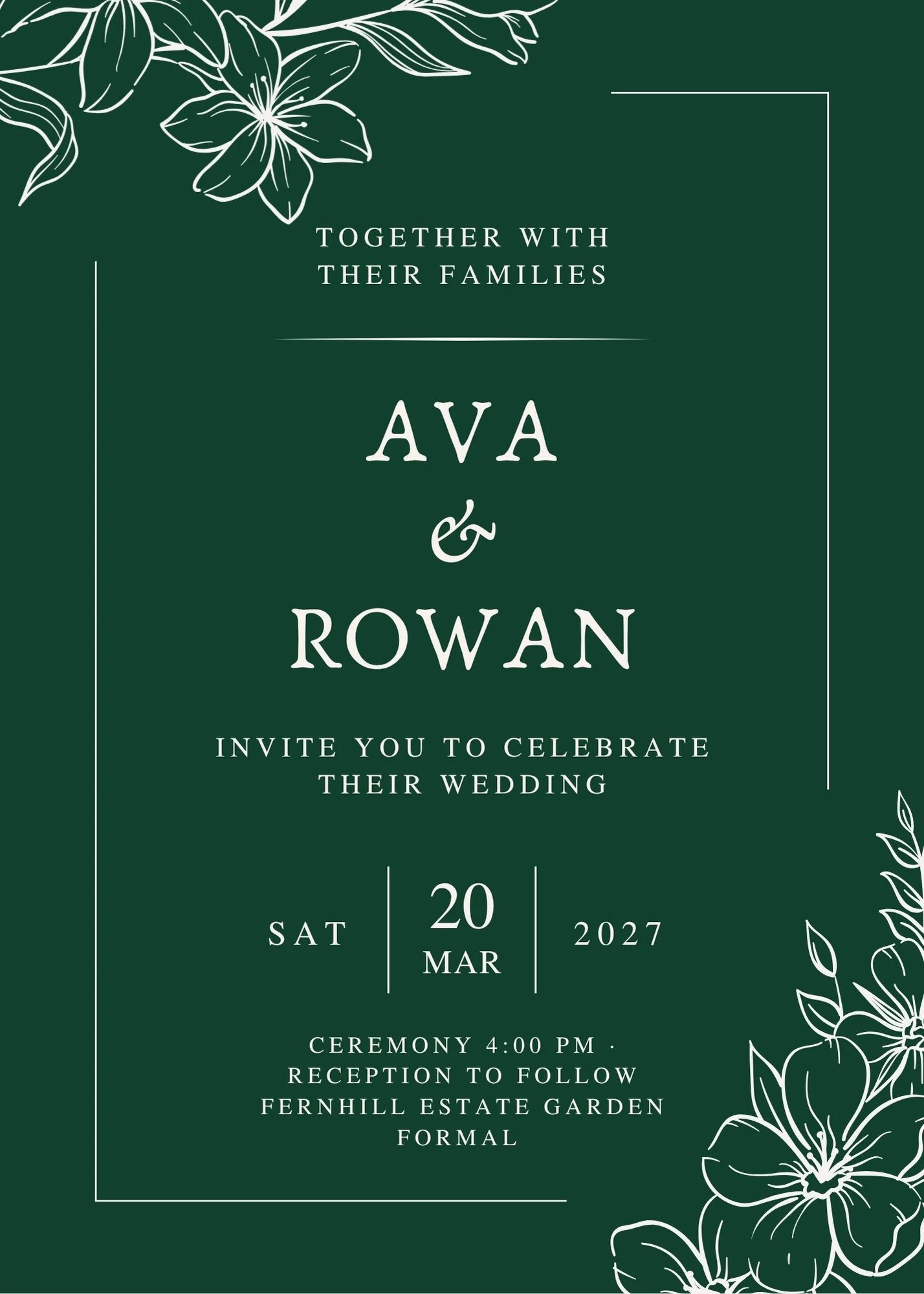
Add RSVP to your gender reveal invitation
Keep your Canva design, collect the guest details you need, and share one live page for the event.
Design Your Invitation