How to Send Canva Invitations via Gmail and Collect RSVPs Effortlessly
Planning an event? Sending beautifully designed invitations and managing RSVPs shouldn’t be complicated.
In this guide
Planning an event? Sending beautifully designed invitations and managing RSVPs shouldn’t be complicated.
Key Takeaways:
- Design and customize a stunning invitation using Canva.
- Convert your Canva design into an interactive e-invite with CreatEcards.
- Send your invitation personally via your own Gmail or email.
- Collect and manage RSVPs effortlessly with built-in tracking tools.
- Enhance the guest experience with calendar links, RSVP QR codes, and more.
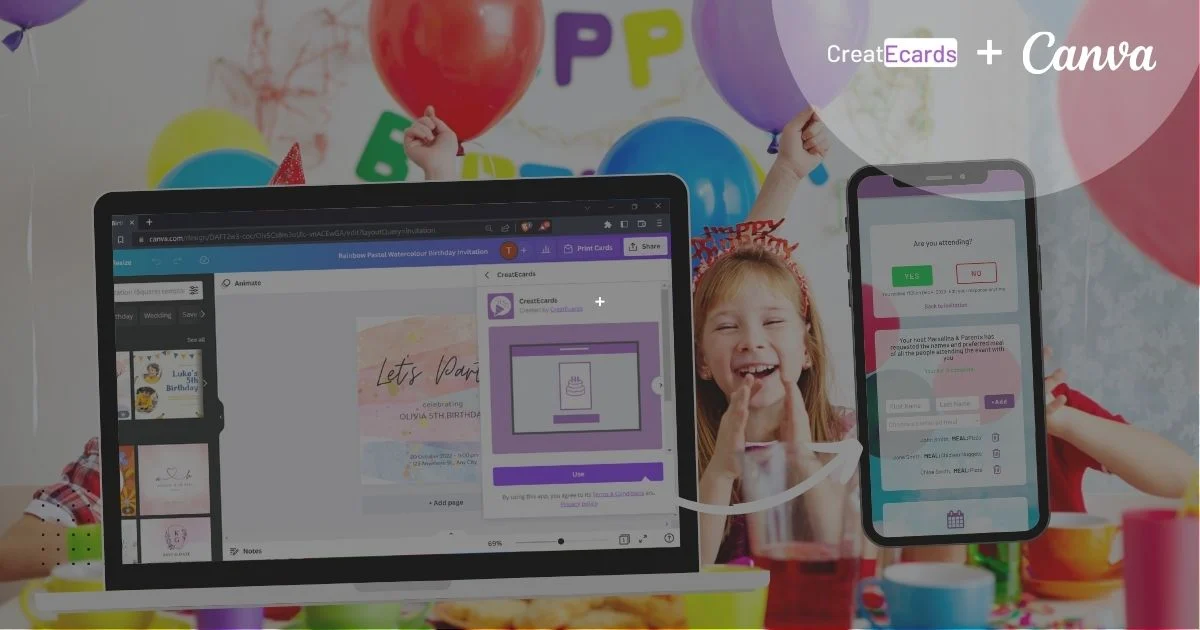
With the CreatEcards App for Canva and Gmail, you can easily create, send, and track invites for any occasion. This step-by-step guide will show you how to streamline the process and ensure your guests can RSVP effortlessly.
Why Sending Canva Invites via Your Own Gmail is Better Than Using Generic Platforms
Using your own Gmail account to send Canva invitations provides several advantages over generic platforms:
- Personal Touch: Emails come directly from you, making them more personal and recognizable to your guests.
- Trust and Recognition: Guests are more likely to open an email sent from your address rather than a generic platform sender.
- Control over sending: Send from your own email account and choose the recipients. Use BCC when you do not want recipients to see one another’s addresses.
- Creative Freedom: With Canva, you can fully personalize your invite using your own style, branding, images, videos, music, and even animations, making it stand out and reflect your personality or event theme.
Step 1: Design and Customize Your Canva Invitation
Start by designing your invitation using Canva, a powerful tool that offers countless templates for events like birthdays, weddings, corporate gatherings, and more.
- Choose a Template: Browse Canva’s library or start with an existing design.
- Customize Your Invite: Add personal touches, such as images, event details, and creative elements, to make the invitation uniquely yours.
Step 2: Turn Your Canva Design into an E-Invite with CreatEcards
Prefer to learn via video? Watch our YouTube Tutorial about the CreatEcards app in Canva
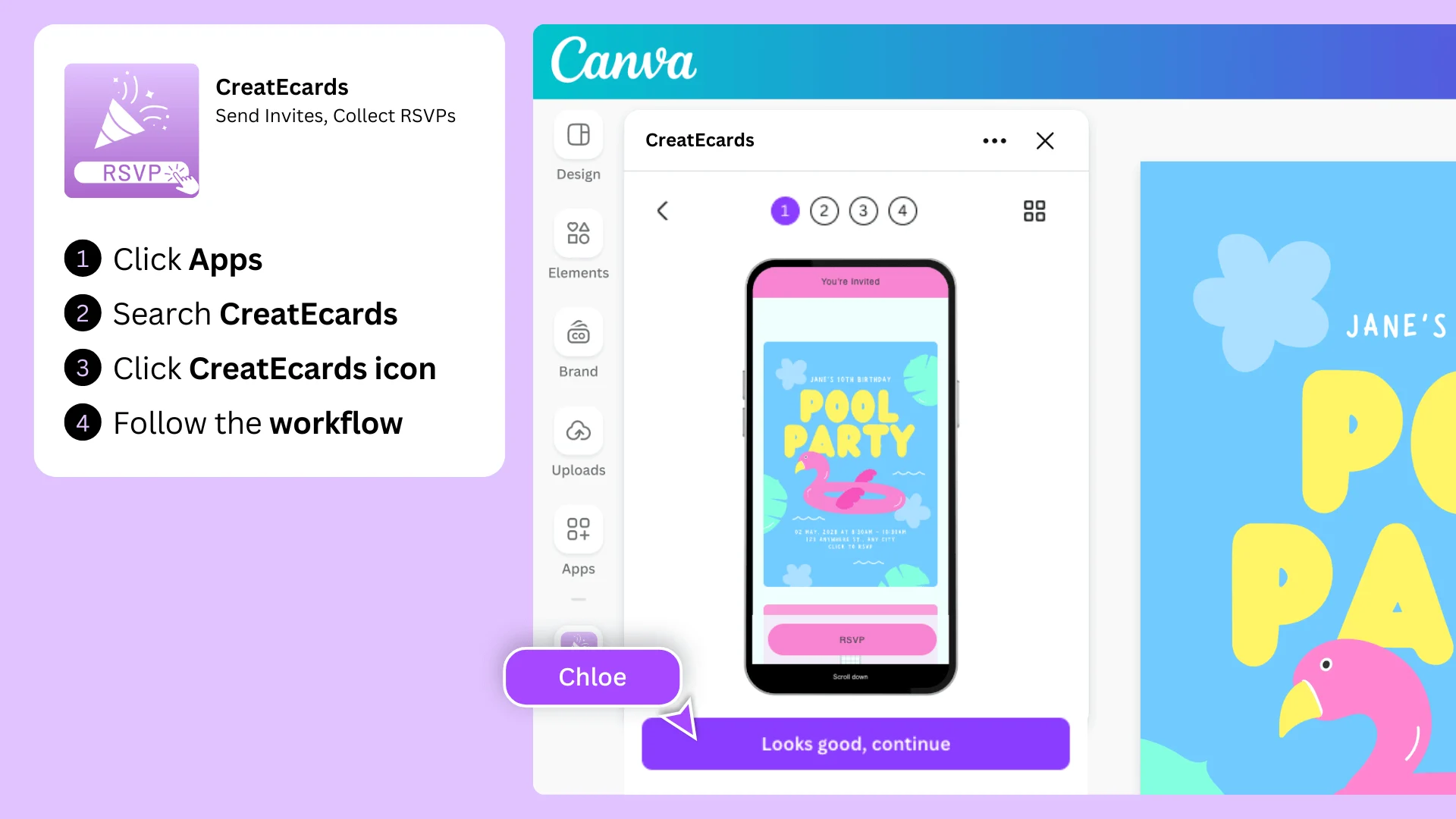
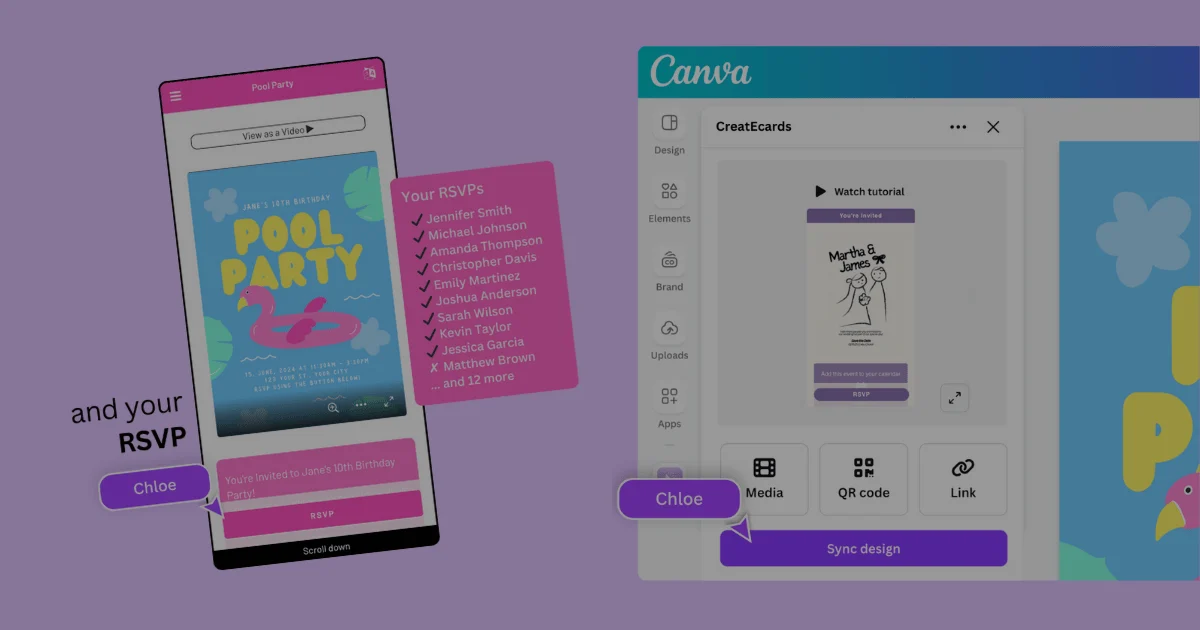
Once your Canva design is ready, turn it into an online e-invite using the CreatEcards app.
- Open the CreatEcards App
- In Canva, click on the Apps icon in the design tools panel.
- Search for “CreatEcards” and select the app to open it.
- Sync Your Design
- In the CreatEcards app, select Sync design, choose Online Invitation, then select Sync to CreatEcards and complete Canva’s export.
- Follow the prompts to style your invite and optionally add your RSVP QR Code so that you guests can RSVP online, even if you print your invitation.
- Open in CreatEcards
- After export, follow Open in CreatEcards to continue setting up your invitation.
- On the CreatEcards website you can continue to add your event details, event date and time, gift registry links, meal preference and then publish your invitation
Step 3: Send Your Canva Invitation via Gmail
Prefer to learn via video? Watch our YouTube Tutorial
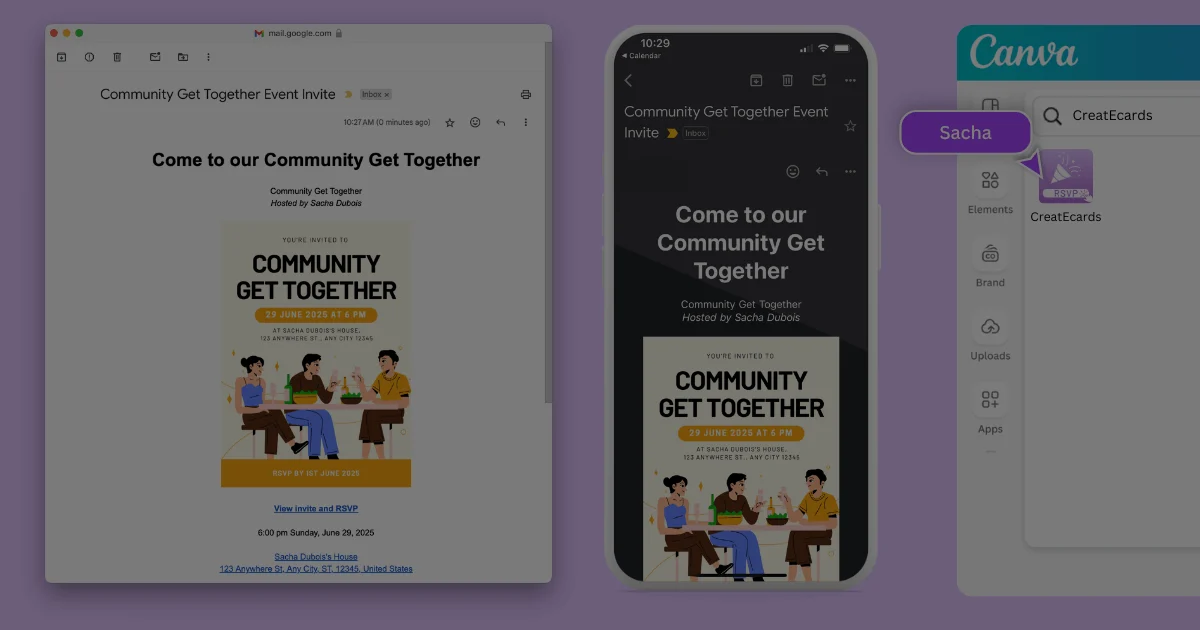
With your e-invite ready, it’s time to send it to your guests through Gmail.
- Copy Your Email Content
- In the CreatEcards email sending tool, click Copy Email to copy the formatted invitation to your clipboard.
- Compose a New Email
- Open Gmail and click Compose to start a new email.
- Paste the copied content into the email body.
- Add Recipients
- Enter your guests’ email addresses.
- Use BCC (Blind Carbon Copy) to keep guest email addresses private.
- Craft a Subject Line
- Write a clear and engaging subject line, such as “You’re Invited” or “Join Us”.
- Send Your Invite
- Double-check the email content and click Send to distribute your invitation.
Step 4: Track RSVPs, Send Updates, and Enhance Guest Engagement
Guests can RSVP directly from your email by clicking on the provided link or if you have actually printed you invite, they can scan the QR code. Additionally, you can send updates and other important communications to your guests using the CreatEcards dashboard.
- To Track RSVPs: Log in to the CreatEcards platform to monitor guest responses in real-time.
- Send Guest Updates: Use the RSVP management view to filter and send specific updates to guest groups, such as VIPs, families, or friends.
How to Use the CreatEcards Dashboard for Updates and Communications
The CreatEcards dashboard provides advanced features to manage your guest list and send updates:
- Filter and Tag Guests: Categorize guests into groups (e.g., VIP, family, table assignments) to target communications efficiently.
- Send Event Reminders: Create and edit email templates for updates like event reminders or changes.
- Message Guests in Bulk: Easily copy formatted emails and guest email addresses to your Gmail or other email clients for personalized bulk messaging.
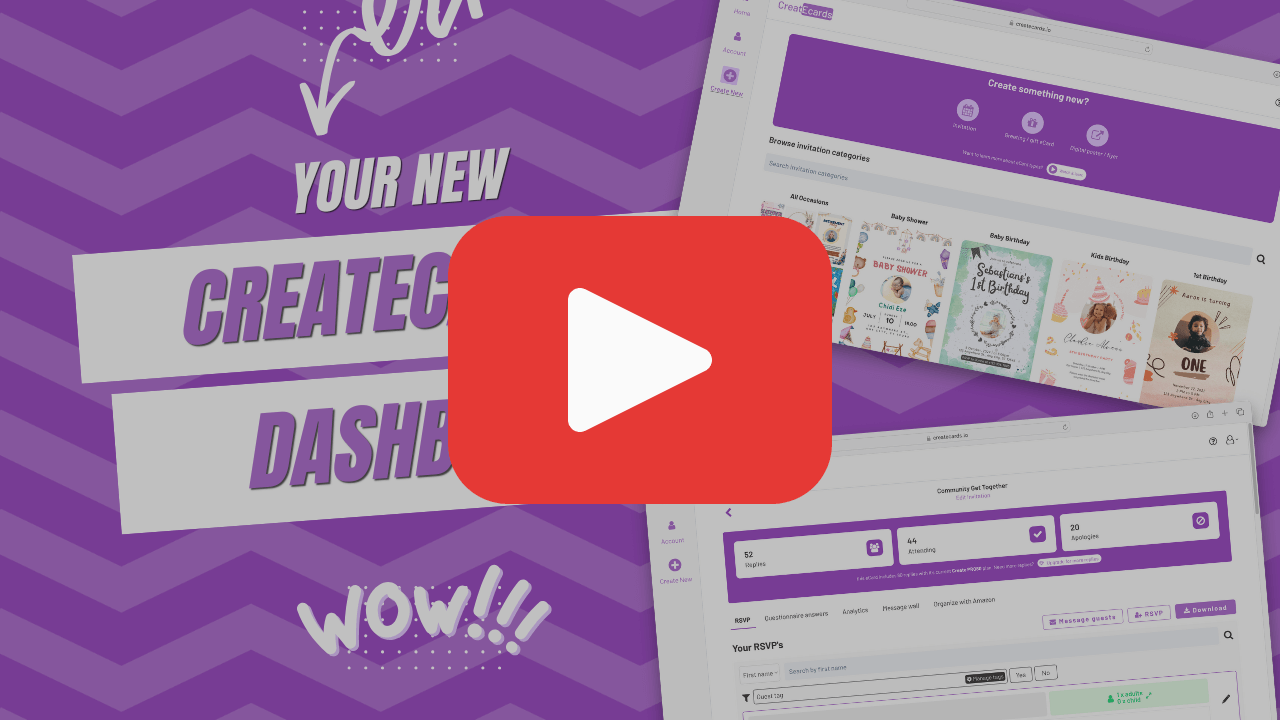
For more details, check out this YouTube tutorial on using the dashboard.
Tips for Seamless Inviting
- Use Chrome Browser: For best results, use Chrome when copying and pasting email content.
- Test Your Invite: Before sending, send a test email to yourself to ensure everything looks perfect.
- Follow Up: Send reminders closer to the event date to prompt RSVPs from guests who haven’t responded.
With the CreatEcards App for Canva and Gmail, sending professional, eye-catching invitations and collecting RSVPs has never been easier. Start designing your Canva invite today and let CreatEcards take care of the rest. Happy inviting!
Make the design work for the event
Keep the design you made and add the live page that collects and tracks the response your project needs.
Continue with CreatEcards