Design Stunning Invitations with ChatGPT and Collect RSVPs Instantly
Planning an event in 2025 just got way easier. With the new AI Invitation Maker, you can design stunning invites in ChatGPT, customize them in Canva, and collect RSVPs instantly through CreatEcards — all in just a few clicks.
In this guide
Planning an event in 2025 just got way easier. With the new AI Invitation Maker, you can design stunning invites in ChatGPT, customize them in Canva, and collect RSVPs instantly through CreatEcards — all in just a few clicks.
The AI Invitation Maker by CreatEcards in ChatGPT transforms event planning by making it fast, easy, and beautifully designed — with built-in RSVP tracking in just a few clicks.
- 🖌️ Effortless Design: Instantly generate custom invitation visuals and wording by simply describing your event.
- 🔄 Seamless Workflow: Sync designs into Canva, then publish with CreatEcards to share and collect RSVPs online.
- 📱 User-Friendly & Free to Try: Perfect for busy planners — works across devices, with no graphic design experience or upfront cost required.
A New Way to Create Invitations in 2025
In 2025, designing an invitation no longer requires graphic design skills, complicated software, or hours of editing. With the launch of ChatGPT’s image generation capabilities, you can now create beautifully designed invitations with polished text directly inside ChatGPT.
Even better, you can go from idea to RSVP-ready invite in just a few minutes — all from your desktop or phone.
Thanks to the new AI Invitation Maker GPT by CreatEcards, anyone can generate a fully customized invitation from a prompt. Whether you're planning a birthday, wedding, baby shower, or business event, this tool helps you:
- Design a professional-looking invite
- Customize it in Canva if needed
- Instantly share it online
- Collect RSVPs in real time
It’s the first time design, event messaging, and RSVP tracking have come together in a seamless AI-powered flow, and it’s completely free to try — with no credit card required.
How It Works (Watch the Video Demo Below)
Creating a complete invitation and RSVP page with ChatGPT and CreatEcards takes just a few minutes. Here's exactly how it works:
1. Open the AI Invitation Maker GPT
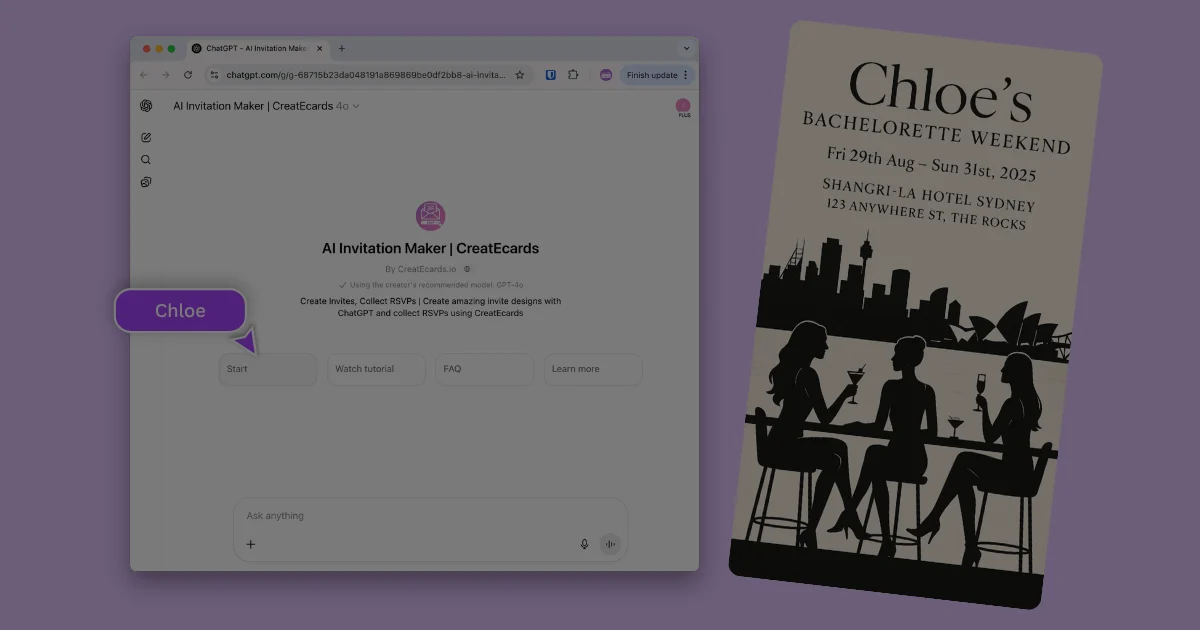
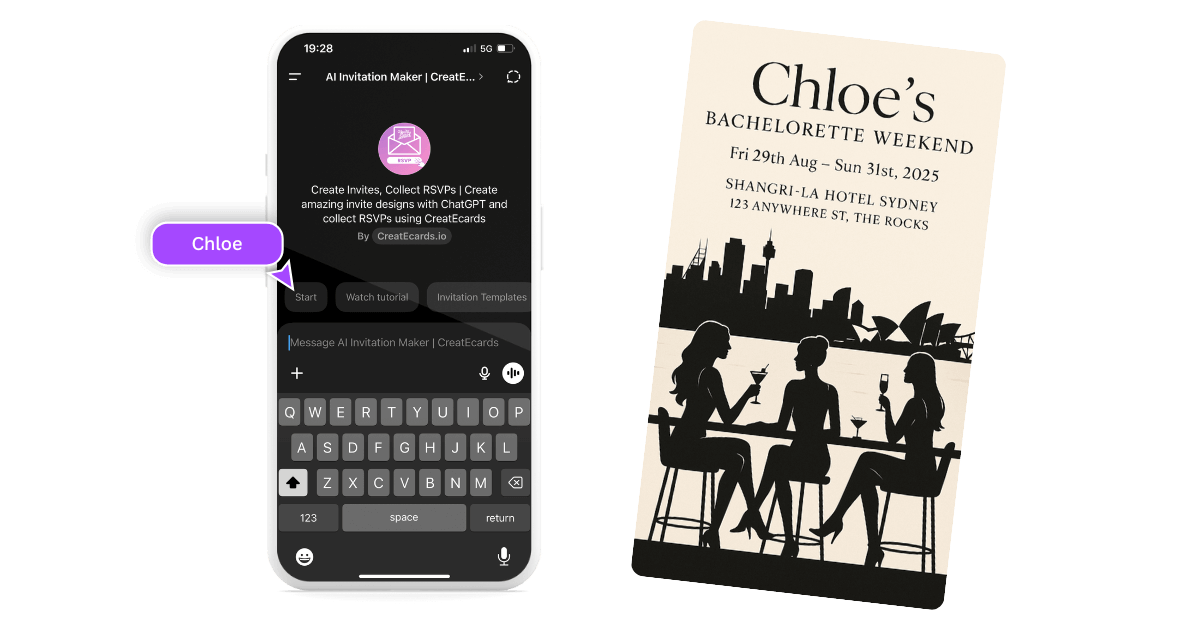
Go to the AI Invitation Maker GPT for ChatGPT. It will walk you through a few simple prompts:
- Event title, date, time, and location
- Your preferred design style
- Optional image upload or extra details like dress code
Once you finish, it generates your complete invitation image — including both design and text.
🟢 Works on desktop and mobile. We recommend desktop or tablet for Canva editing, but the full invite creation process works smoothly on your phone too.
2. Paste the Design into Canva
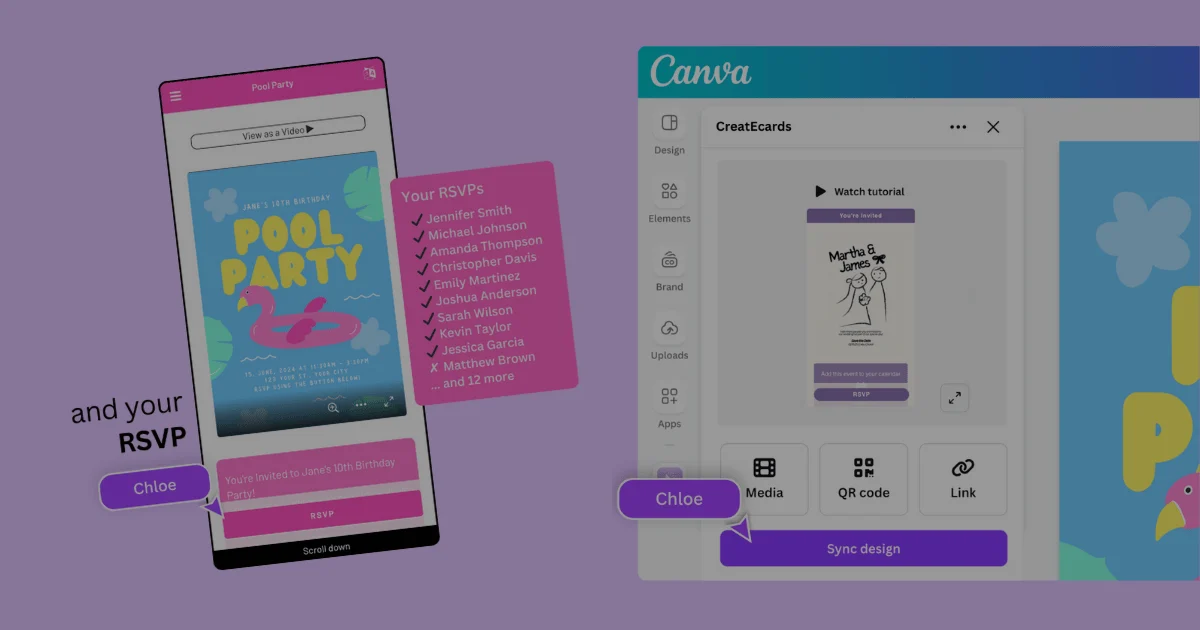
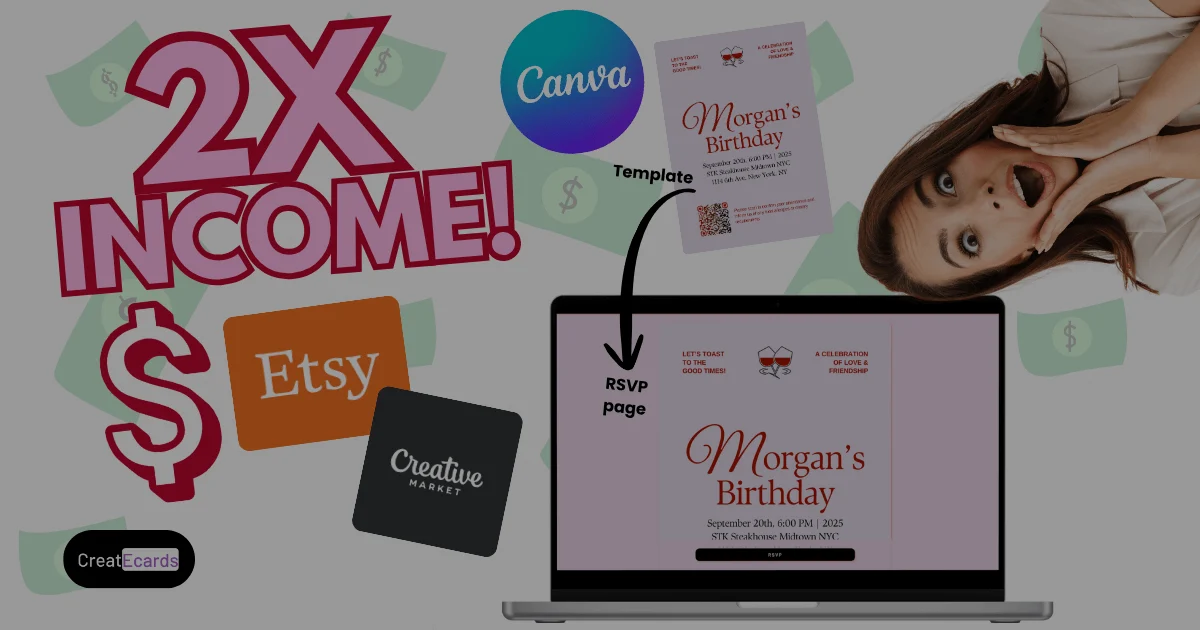
Open the Canva template, paste your AI-generated invite, and set it as the background. You can customize it as needed.
3. Sync with CreatEcards
Use the CreatEcards app inside Canva to sync your design. Choose “Online Invitation” and export it directly into CreatEcards.
4. Customize and Publish
Once synced, you can:
- Use Magic Autofill to pre-fill event details
- Set RSVP limits, add dietary questions, mark it as child-free
- Style your page and publish your e-invite
- Share the link and track replies in your RSVP dashboard
👇 Watch the full tutorial from Design With May:
Why You'll Love Using This Tool
Planning your event should feel exciting — not overwhelming. The AI Invitation Maker makes the creative part fast, easy, and even fun.
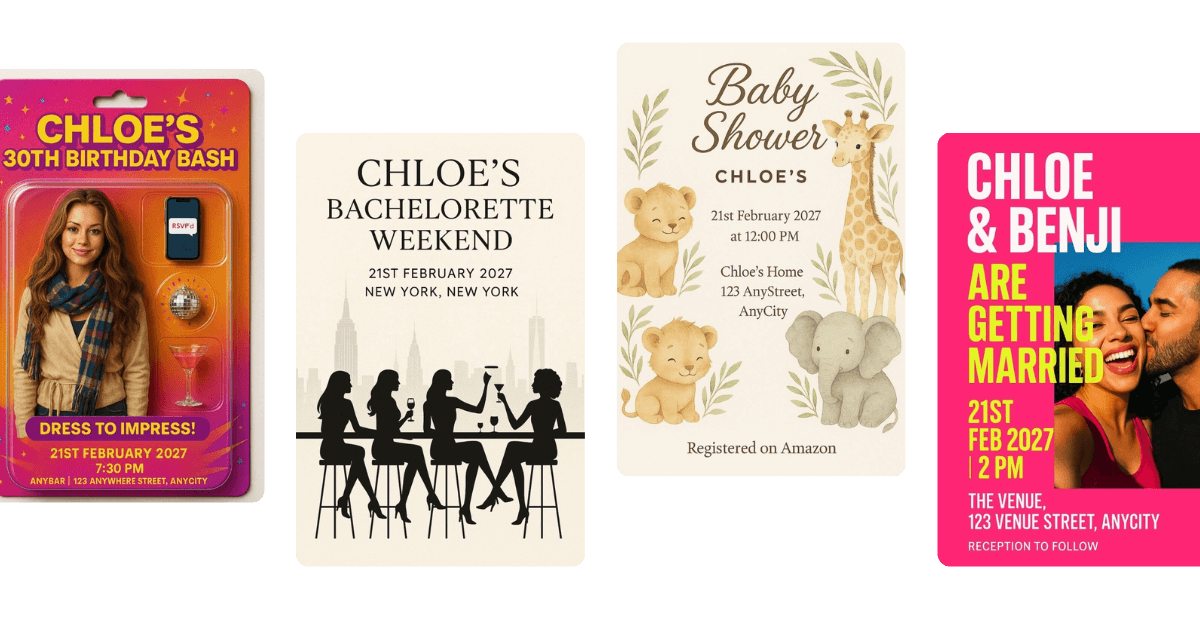
🎨 It's Creative
You get to describe your dream invite, and ChatGPT turns it into a beautifully styled design with perfect text. It’s like working with a designer who listens instantly. From pastel florals to sporty or seasonal styles, you can choose your vibe — and the AI adapts to match.
⚡ It's Easy
The tool asks a few simple questions and takes care of the formatting, layout, and wording. You don’t need to worry about where the text goes or how to make it look good — it’s done for you.
💌 It Helps You Share and Track Everything
Once your design is synced into CreatEcards, you can publish it, collect RSVPs, and keep track of who’s coming — all in one place. No spreadsheets or forms needed.
You can prepare RSVP reminders and event updates in the CreatEcards page manager, then send them through your own email or messaging app. Add your guest list and use personal links if you want to see who has not replied.
🆓 It’s Free to Try
You can create your first invite, test the RSVP features, and customize your design — all without paying or entering a credit card.
You can create, publish and collect replies for free. Upgrade when you need to unlock response details beyond the free preview.
💡 Whether you're hosting a birthday party, bridal shower, or just planning something last-minute, this tool takes care of the hard part and lets you enjoy the rest.
Try It Yourself
Ready to create your first invitation with AI?
Whether you’re planning a birthday, wedding, shower, or celebration of any kind, the AI Invitation Maker GPT makes it easy to design, publish, and share your invite — complete with RSVP tracking — in just a few clicks. ✨ Launch the AI Invitation Maker in ChatGPT 🖼️ Or start here: Learn more on our landing page
Create your design. Make it yours in Canva. Share it with your guests.
It’s never been easier — or more fun — to send the perfect invite.
Make the design work for the event
Keep the design you made and add the live page that collects and tracks the response your project needs.
Continue with CreatEcards