Sell Canva Templates? Here’s How to Make Twice as Much Per Sale
Don’t just sell digital files—sell full event experiences with CreatEcards (and earn affiliate income, too)
In this guide
Don’t just sell digital files—sell full event experiences with CreatEcards (and earn affiliate income, too)
If you sell Canva templates on Etsy or other platforms, you can add affiliate income to your template revenue by turning your designs into interactive RSVP-ready invites with CreatEcards—and earning affiliate income when a referred customer makes a qualifying paid purchase. You don’t need to change your store setup—just add one smart link to your PDF. Don’t just sell templates—sell events.
The New Way to Sell Canva Templates
If you're selling Canva invitation templates on Etsy, Creative Market, or Shopify, you already know the game: beautiful designs, downloadable links, and repeatable formats. But what if you could go beyond just selling a digital file?
The truth is, today’s buyers want more than a static template. They want their event handled. They want something they can send out easily, track RSVPs, and personalize in a few clicks.
That’s where most template shops fall short—and where you can stand out.
🎯 Don’t just sell a template. Sell the full event experience
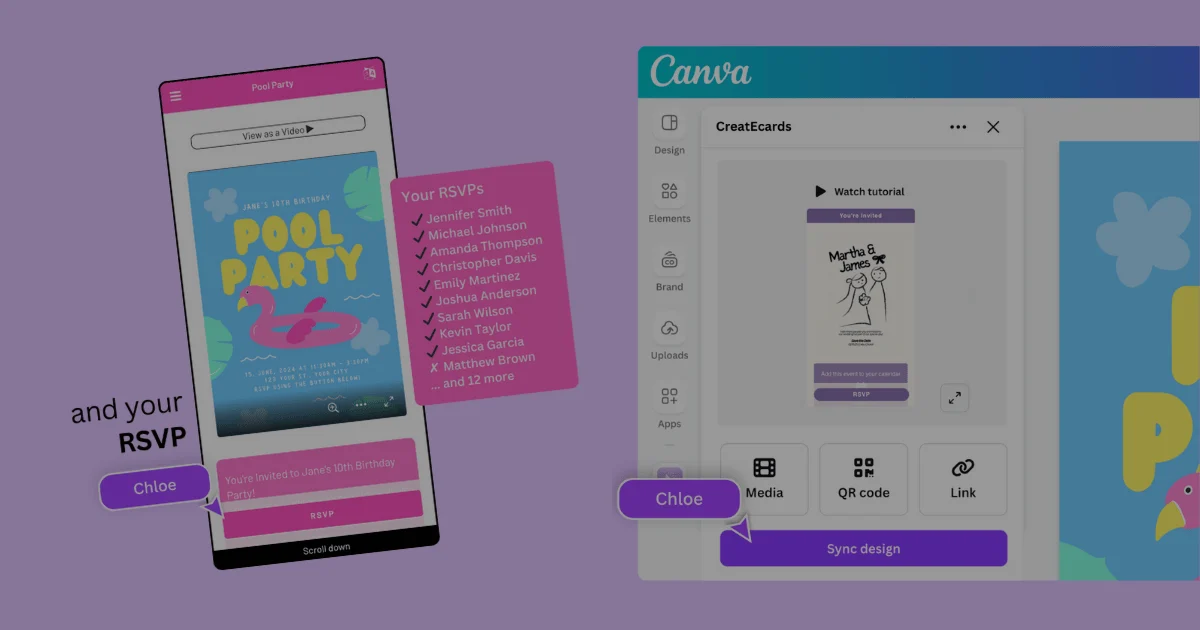
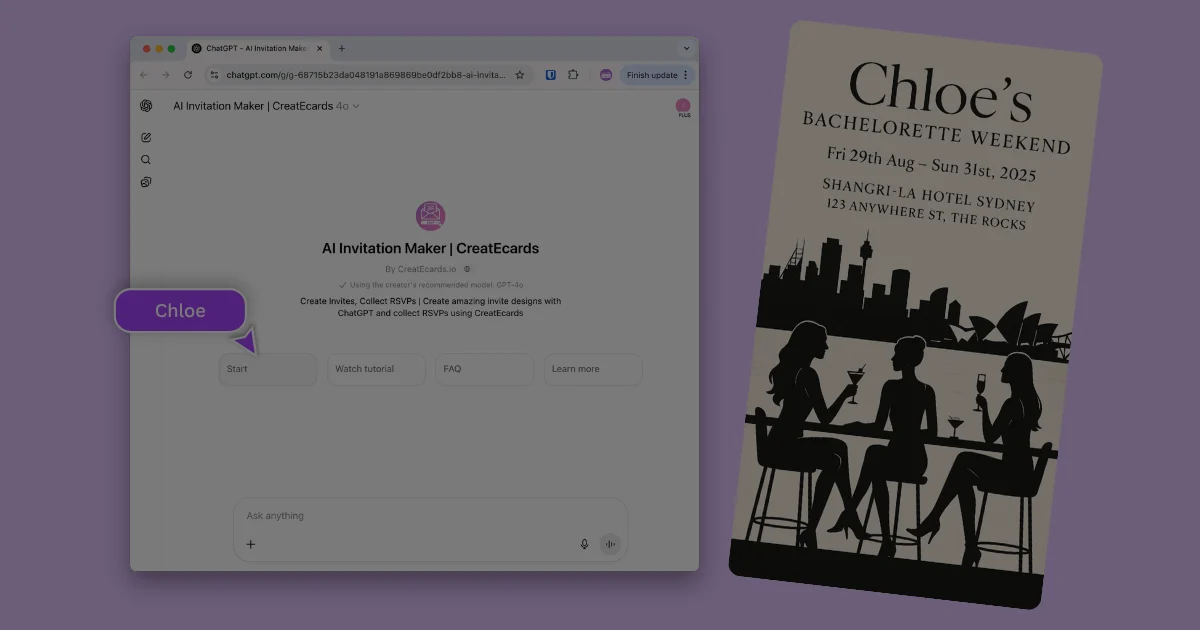
With CreatEcards, you can turn any Canva design into an interactive invitation page.
Think: a live webpage with embedded RSVP forms, mobile-friendly design, and full customization. No code, no extra tools—just Canva + CreatEcards.
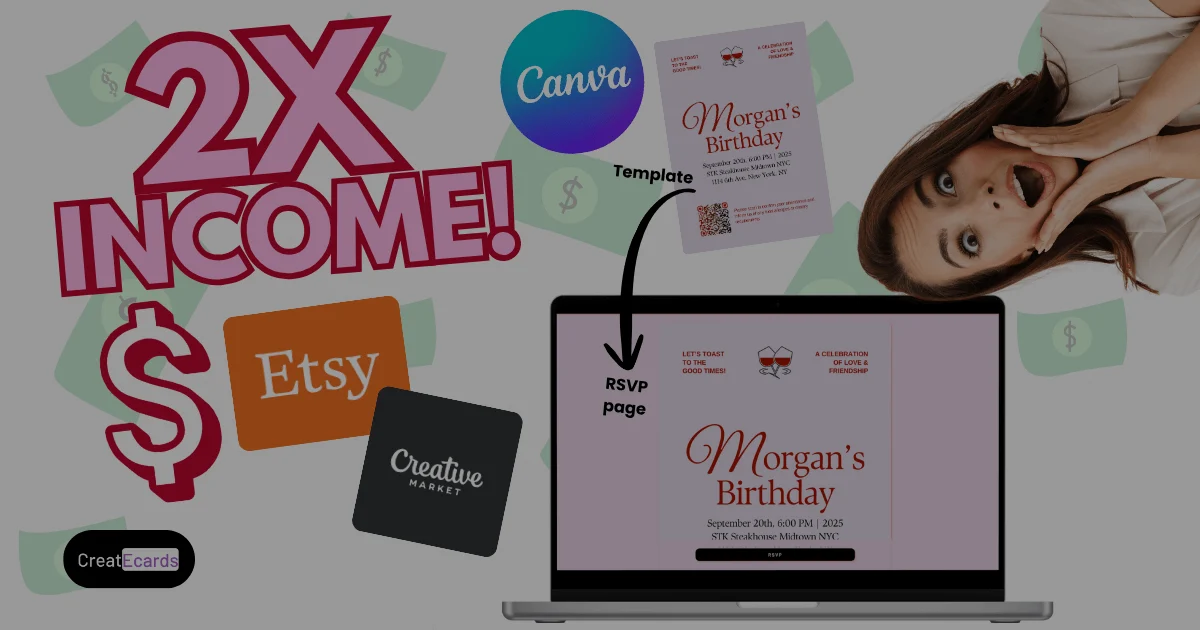
This transforms your product from “just a design” into a complete digital invite system. And the best part? You can still deliver your product as a downloadable PDF with the Canva link—nothing changes in your current shop flow.
Instead of selling a file, you’re now selling a solution. One that helps your customers feel ready to launch their party, shower, birthday, or business event instantly.
Watch the YouTube Tutorial
Before we dive into how to double your revenue and start earning affiliate income, here’s a short video walkthrough of exactly how it works — with live examples and setup tips:
💸 Double Your Revenue per Template (Without Changing Your Store)
Most digital product sellers think income only scales with volume—more listings, more traffic, more work.
But what if you could double your revenue per template, just by adding one link?
That’s exactly what the CreatEcards Affiliate Program lets you do.
💡 Here’s how it works:
You already include a PDF download when someone buys your Canva template. That PDF usually includes:
- The Canva template link
- Simple usage instructions
With CreatEcards, all you do is embed your affiliate link in that same PDF. You don’t need to change your design. You don’t even need to rewrite your listing (although, you will want to promote this capability to differentiate your offer).
Your customers follow your affiliate link to CreatEcards. If they make a qualifying paid CreatEcards purchase, you earn affiliate revenue.
🔗 One Smart Link = Two Monetization Streams
Instead of just getting paid once for the template, you now have two ways to earn:
- 💵 Template sale
- 💵 Affiliate commission when the customer makes a qualifying paid CreatEcards purchase
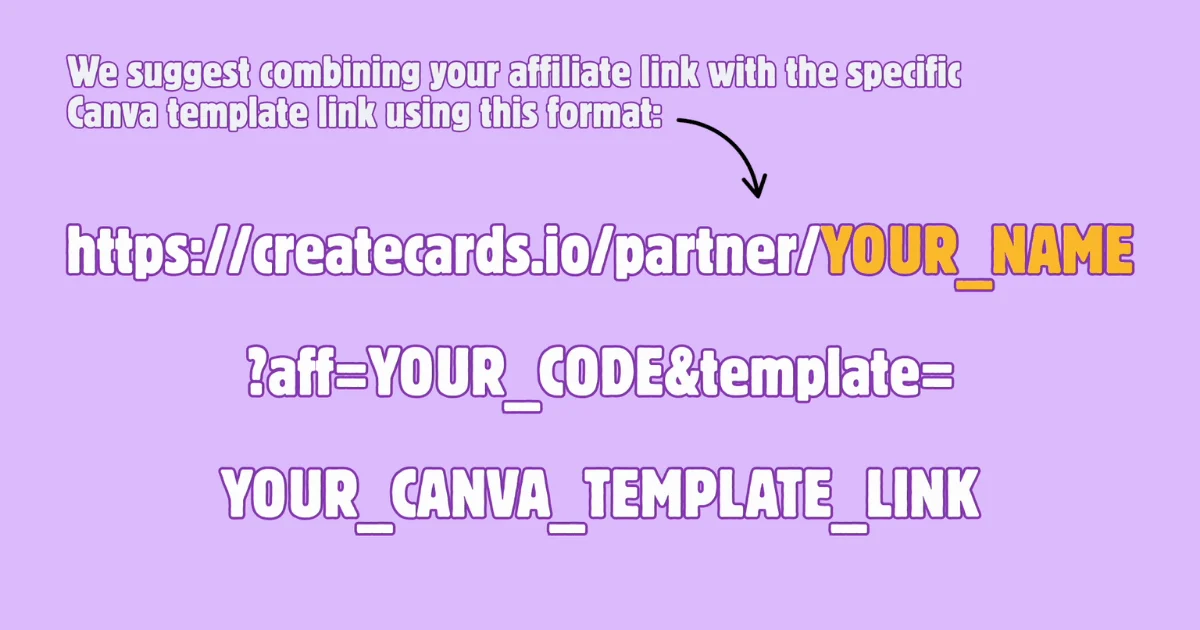
Include your Canva template link and your Lemon Squeezy affiliate link in the PDF, with clear instructions for each.
How It Works (Step-by-Step)
Ready to start earning more from every Canva template you sell? Here’s exactly how to set up CreatEcards and start monetizing with affiliate links — in just a few minutes.
🔁 Step 1: Join the Affiliate Program
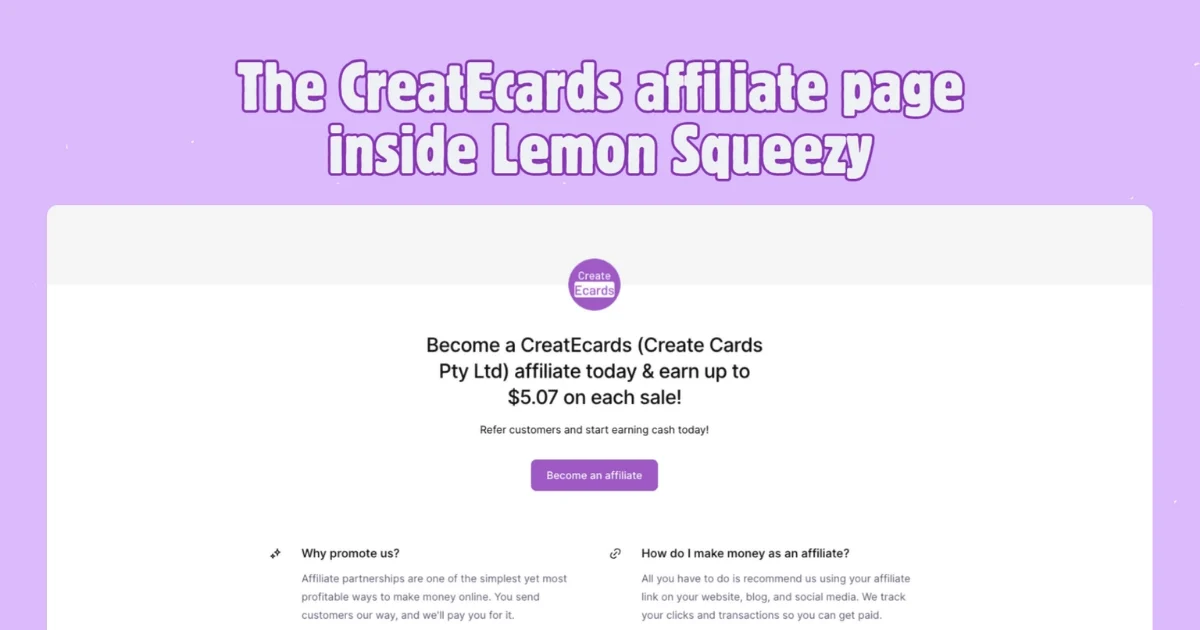
Head to the CreatEcards Affiliate Program page and click Start Earning Now. You’ll sign up via Lemon Squeezy, this is our payment platform and it manages affiliate payments. So its a 3rd party (owned by Stripe, one of the world largest most trusted payment companies) that makes sure you get paid.
Don’t have an account yet? No worries — it’s fast and free to create one. Once you’re approved, you’ll see your personal affiliate dashboard, referral link, and payout details.
CreatEcards reviews all affiliate applications and our approval criteria is on a case-by-case basis. But, if you are a dedicated, honest template seller who clearly puts their heart and sole into the business, you'll likely be approved.
🎨 Step 2: Prepare Your Recommendation
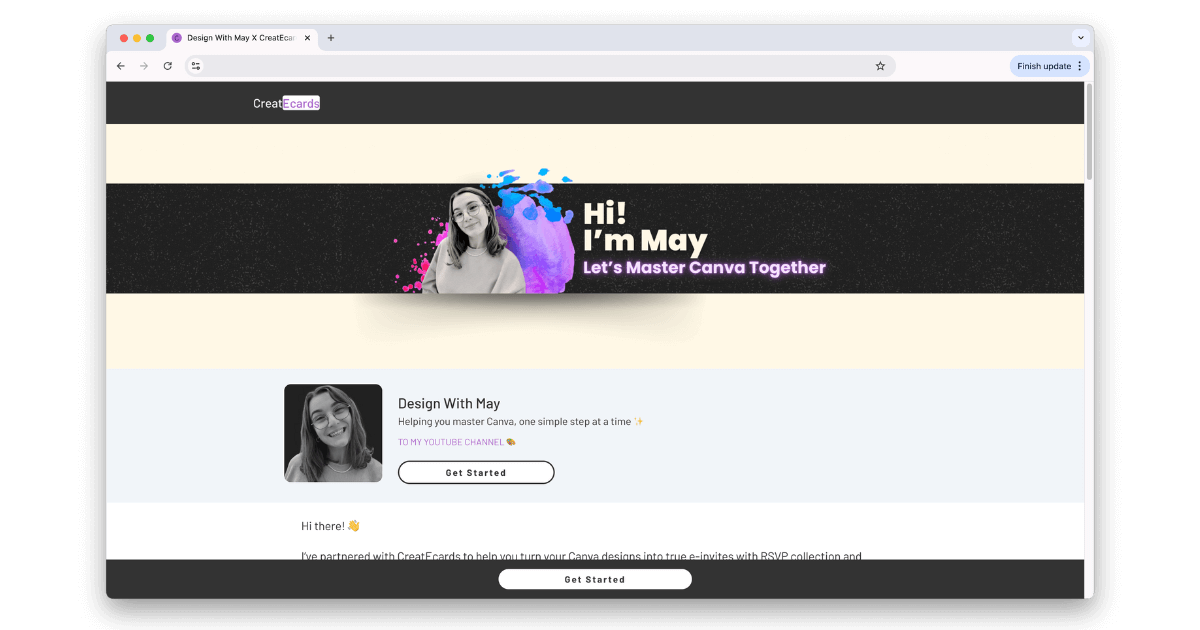
Use your Lemon Squeezy affiliate link in your shop instructions or tutorial. Show buyers how their Canva invitation can become a live RSVP page with CreatEcards.
Check with CreatEcards before planning a custom branded partner page.
📄 Step 3: Add Your Affiliate Link to Your Template PDF
This is the magic step. Inside your usual PDF (the one that includes the Canva link), embed your affiliate link.
Include both your Canva template link and your Lemon Squeezy affiliate link, with a short explanation of what each link does.
It works across Etsy, Creative Market, Payhip, Shopify, or wherever you sell.
✅ Step 4: Publish & Earn
Once your link is live, that’s it. Your job is done. When a customer follows your affiliate link and makes a qualifying paid purchase, you can earn commission under the current program terms. Free publishing alone does not generate commission. Check attribution and payout details in your affiliate dashboard.
Why This Is the Smartest Move for Canva Sellers Right Now
The Canva template market is booming—but it’s also crowded. If you’re selling invitations, party templates, or event flyers, standing out is getting harder.
That’s why now is the perfect time to level up what you offer and start earning more from every customer.
🚀 You’re Not Just Selling Templates Anymore
When you use CreatEcards, you’re offering a new category of product:
Interactive, RSVP-ready digital invitations.
Your customers don’t just get a file — they get an editable webpage they can personalize, send, and use to collect RSVPs. This gives you an edge over every other shop that’s still selling static designs.
💰 You Unlock a New Revenue Stream
Once your affiliate link is added to your template PDF, it keeps working in the background — bringing you extra income every time someone upgrades. No extra work. No customer support. Just passive revenue, stacked on top of your sales. And with CreatEcards continuing to grow and roll out new features, your earnings still depend on qualifying paid purchases.
🧼 It’s Easy, Ethical, and 100% Compliant with Canva
CreatEcards fully respects Canva’s seller policy. That means that all templates you sell must comply with Canva's policies. For extra peace of mind, check Canva’s Content Policy.
👇 Ready to Join?
Apply to the affiliate program now and start earning more from every sale — whether you’re on Etsy, Creative Market, or your own Shopify store.