AI Valentine's Day Caricature Generator

Choose a caricature style, open the prepared prompt in ChatGPT, Gemini or Google AI Mode and add your photo there. Download or share the finished Valentine's image.

Free to start โ€ข Upload your photos โ€ข Share online

1Design
2Generate
3Upload
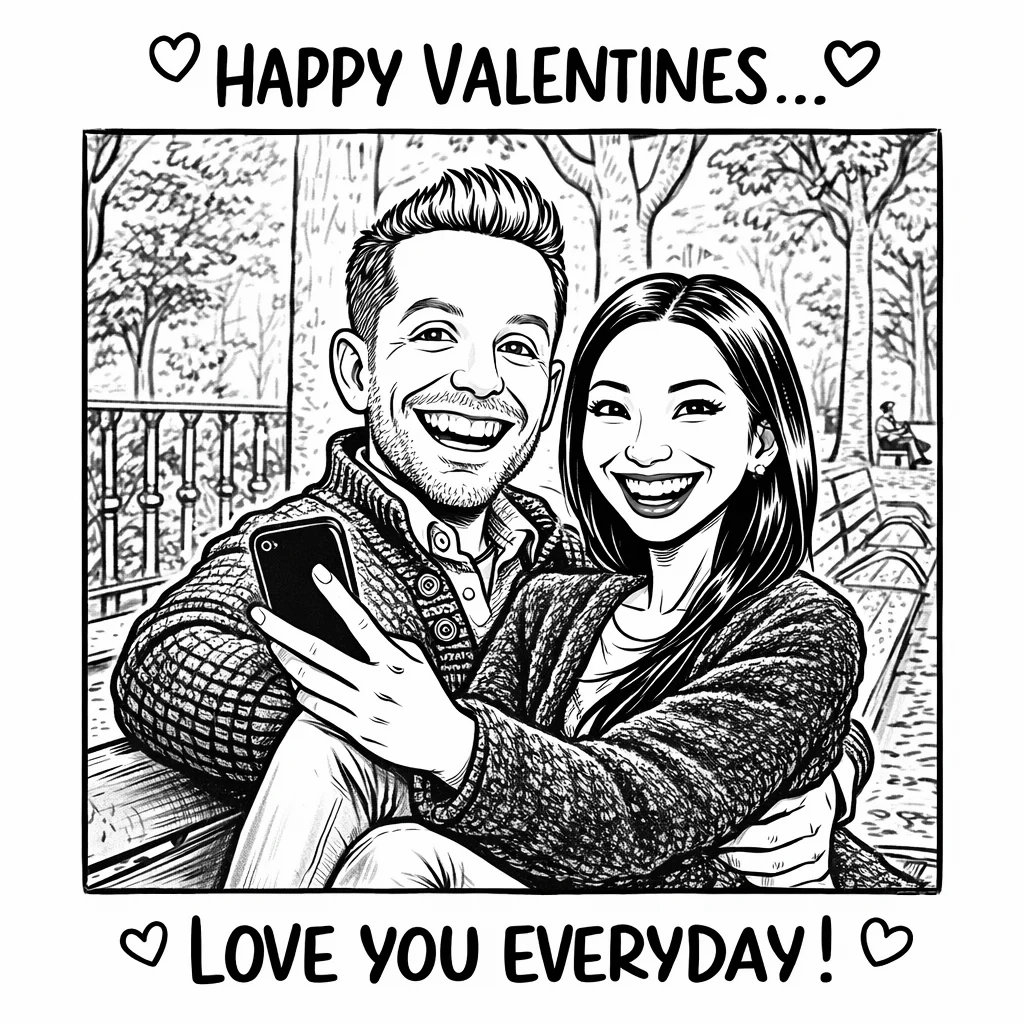
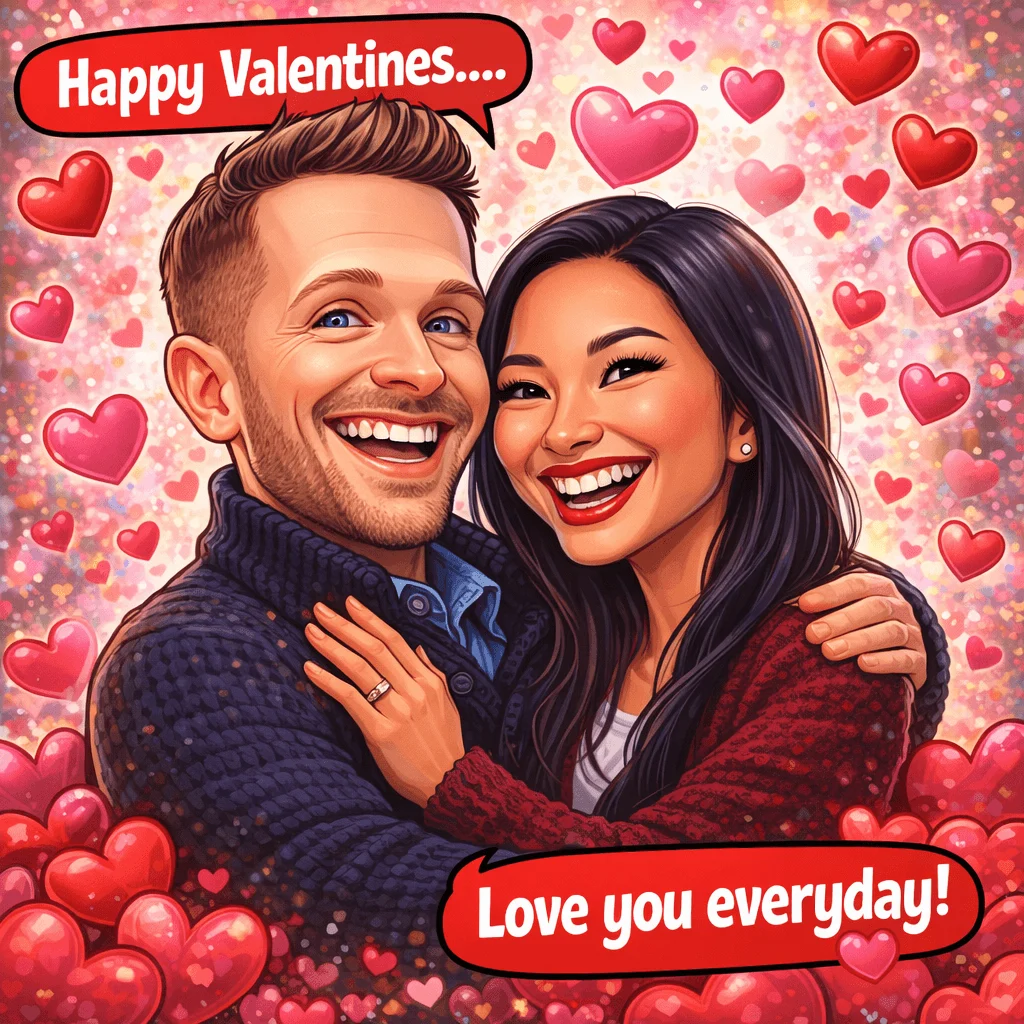
Happy Valentines Caricature

Select the caricature option in the generator

Event Style Mood 2
11:11RSVP
createcards.io
You're invited

Happy Valentine's Day

Your date
Happy Valentines Caricature
RSVP

Templates - Valentine Caricature

Happy Valentines Caricature

As easy as 1, 2, 3

Create your Valentine's caricature in 3 steps

Choose a style, use your preferred AI and keep the finished image

Invitation composer
Ready
Happy Valentines CaricatureSelected design

Select the caricature option in the generator

1

Choose a caricature style

Pick line art, watercolor, comic or caricature, then add the names and photo notes you want included in the prepared prompt.

Event group
Where do we RSVP?
Happy Valentine's Day invitation preview
Happy Valentine's Day
createcards.io
Delivered
2

Create it in your preferred AI

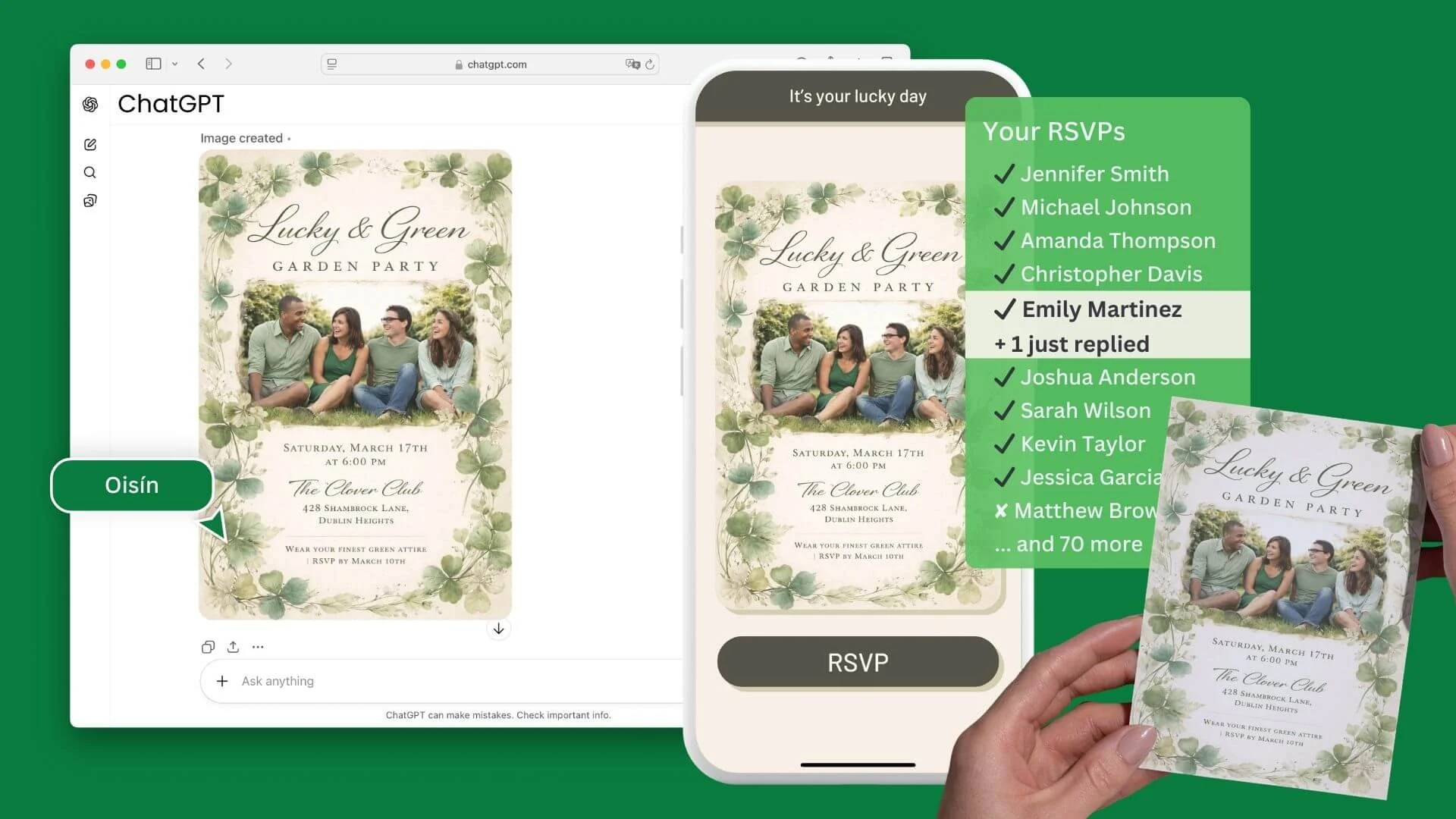
Open the prepared prompt in ChatGPT, Gemini or Google AI Mode and add your couple photo. Check the faces, names and details before keeping the result.

Happy Valentine's Day invitationLive page

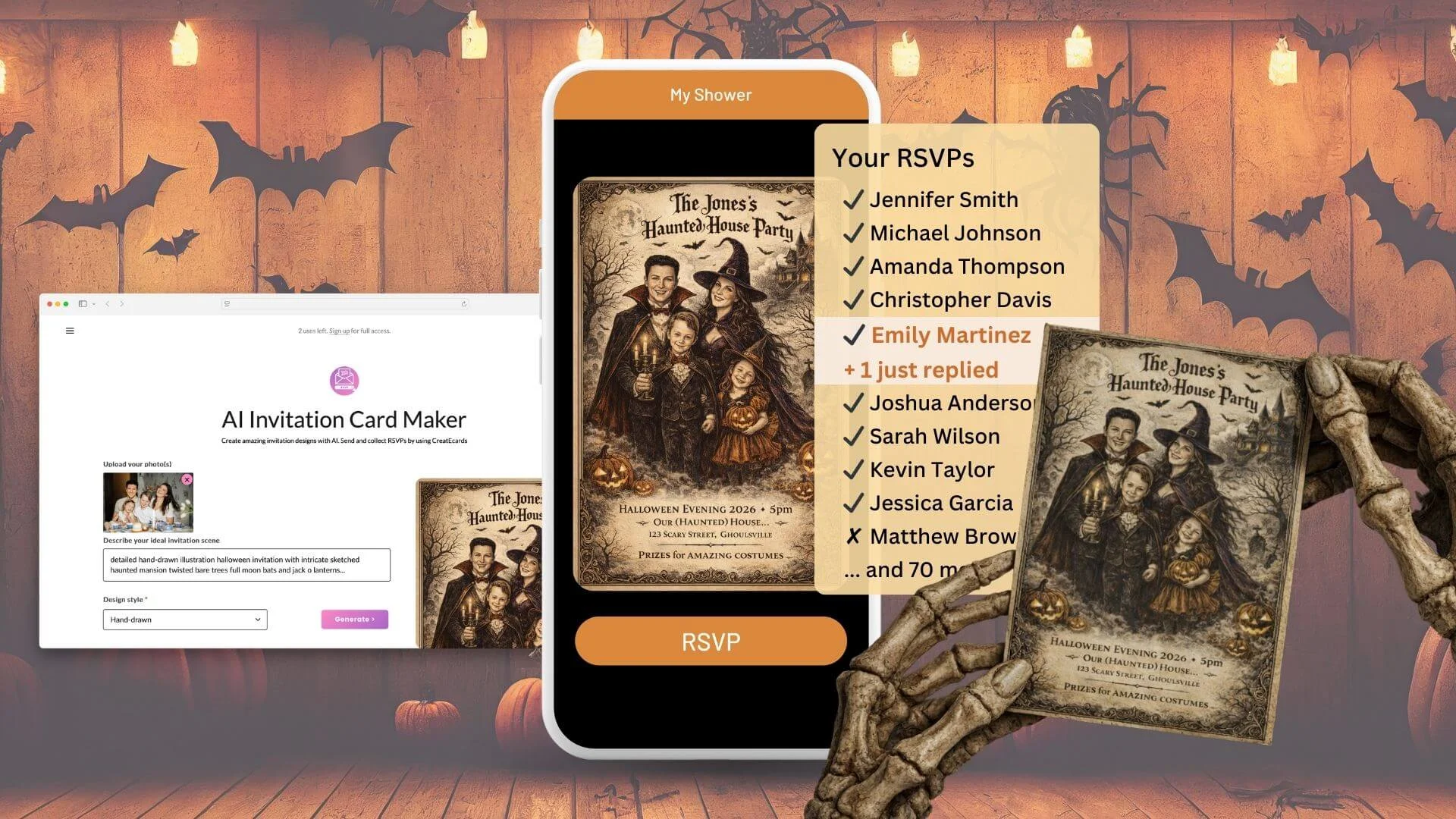
Your RSVPs

4 attending ยท 1 declined

Live
  • Jennifer Smith
  • Michael Johnson
  • Amanda Thompson
  • Emily Martinez
  • Matthew Brown
+70 more guests
3

Download or share the image

Download the finished caricature to share digitally or print through your preferred service.

See all AI invitation makers

Works with the AI tools you already use

ChatGPTGoogle GeminiGoogle AI Mode

Prefer Canva? Make your invitation there and collect tracked RSVPs with CreatEcards.

Valentine's Caricature Inspiration

Choose a caricature direction and open its prepared prompt in your preferred AI.

Related makers

More Ways to Celebrate Valentine's Day

Explore more photo-led templates and invitation prompts for celebrations.

Want help with your invitation?

Ask your preferred AI about wording, styles, RSVP setup or guest management using CreatEcards answers.

Valentine's Caricature Questions Answered

Is the AI Valentine's Day caricature generator free to use?

CreatEcards is free to start and prepares the style prompt for your preferred AI. Access and generation limits for ChatGPT, Gemini or Google AI Mode depend on the AI service you choose.

Can I use my own photo for the Valentine's caricature?

Yes. Choose a style, open the prepared prompt in your preferred AI and add your couple photo there. Use a clear photo where both faces are visible for the easiest result to review.

Which AI tools can I use?

The CreatEcards composer can open the prepared prompt in ChatGPT, Google Gemini or Google AI Mode. The image is created in the AI service you select, not inside CreatEcards.

Can I try a different caricature style?

Yes. Return to the style gallery and choose another direction, or ask your preferred AI for another version before downloading the image.

Can I edit the caricature after it is created?

Continue editing or regenerate the image in your preferred AI. If the AI offers Edit in Canva, you can also send the result to Canva and adjust individual elements with Magic Layers when that feature is available to you.

Can I print the finished Valentine's caricature?

Yes. Download the finished image from your preferred AI and print it through your chosen service.