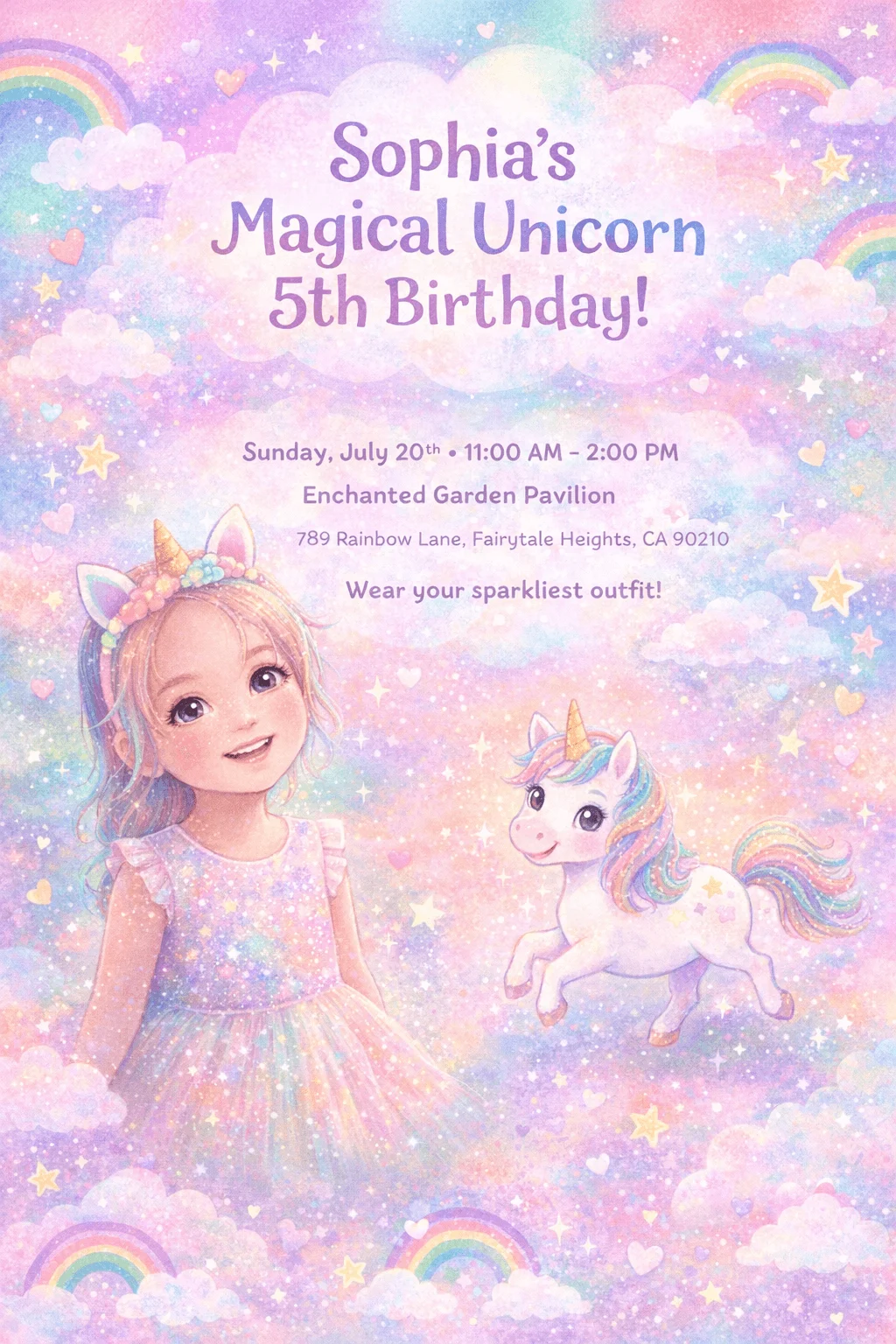


Enchanting unicorn celebration in dreamy pastels
Design it
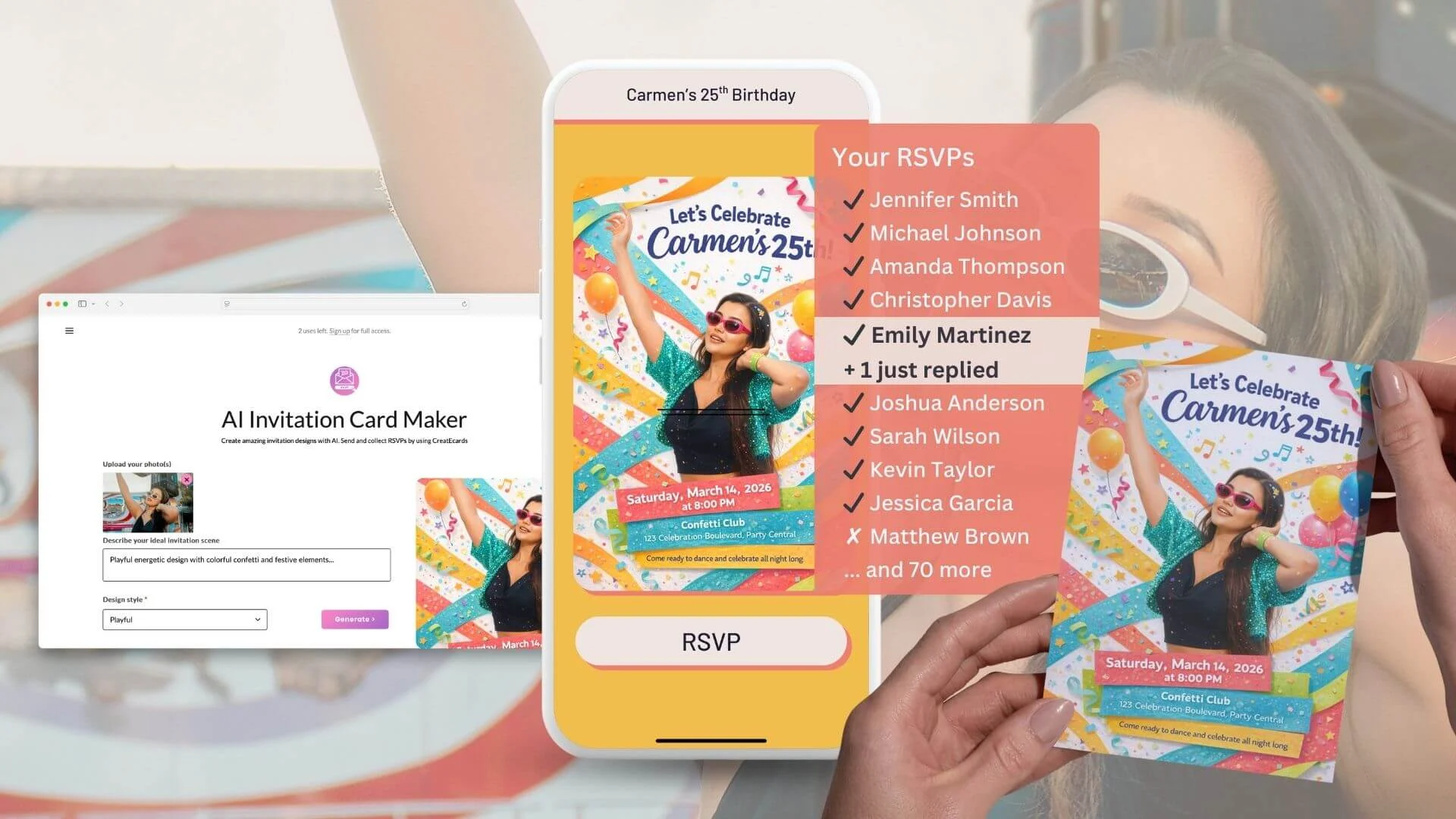
Pick a party template and add the event title, date, location, extra details and how your photo should be restyled or redressed. The composer builds an optimized prompt for you.
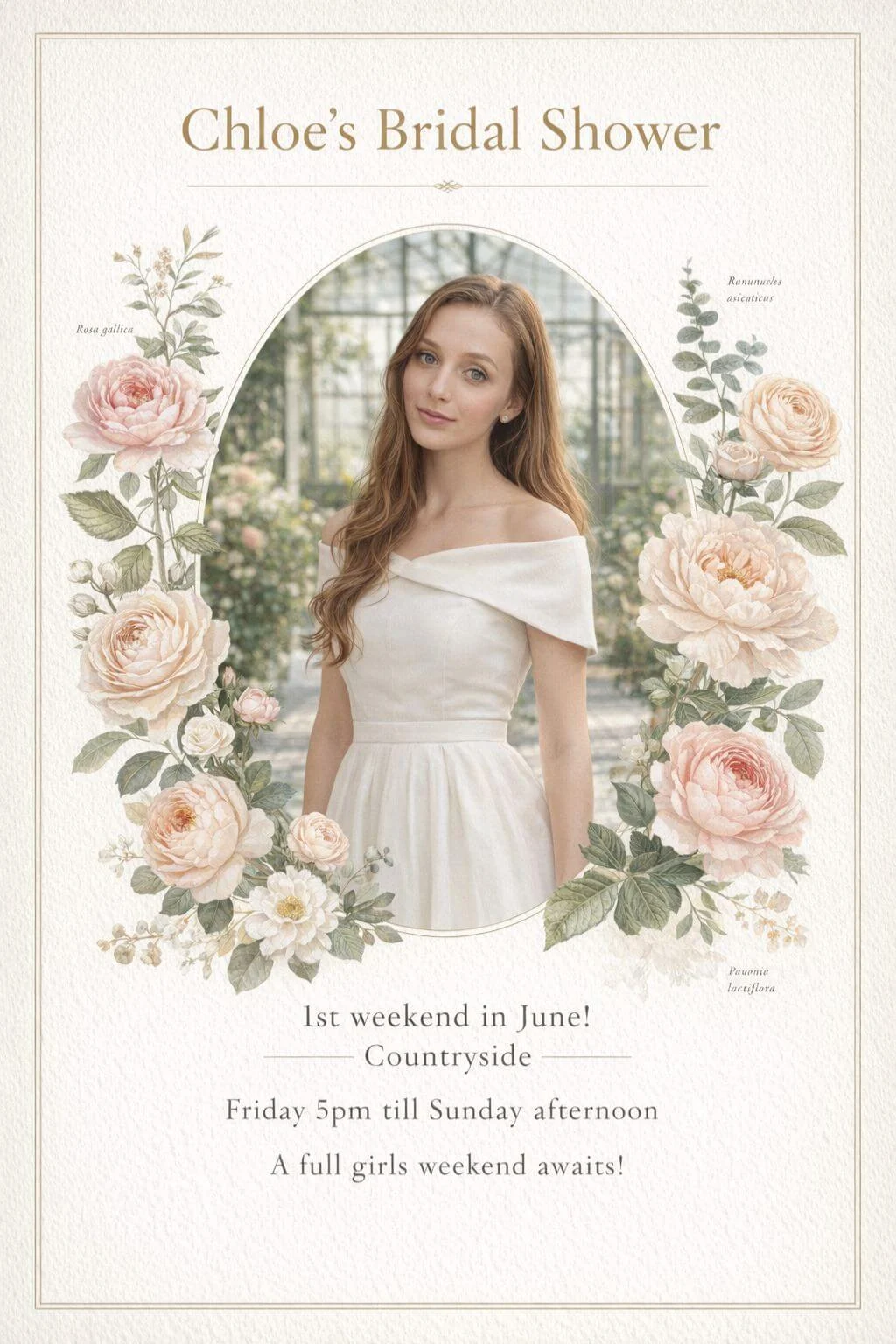
Choose a party template, add the date and venue, then create the invitation with your photo in ChatGPT, Gemini or Google AI Mode. Upload it to CreatEcards to collect RSVPs, plus-ones and guest details in one place.
Free to start β’ Tuned prompt for your own AI β’ Collect RSVPs online
Rainbow Unicorn DreamsEnchanting unicorn celebration in dreamy pastels
The Big Party
Your date
Templates - Kids Birthday

Loved by hosts worldwide: 1,000,000+ guests across 100,000+ events in 100+ countries.
As easy as 1, 2, 3
Build the party prompt in CreatEcards, generate in your own AI, then upload the finished design
Works with the AI tools you already use
Prefer Canva? Make your invitation there and collect tracked RSVPs with CreatEcards.
More than a maker - full guest management built in for any party
Magic Fill
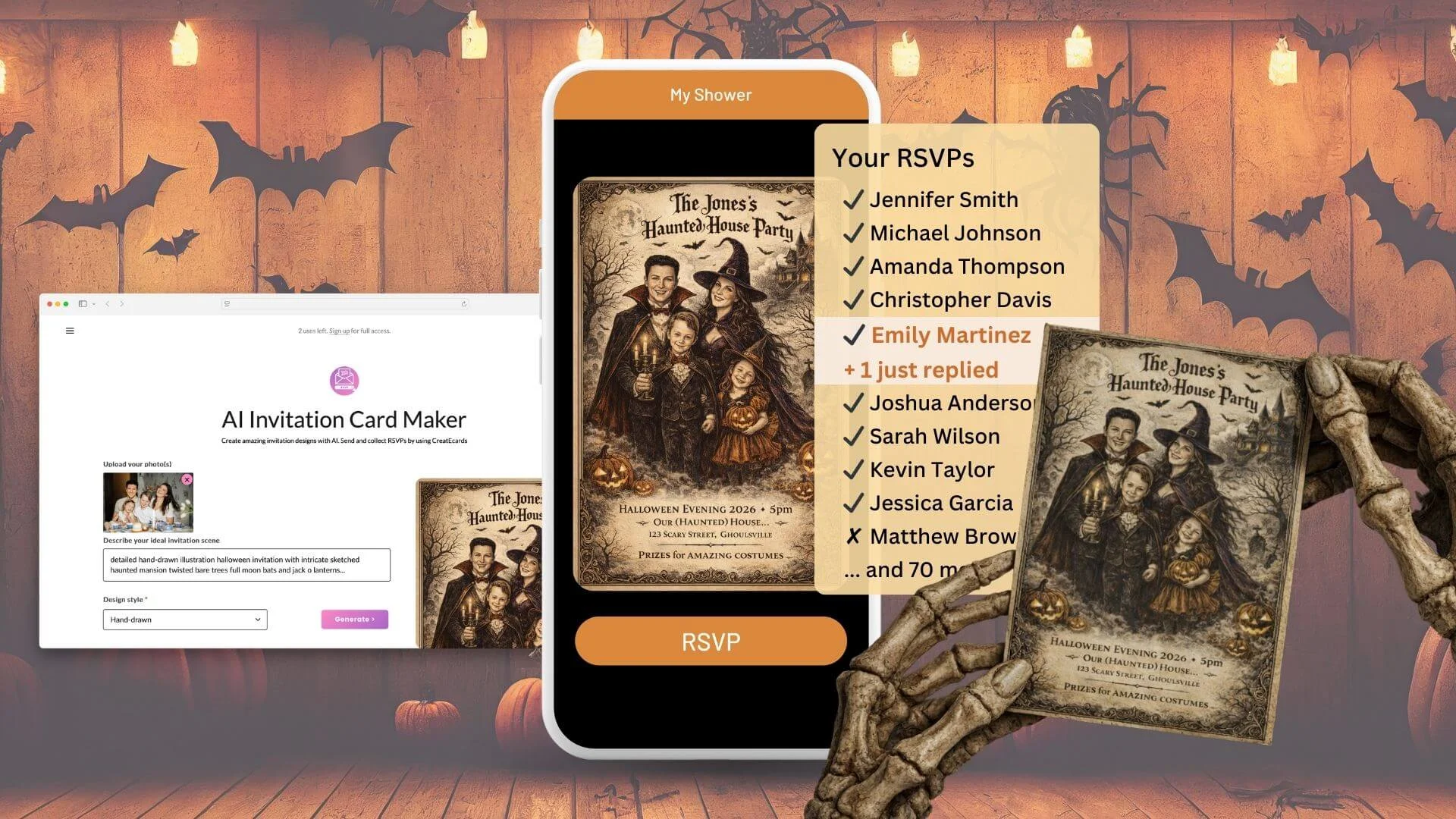
Upload the finished invitation and Magic Fill reads the design, event details and colours to draft a matching live RSVP page.

Youβre invited
The Big Party
Your date
Your venue
RSVP
Guests confirm on a fast, mobile-friendly page, and every response stays attached to your invitation.
Step 1 of 4 Β· Your details
For The Big Party
Guest policy
Control who each guest can bring so your final headcount is ready for the venue or caterer.
Host setup
Guest policy
Set who guests can bring
What people see

Custom questions
Collect meal choices, dietary needs or anything else right inside the RSVP instead of chasing guests later.
Host setup
Custom questions
Ask anything and collect the details you need
What people see

RSVP limits
Set an RSVP deadline or guest capacity. The form closes at the deadline; choose whether to close or waitlist new replies at capacity. You can reopen it at any time.
Host setup
Form settings
Stop collecting after a date
What people see

Calendar
One click adds the event name, date, time and venue to their calendar.
Host setup
On every confirmation
Add to calendar is built in
What people see

Gift registry
Add registry, honeymoon fund, Amazon or charity links beside the event details and RSVP.
Host setup
Gift registry
Share gift ideas and links to any registry
What people see

Event schedule
Add each part of your event, including times, places and what's happening, so guests know exactly where to be and when.
Host setup
Agenda
Share a schedule for your day
What people see

Real reviews from CreatEcards customers on Google
βπ CreatEcards is the absolute best choice for creating and managing Canva invitations, and I'm telling you, it's absolutely amazing! From their incredible user-friendly setup for RSVP collection to their seamless addition of additional information, they completely remove any obstacles when it comes to event planning. You won't believe how incredible it feels to use their platform and see your event come to life. Trust me, it's a total game-changer! πβ
βCreatEcards is a game changer for event planning! With its Canva integration, I was able to effortlessly create beautiful invitations and easily collect RSVPs, all at an affordable cost. Highly recommend this user-friendly platform for anyone looking to streamline their party planning process.β
βCreatEcards made RSVP collection a breeze for me, turning event planning into a stress-free experience. The seamless integration with Canva allowed me to showcase my creativity while designing beautiful online invitations and event websites. I highly recommend CreatEcards to any Canva lover looking to easily manage their events and impress their guests with personalized digital creations.β
βπ CreatEcards is the absolute best choice for creating and managing Canva invitations, and I'm telling you, it's absolutely amazing! From their incredible user-friendly setup for RSVP collection to their seamless addition of additional information, they completely remove any obstacles when it comes to event planning. You won't believe how incredible it feels to use their platform and see your event come to life. Trust me, it's a total game-changer! πβ
βCreatEcards is a game changer for event planning! With its Canva integration, I was able to effortlessly create beautiful invitations and easily collect RSVPs, all at an affordable cost. Highly recommend this user-friendly platform for anyone looking to streamline their party planning process.β
βCreatEcards made RSVP collection a breeze for me, turning event planning into a stress-free experience. The seamless integration with Canva allowed me to showcase my creativity while designing beautiful online invitations and event websites. I highly recommend CreatEcards to any Canva lover looking to easily manage their events and impress their guests with personalized digital creations.β
βI am absolutely thrilled with the way my wedding invitation turned out, thanks to CreatEcards! Unlike other online invitation services, this platform made it a breeze to create a personalized and one-of-a-kind design that beautifully reflected my personal style. Throughout the entire process, I felt completely at ease and confident in my abilities, thanks to the user-friendly interface and helpful guidance provided by CreatEcards.β
βI used CreatEcards to create my daughter's birthday invitation, and it was a breeze! I love that CreatEcards integrates seamlessly with Canva, allowing me to fully customize my design to match our party theme without being constrained by pre-made templates. It's so convenient to have the freedom to make it uniquely ours. Highly recommend for easy, personalized e-Vites!β
βI recently used CreatEcards for a clientβs business event and the final product was amazing. I designed my draft in Canva and used the CreatEcards app to finalize it; the transformation was seamless and impressive. Since I was managing two separate invitations for the same event, I reached out for support and "Tom" was incredibly responsive, professional, and helpful. Iβm excited to see future updates and highly recommend CreatEcards to anyone looking to elevate their event invitations.β
βI am absolutely thrilled with the way my wedding invitation turned out, thanks to CreatEcards! Unlike other online invitation services, this platform made it a breeze to create a personalized and one-of-a-kind design that beautifully reflected my personal style. Throughout the entire process, I felt completely at ease and confident in my abilities, thanks to the user-friendly interface and helpful guidance provided by CreatEcards.β
βI used CreatEcards to create my daughter's birthday invitation, and it was a breeze! I love that CreatEcards integrates seamlessly with Canva, allowing me to fully customize my design to match our party theme without being constrained by pre-made templates. It's so convenient to have the freedom to make it uniquely ours. Highly recommend for easy, personalized e-Vites!β
βI recently used CreatEcards for a clientβs business event and the final product was amazing. I designed my draft in Canva and used the CreatEcards app to finalize it; the transformation was seamless and impressive. Since I was managing two separate invitations for the same event, I reached out for support and "Tom" was incredibly responsive, professional, and helpful. Iβm excited to see future updates and highly recommend CreatEcards to anyone looking to elevate their event invitations.β
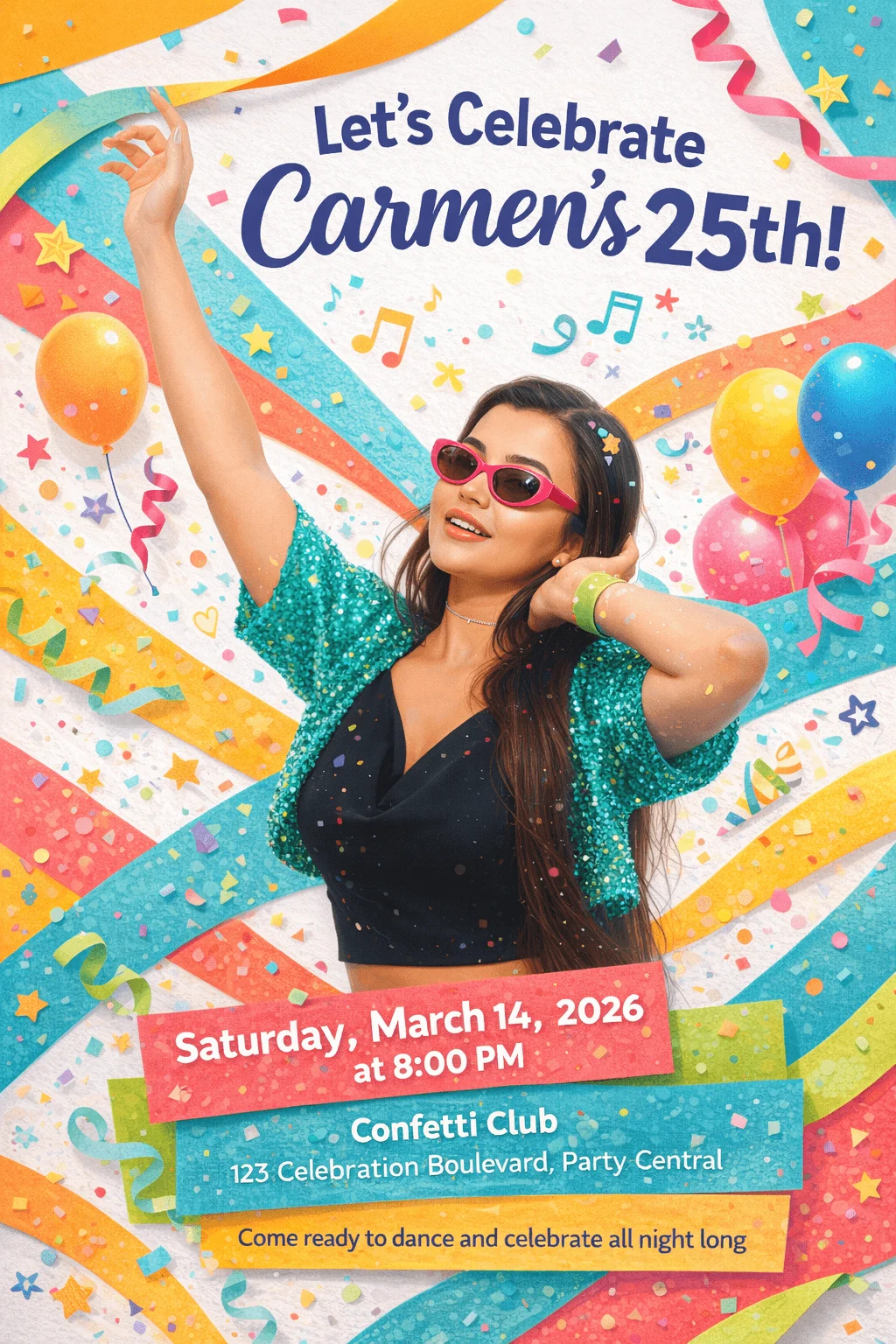
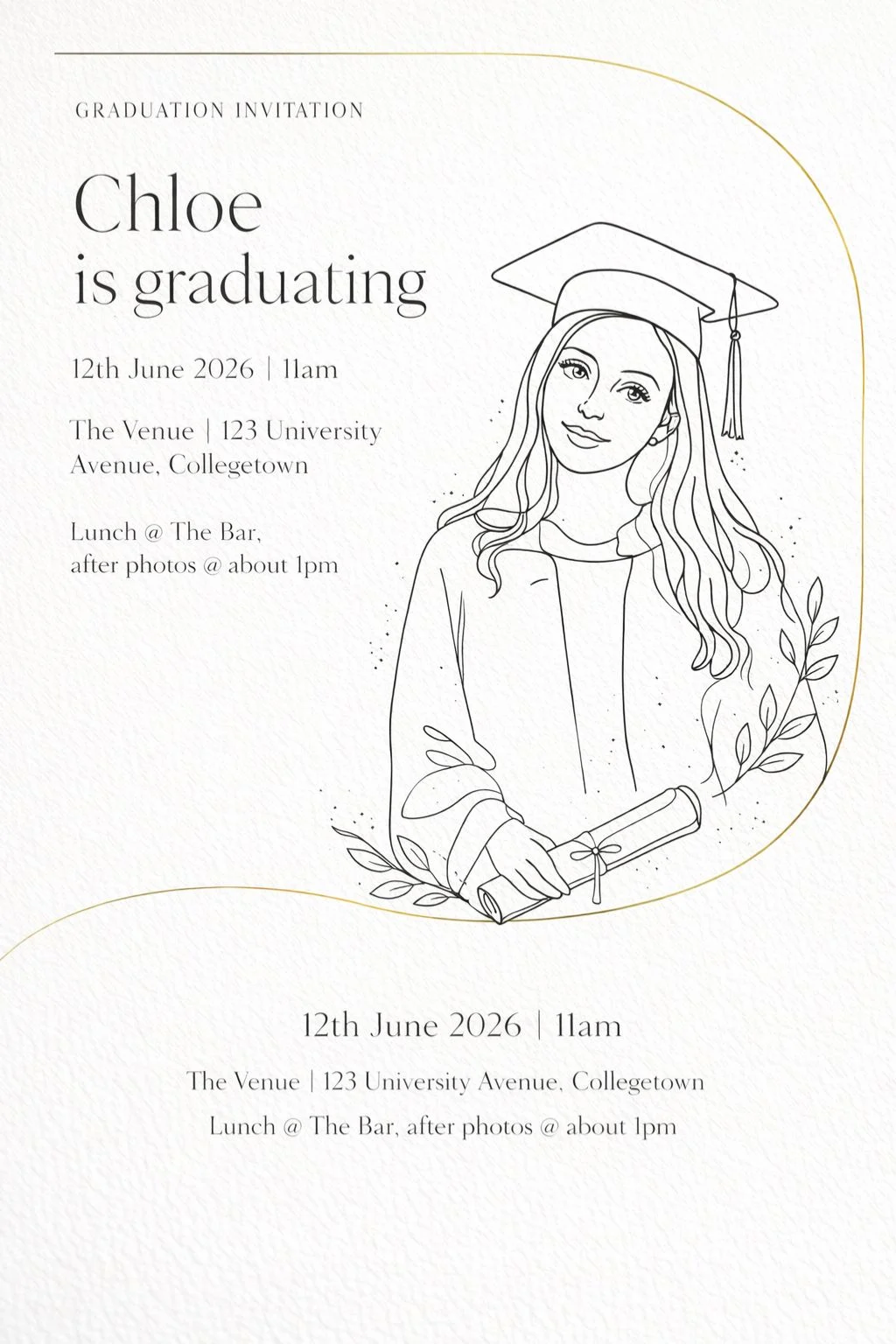
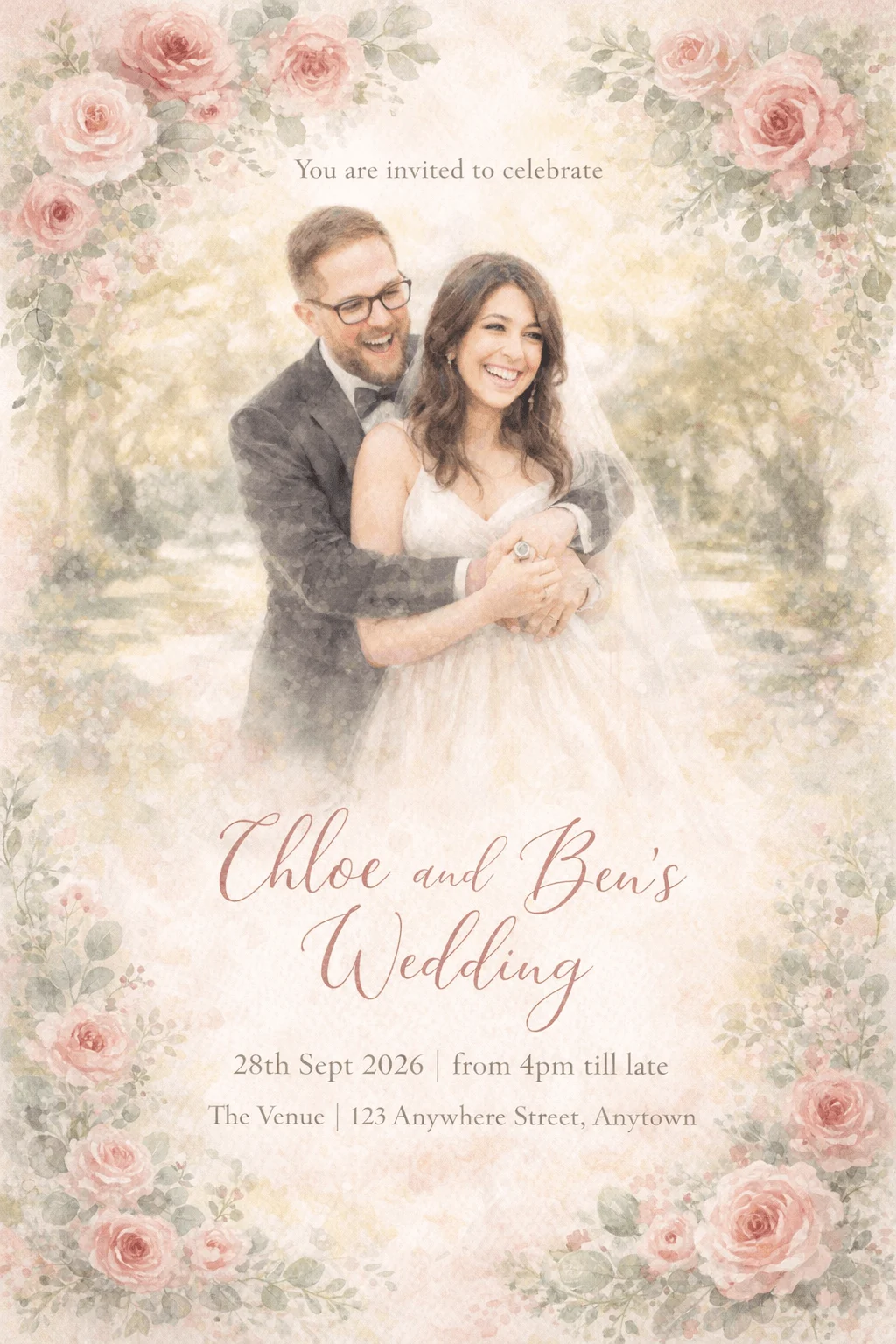
Browse AI-generated party designs to spark your own

Kids Birthday

Birthday

Bridal Shower

First Birthday

Birthday

Graduation

Wedding

Halloween
Related makers
Explore AI invitation makers for every occasion
Use your preferred AI for the invitation design, then use CreatEcards to turn it into a live page that collects responses and keeps the guest list clear.
Want help with your invitation?
Ask your preferred AI about wording, styles, RSVP setup or guest management using CreatEcards answers.
Yes, CreatEcards is free to start. Choose a party template, open the prepared prompt in your own AI, and bring the finished image back to publish as a live RSVP page. Access and limits depend on your chosen AI service; upgrade when you need to view more response details.
Birthdays, house parties, holiday parties, BBQs, cocktail nights, kids parties and more. Choose a suitable template, open the tuned prompt in your own AI, then bring the finished invitation back to build the live RSVP page.
Yes. Add your photos in your own AI after the composer opens the tuned prompt. Your AI can style them to match the selected party template, then the finished image carries through to the live RSVP page.
Bring the finished party invitation back from your own AI and upload it to CreatEcards. Magic Fill builds the live RSVP page, which you share by link so guests can respond without an app or account.
Yes. Set how many people each guest can bring, allow or limit children, add a reply-by date, and see your live headcount so you can plan food, drinks and space with confidence.
Yes. Add custom questions for meal choices, dietary needs, song requests or anything else, and every answer appears next to the guest's name on your dashboard.
No. CreatEcards supplies the party template and tuned prompt, your own AI generates the invitation, and Magic Fill builds the matching RSVP page from the finished image. You do not need to design the layout or write the prompt yourself.
Yes. Download the high-quality image and print it if you like, while sharing the digital RSVP version with most guests for easy tracking.